From finding a sound to a bedtime routine.
Snoozeband brings audio discovery and bedtime listening into a dark mobile interface. The designs start with a guided setup, then connect sound collections, sleep flows, playback, and a personal library. Insights and reminder settings extend the experience beyond choosing a track.

Setup
Starting with the person's routine
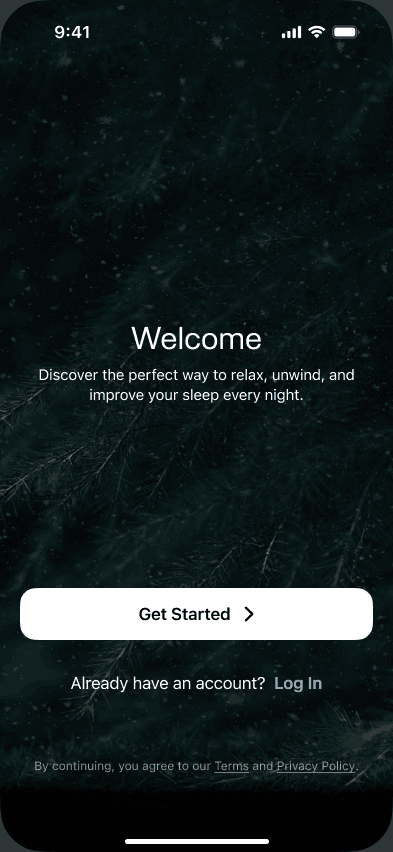
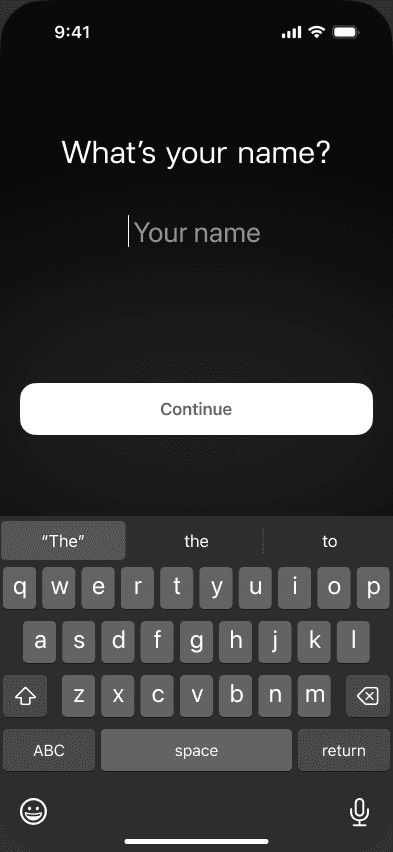
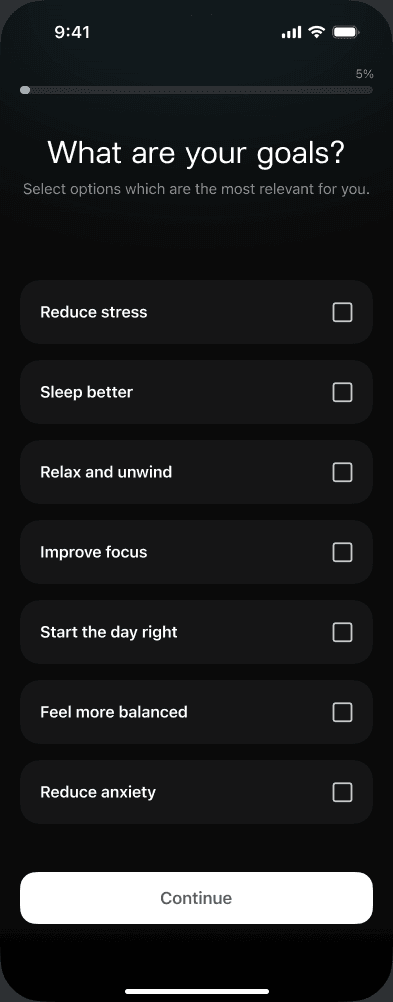
Onboarding asks about goals, sleep habits, and what keeps someone awake, then introduces bedtime and reminder settings. A progress bar connects the questions, while optional steps offer a skip action. The sequence ends with a preparation screen and account-creation choices.
Discover
Several ways to find a sound
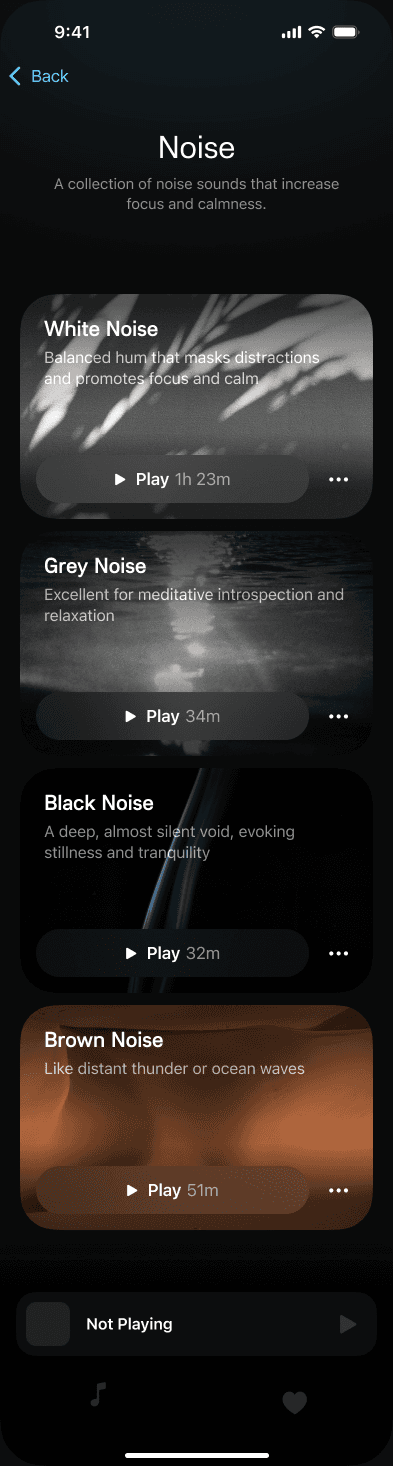
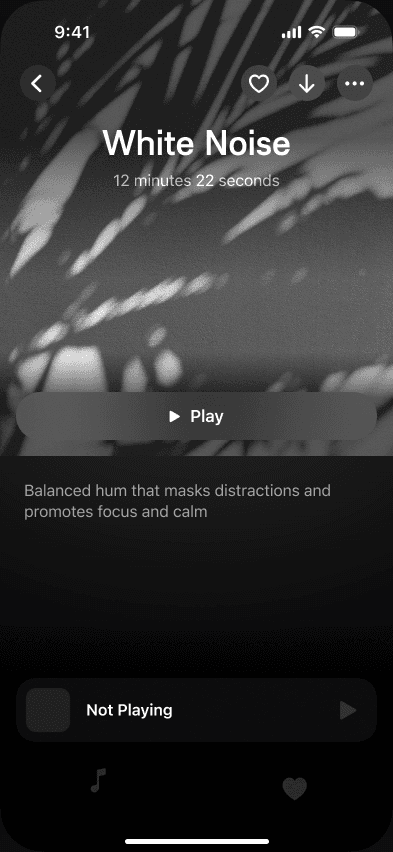
Home introduces a featured track and groups audio into sleep flows, noise, stories, meditations, and binaural beats. Collections bring related sounds together, while search provides another route into the catalogue. The sound-detail screen keeps artwork, a description, and a play action together.
Flows
A listening sequence, ready to start
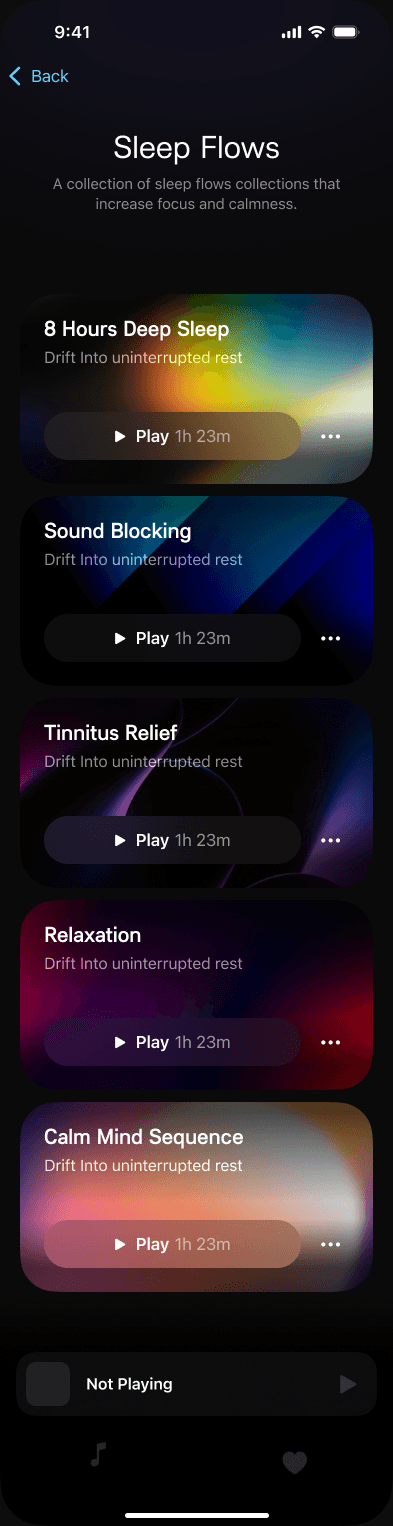
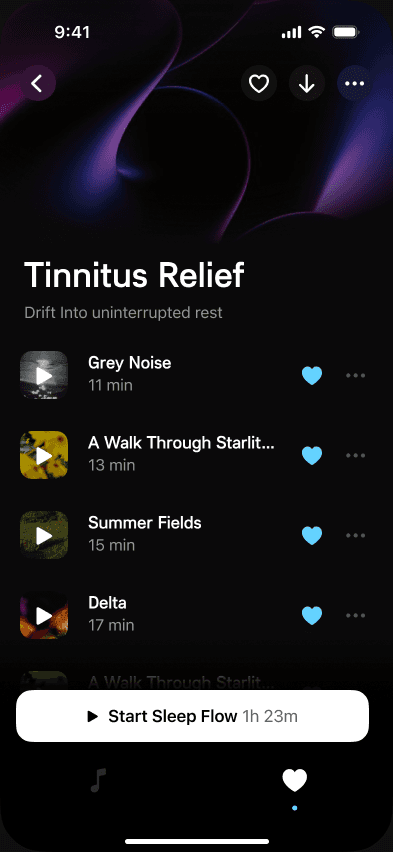
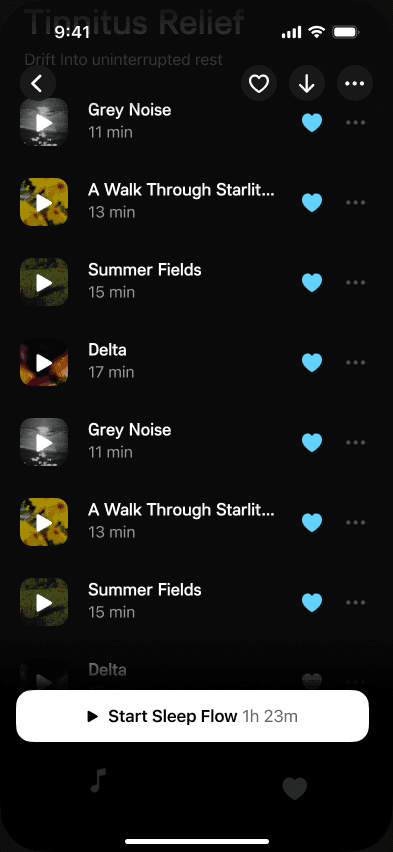
Sleep Flows presents themed sequences separately from individual sounds. Opening one shows its track list, favourite and download actions, and a Start Sleep Flow button with a total duration. The scrolled state keeps the start action available while more tracks are visible.
Player
The sound takes the lead
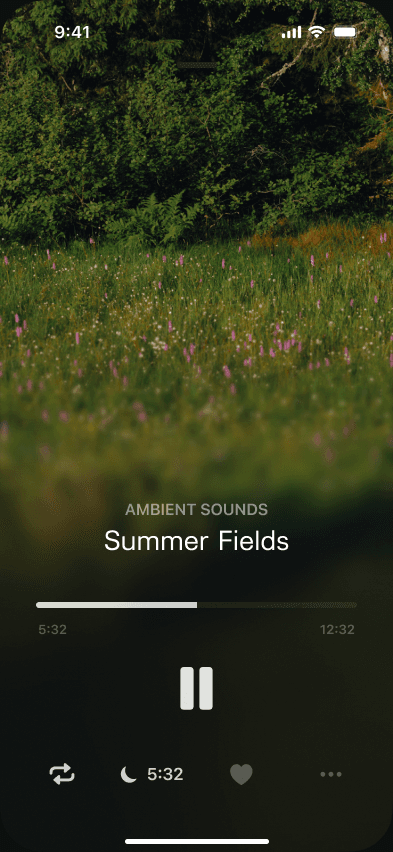
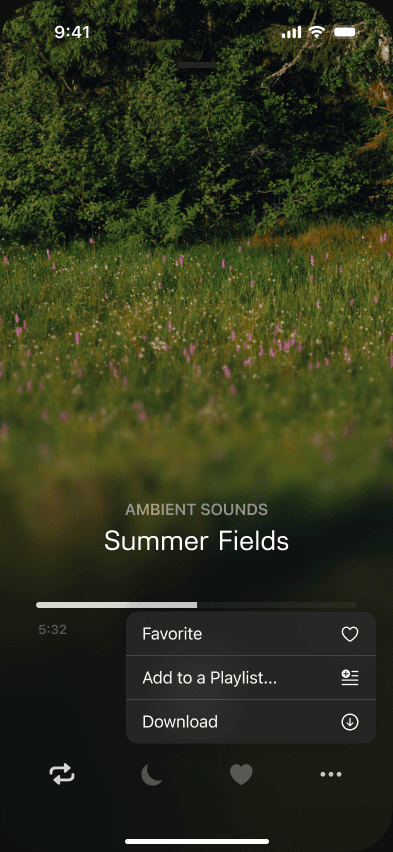
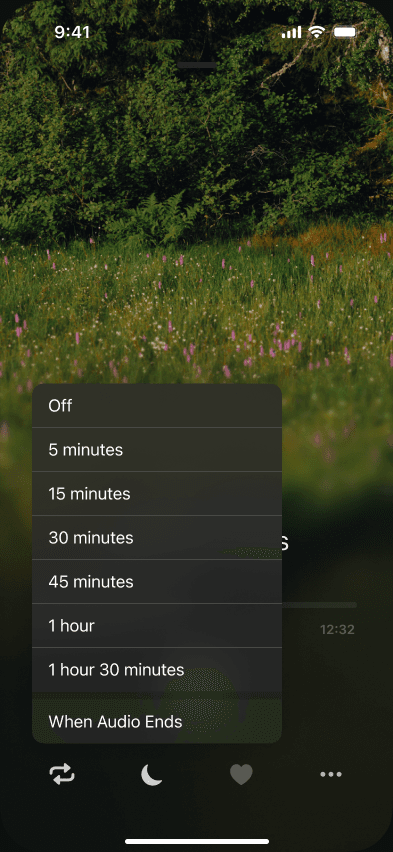
Full-screen landscape imagery gives the track a visual setting, with a large pause button and a progress bar below. Secondary controls include repeat, favourites, and a sleep timer; the options menu groups playlist and download actions. The timer offers a set duration or the end of the current audio while keeping the player visible behind it.
Library
Keeping sounds for another night
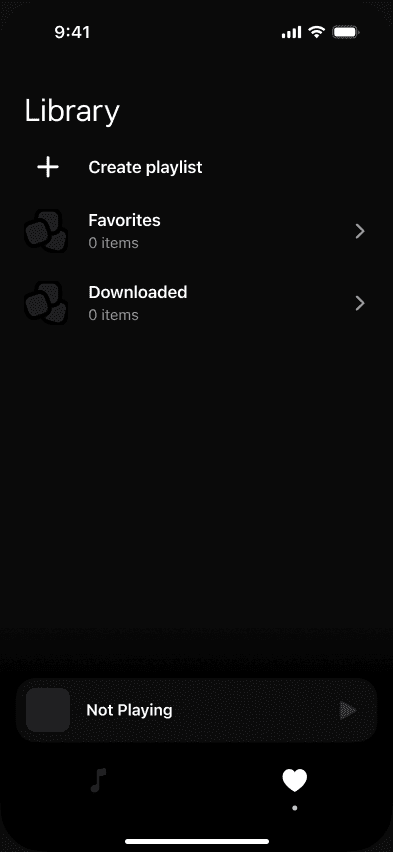
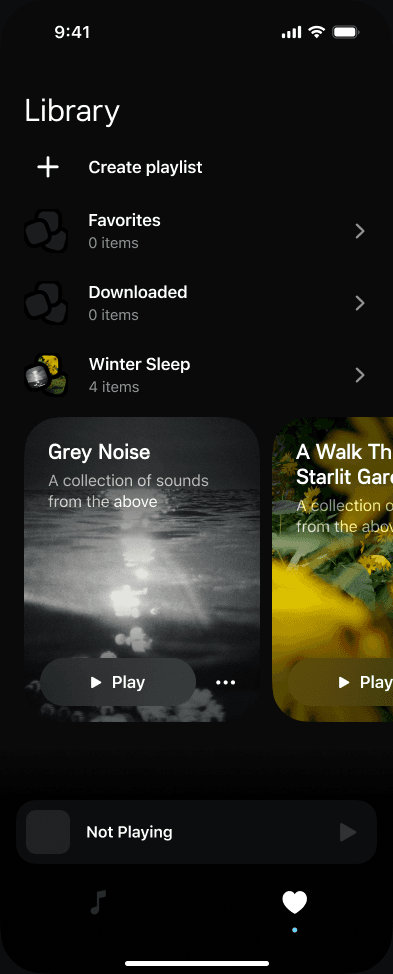
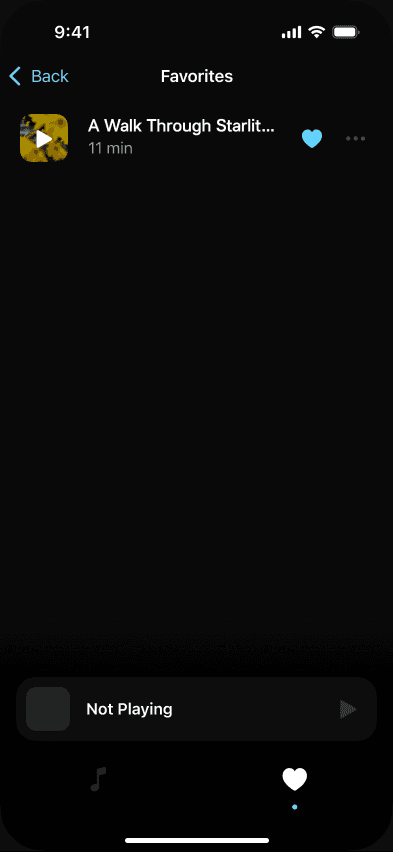
The Library brings favourites, downloaded audio, and playlists into one place, with an entry point for creating a playlist. A playlist opens into a track list, and its menu exposes rename and delete actions. A separate confirmation appears before deletion, while an empty Library shows the starting structure.
Insights
A view of the listening routine
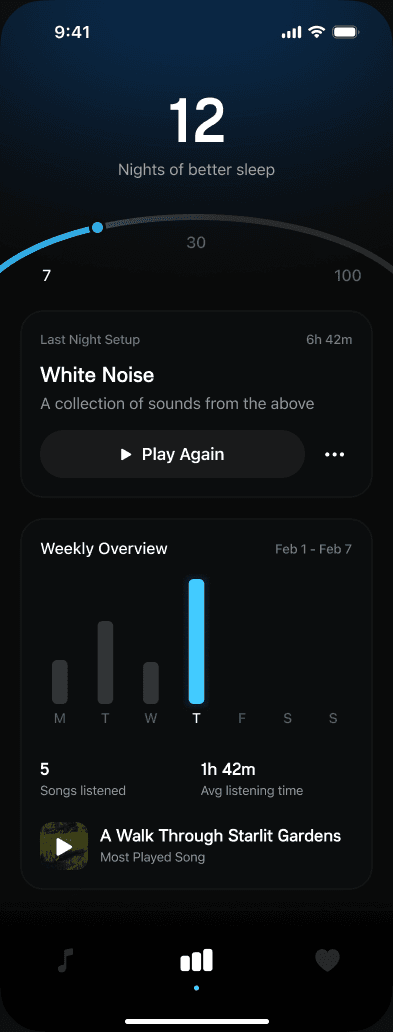
Insights combines a listening milestone, the previous night's audio, and a weekly overview. The summary brings listening time, track counts, and a most-played selection together, with an action to play the previous audio again. The supplied designs also include a day without listening data and an empty starting view.
Reminders
Setting a time to return
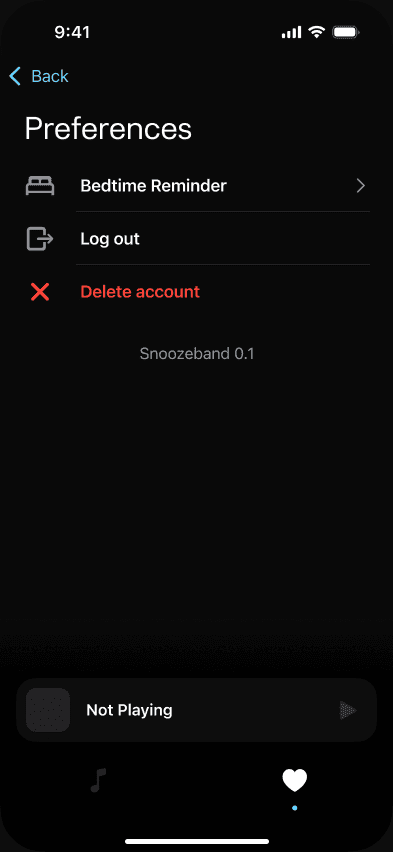
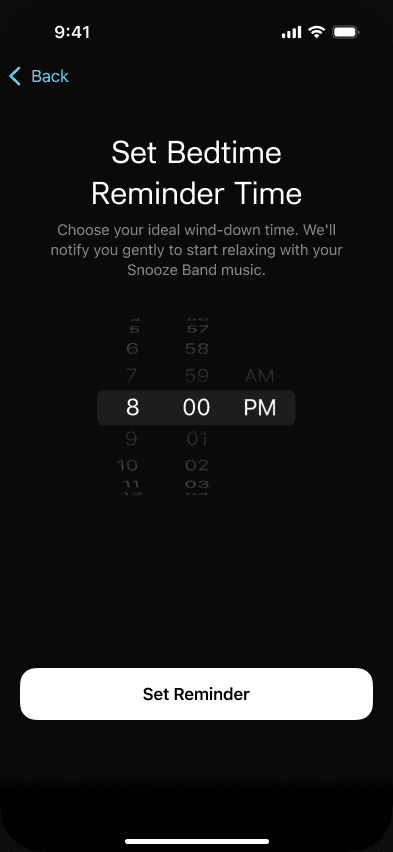
Preferences provides access to a bedtime reminder, alongside log-out and delete-account actions. The reminder screens support choosing a time, returning to the saved setting, and adjusting or removing it later. This gives the routine a dedicated place outside onboarding.
Access
Returning to an account
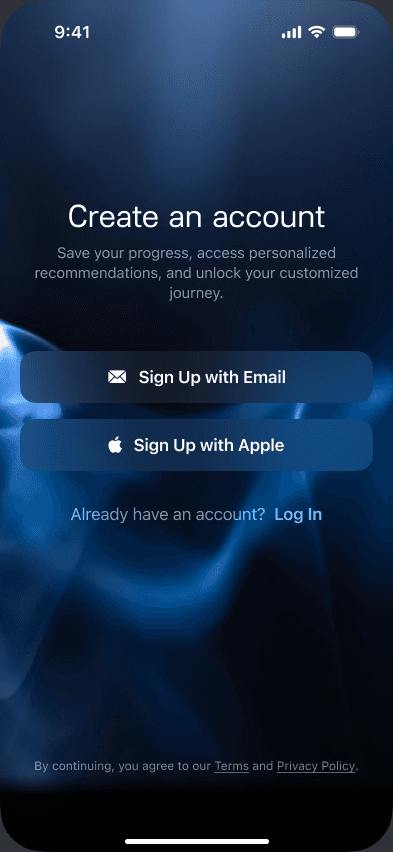
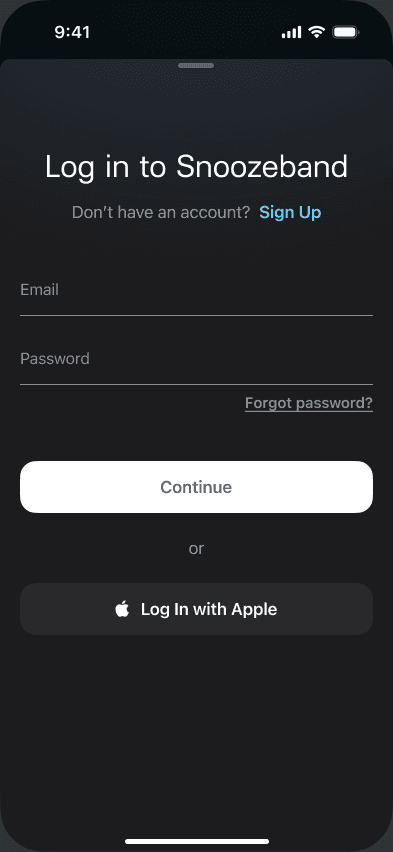
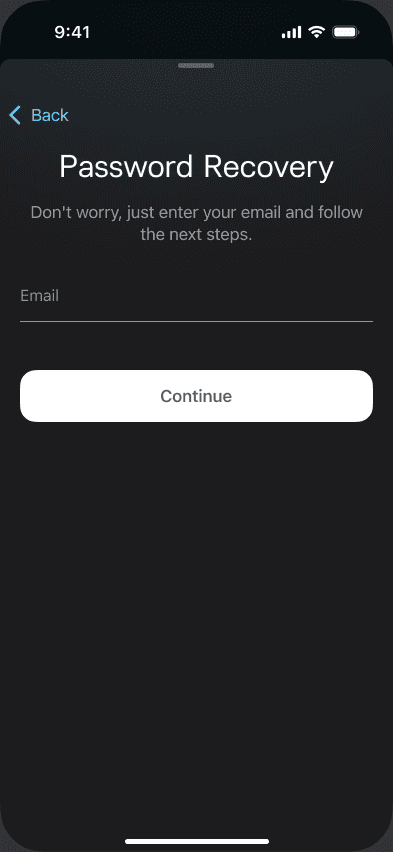
Account creation offers email and Apple sign-up, while returning listeners have a separate sign-in screen. A forgotten password starts with a short recovery screen that asks only for an email. These account screens sit alongside the listening experience rather than inside the player.