
From a moment of reflection to a journal you can return to.
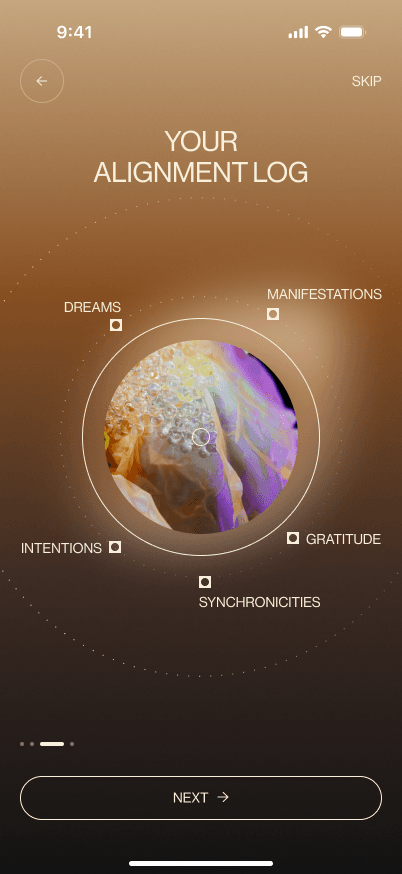
Quantum Body is designed around five ways to record a personal experience. Someone might arrive with a dream to remember, something they feel grateful for, or an intention they want to keep in view. The interface gives these practices a shared structure, with distinct symbols and colours, and brings entries together in the Alignment Log.
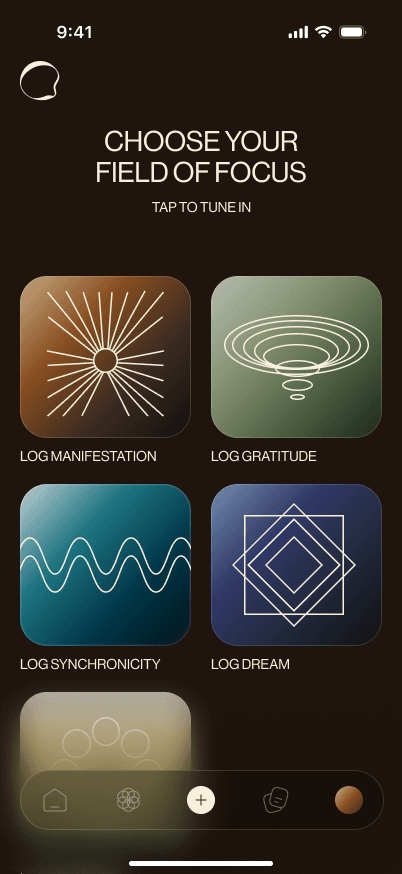
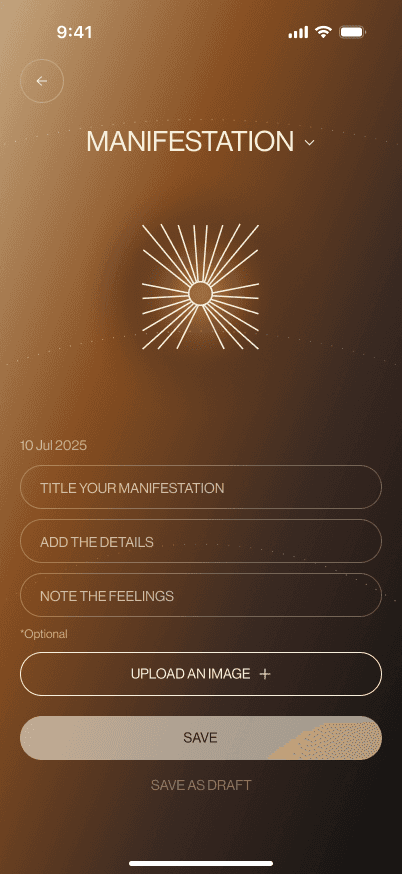
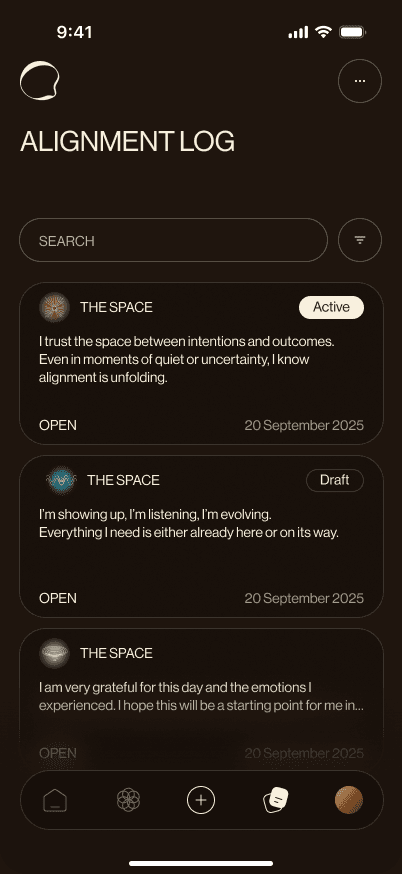
Wireframes
Mapping the experience before the visual detail
The wireframes cover the path from introducing the practices and setting reminders to writing and revisiting entries. They also include editing, archive, trash, and education screens. The gallery keeps these connected screens together so the underlying structure can be explored before looking at the final interface.
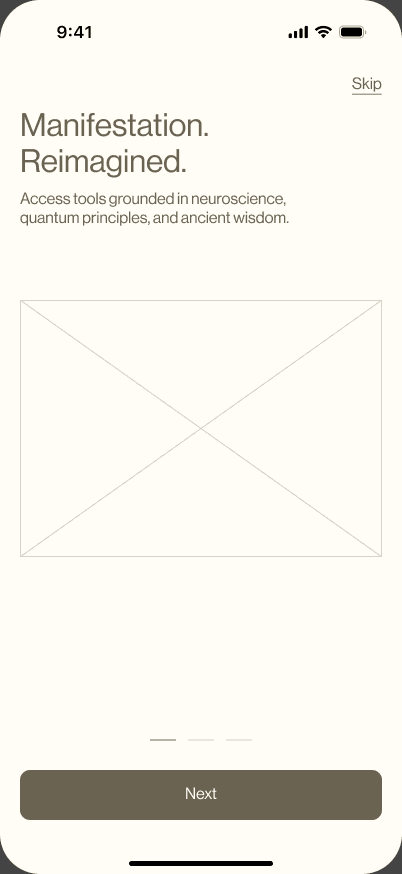
Comparison
Keeping the structure, developing the identity
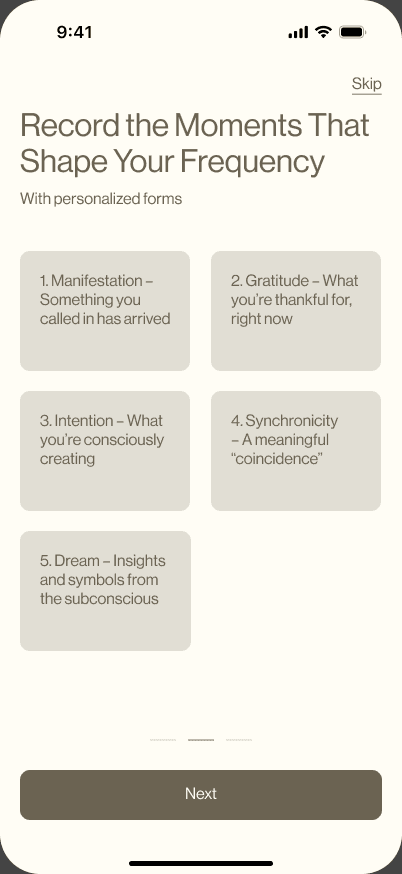
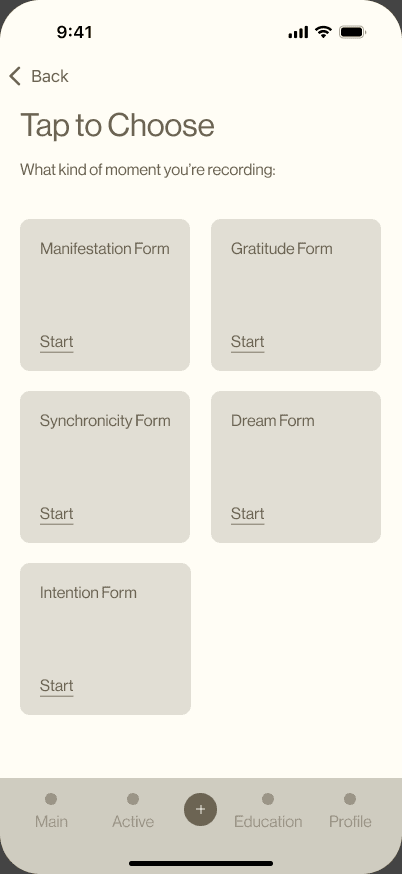
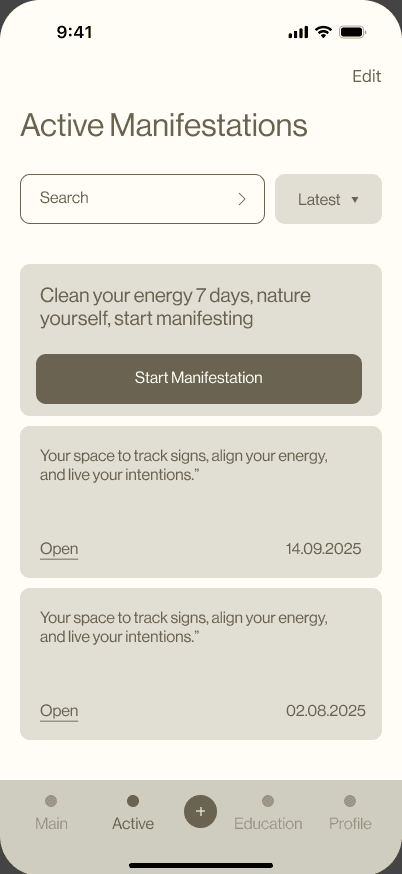
The practice selector moves from neutral labelled cards to a grid with distinct symbols and colours. The journal retains a card-based structure and search, while the final design adds visible entry states and a separate filter sheet. These comparisons show the supplied wireframe and final design states.
Capture
From choosing a practice to keeping an entry
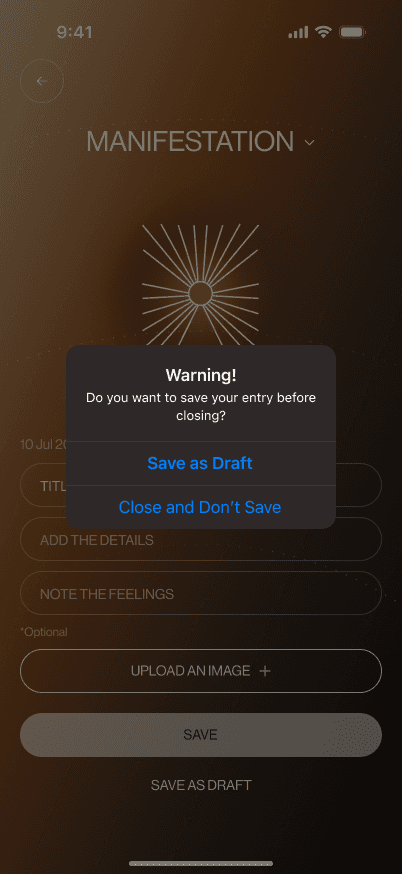
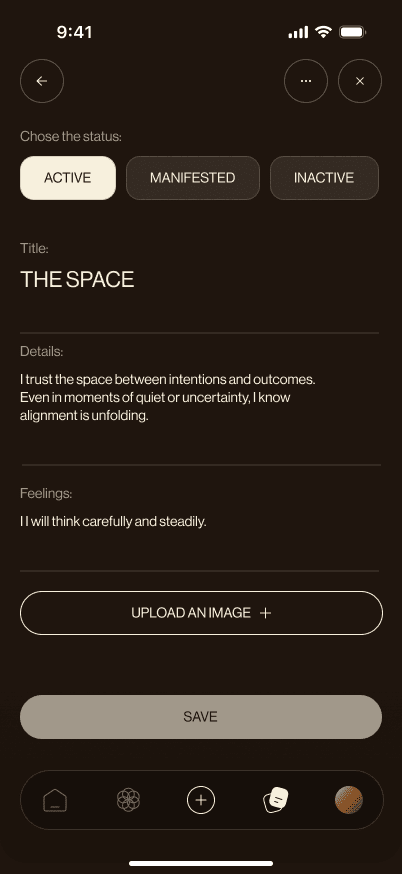
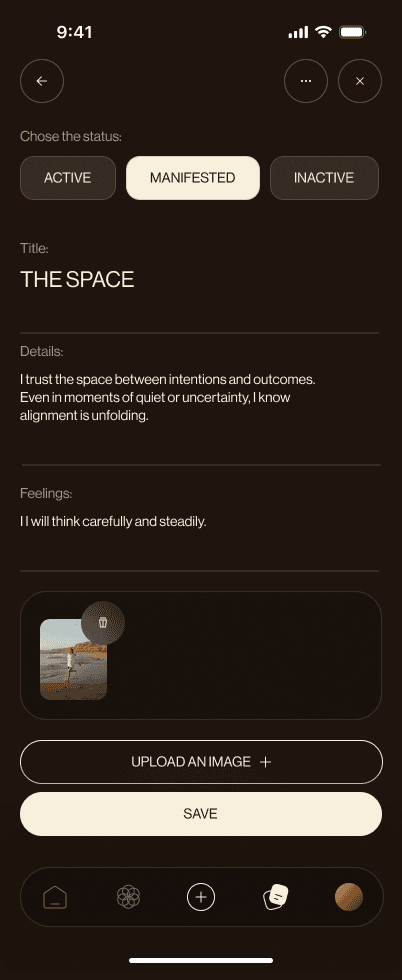
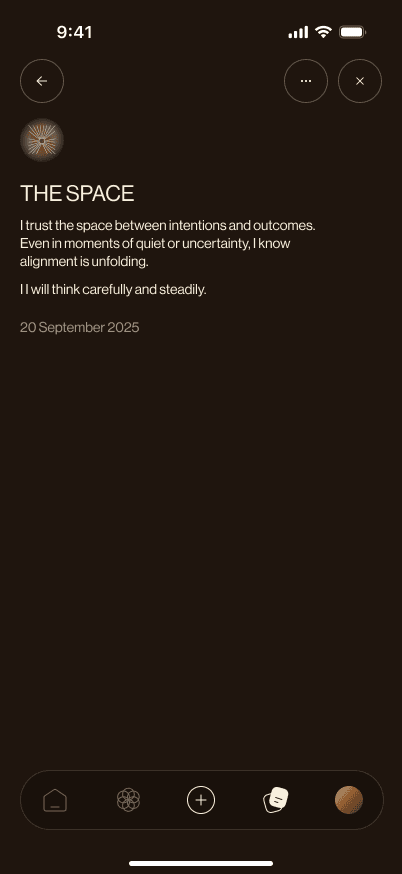
Each practice starts with a recognisable form: a title, details, feelings, and an image option. The final designs also account for leaving unfinished writing, editing an entry, and attaching an image. The save-or-discard prompt makes that unfinished state explicit.
Practices
Five starting points, a familiar form
Manifestation, gratitude, synchronicity, dream, and intention entries use different colours and symbols while keeping the same core form layout. Moving between practices changes the visual setting without asking someone to learn a new entry structure each time.
Return
Finding and managing what was written
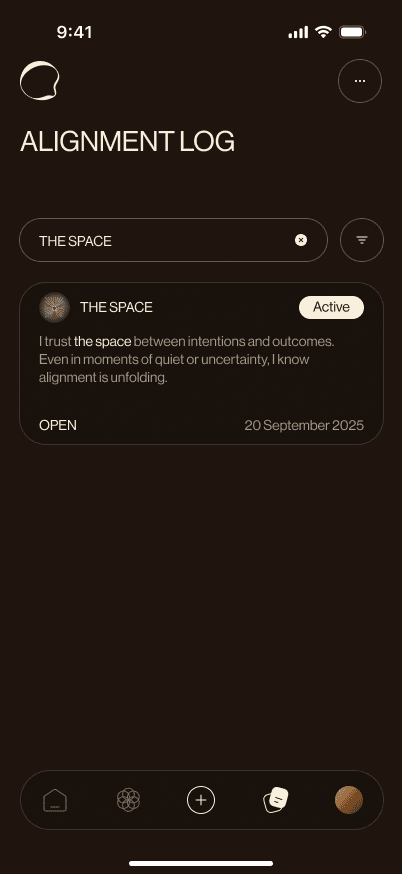
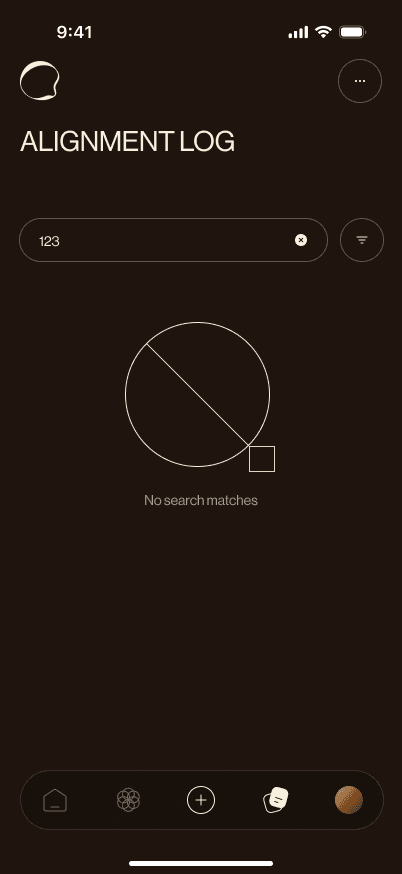
The Alignment Log brings entries into a searchable list, with filters and status labels. The screen set includes matching results, no matches, an empty journal, and separate archive and trash views. These states extend the experience beyond creating an entry to managing it later.
Reminders
Making room for a regular practice
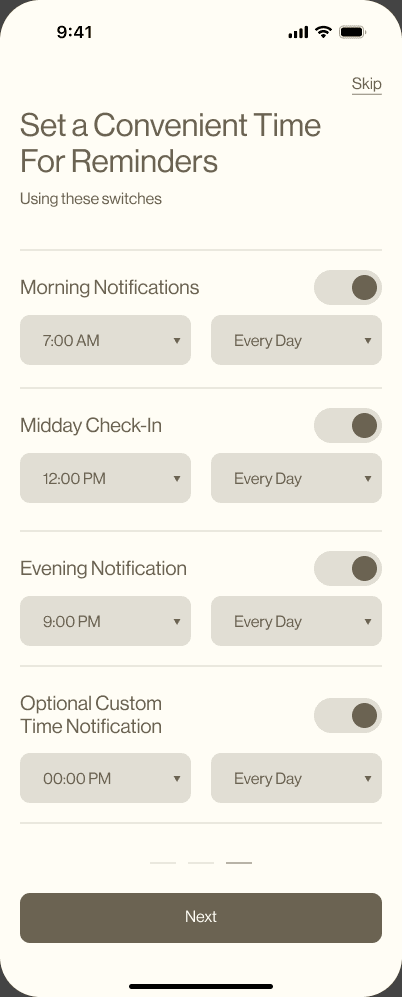
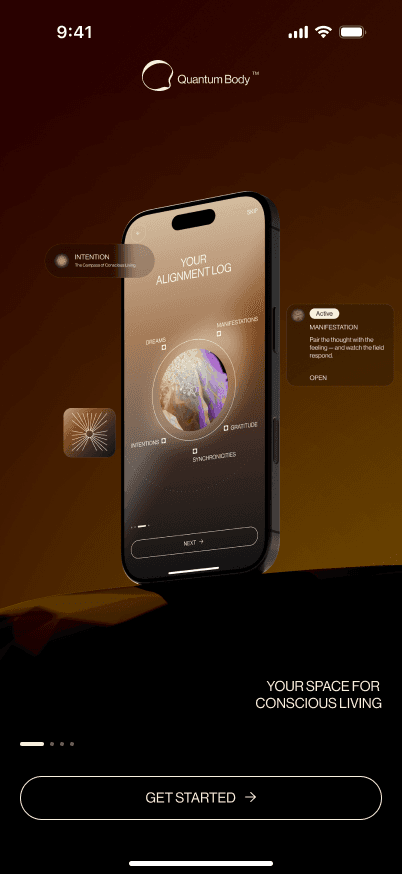
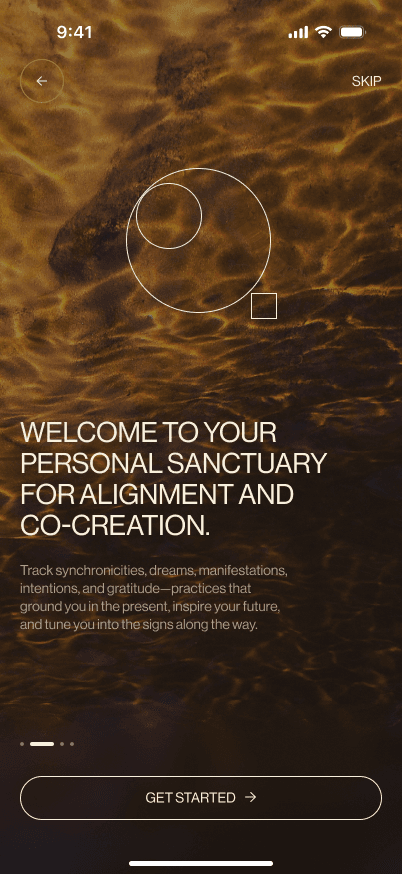
Onboarding introduces the journal and its practices before the reminder settings. Morning, midday, evening, and custom rows bring time and repeat controls into one screen. A time-selection sheet lets the setting change while the surrounding context remains visible.
Guidance
A home to return to, with help nearby
The home screen combines daily content, active entries, practice shortcuts, drafts, and education. The guide explains a shared framework for writing an entry, then introduces the individual practices. Both designs are long screens that can be explored in the phone.
Home
An overview of the journal
Daily content and entry shortcuts share one scrollable page.

Guide
Help with the next entry
Instructions sit alongside the journaling experience.

Scope
A connected set of designed flows
The supplied work documents onboarding, five entry types, editing, images, reminders, search, archive, trash, and guidance. There are no usage numbers yet.
Behance
Bringing the product into one presentation
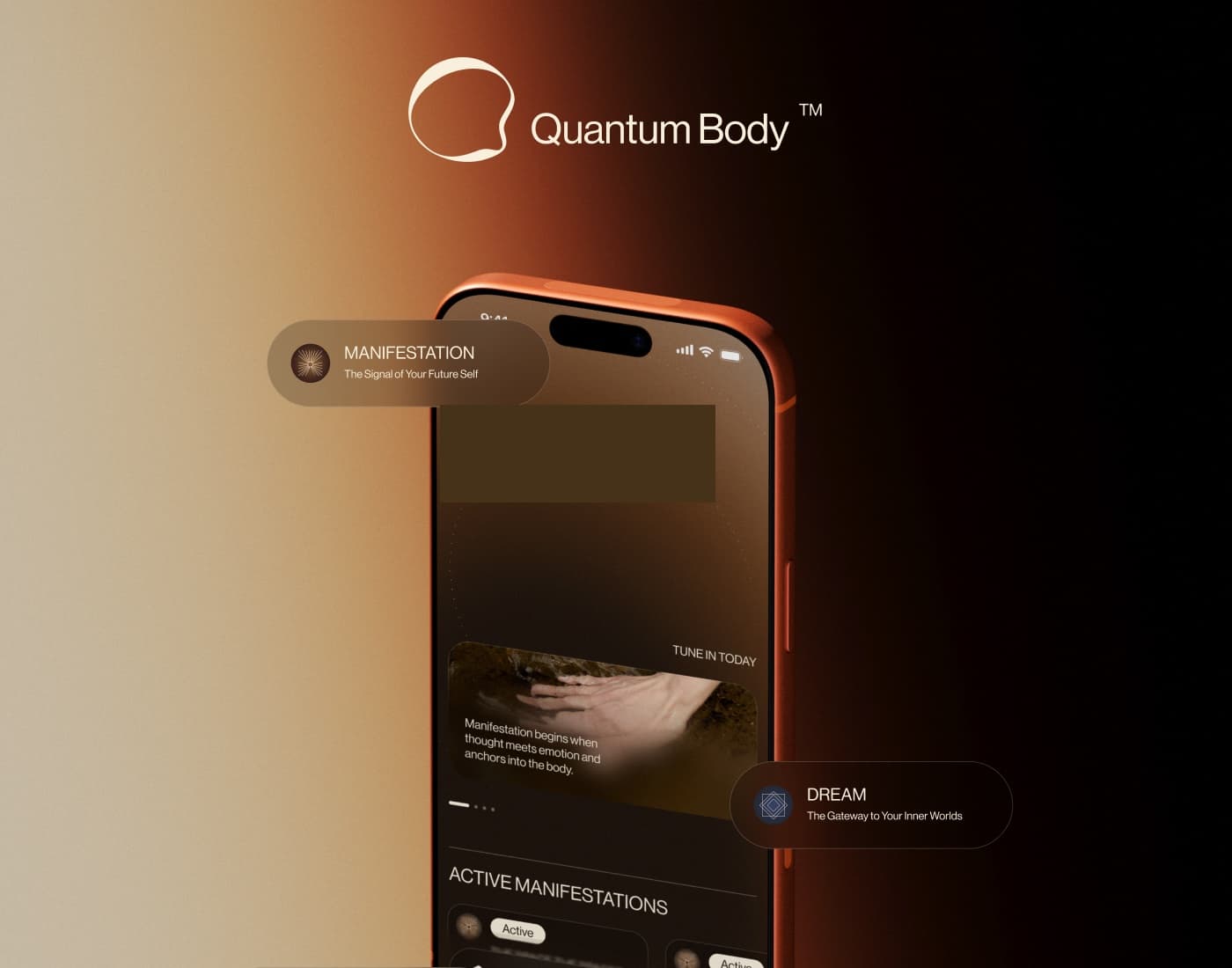
I created a long-form Behance presentation that brings the screens and visual direction into one editorial composition.

Store
Introducing the product before the app
I also designed the App Store screenshot set. Each poster introduces a part of the experience, from choosing a practice and finding entries to guidance and reminders.
