- SellerGenius
- 2025
Profit, ads and operations in one dashboard.
SellerGenius started from an agency's own frustrations with Amazon analytics: no single place to see every brand, dashboards that couldn't be adjusted, and problems found only by working through spreadsheets. The goal was an MVP that brings sales, profit, advertising and operations into one dashboard, for sellers and for agencies managing several brands. I designed the product from zero to one, along with its design system and brand identity.
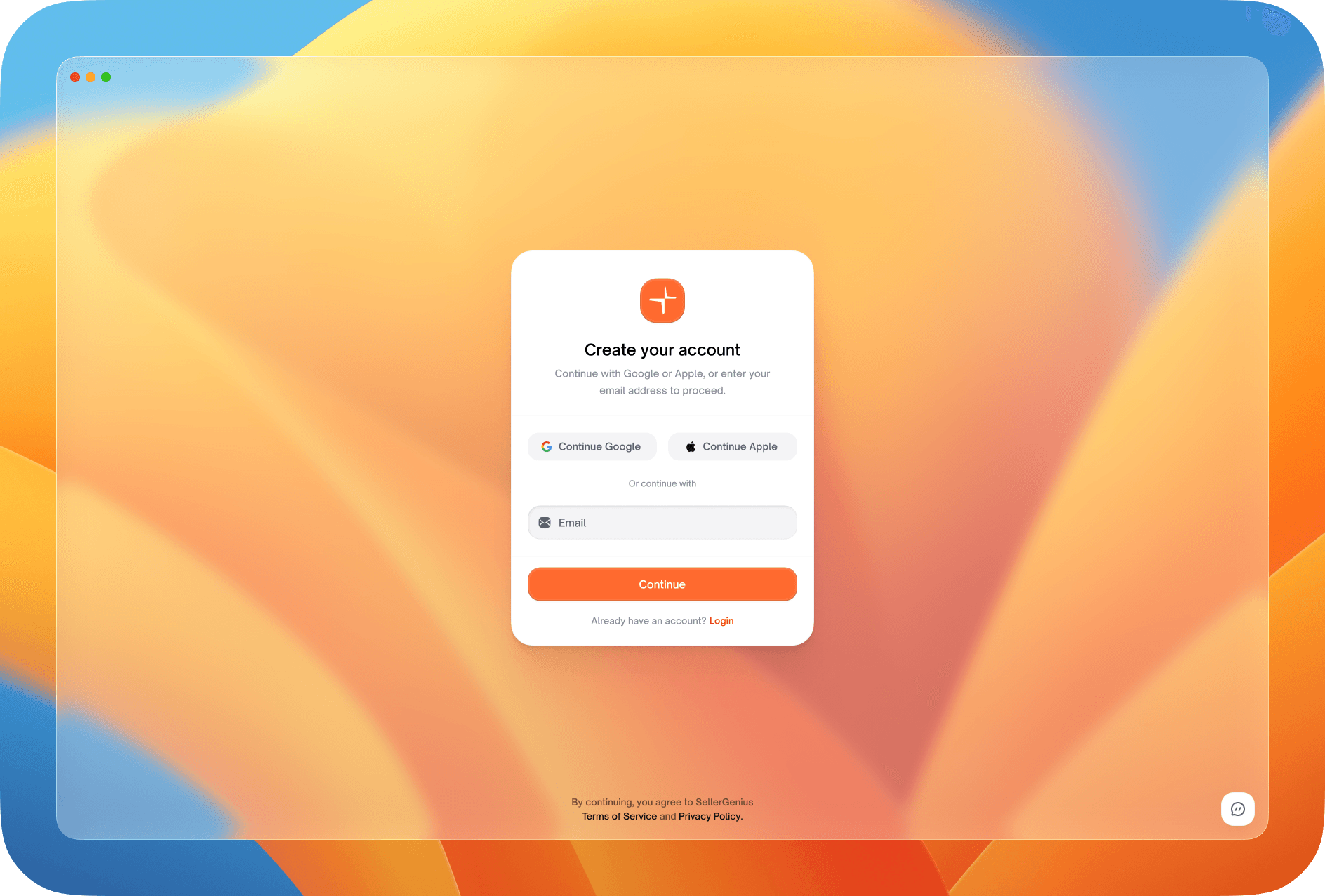
Onboarding
From sign-up to connected stores
Sign-up stays on one card over a calm background: an account, a short profile, then connecting Amazon Seller Central and the Amazon Ads account, each step saying what the connection unlocks. Returning people log in with Google, Apple or email and choose which workspace to open.
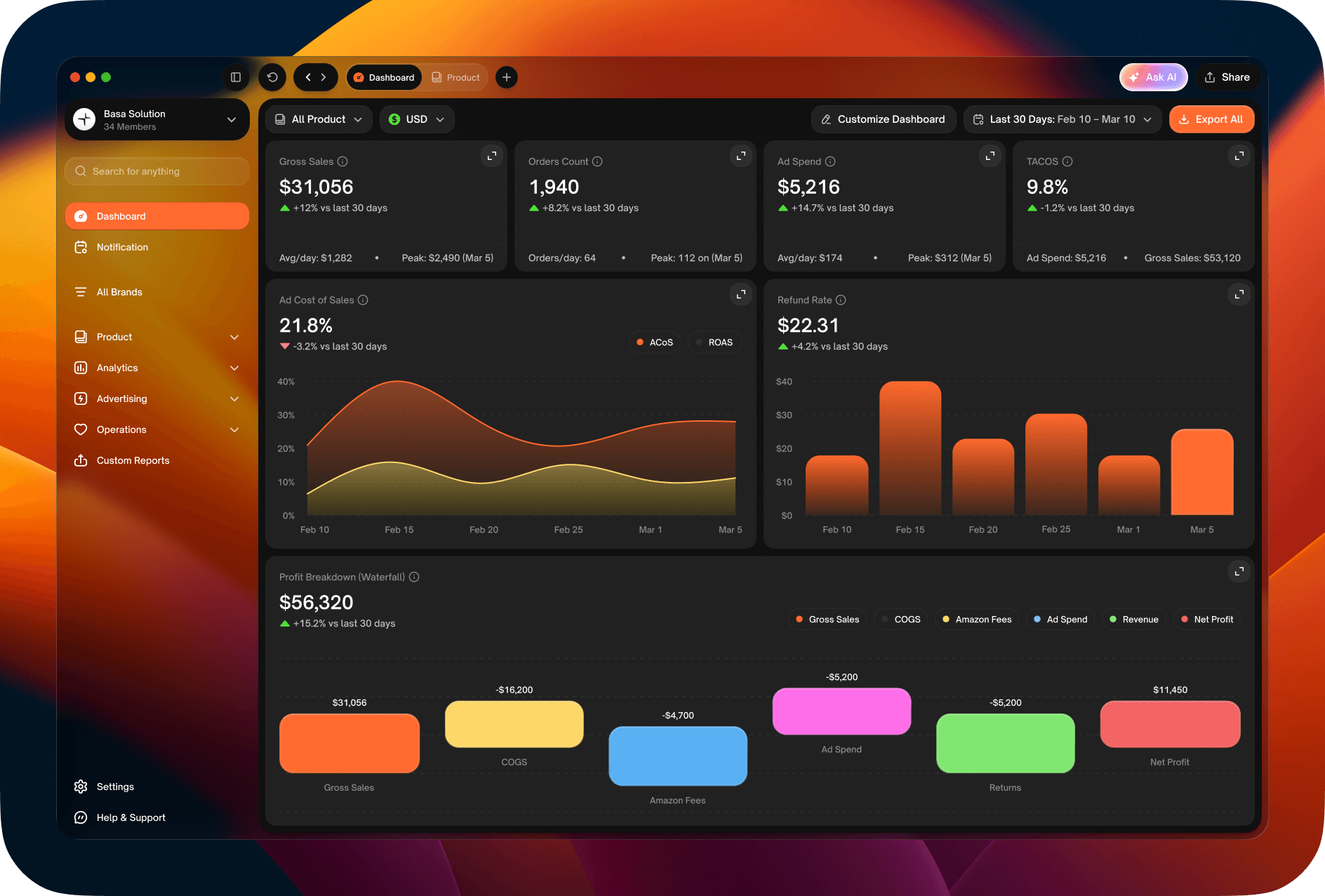
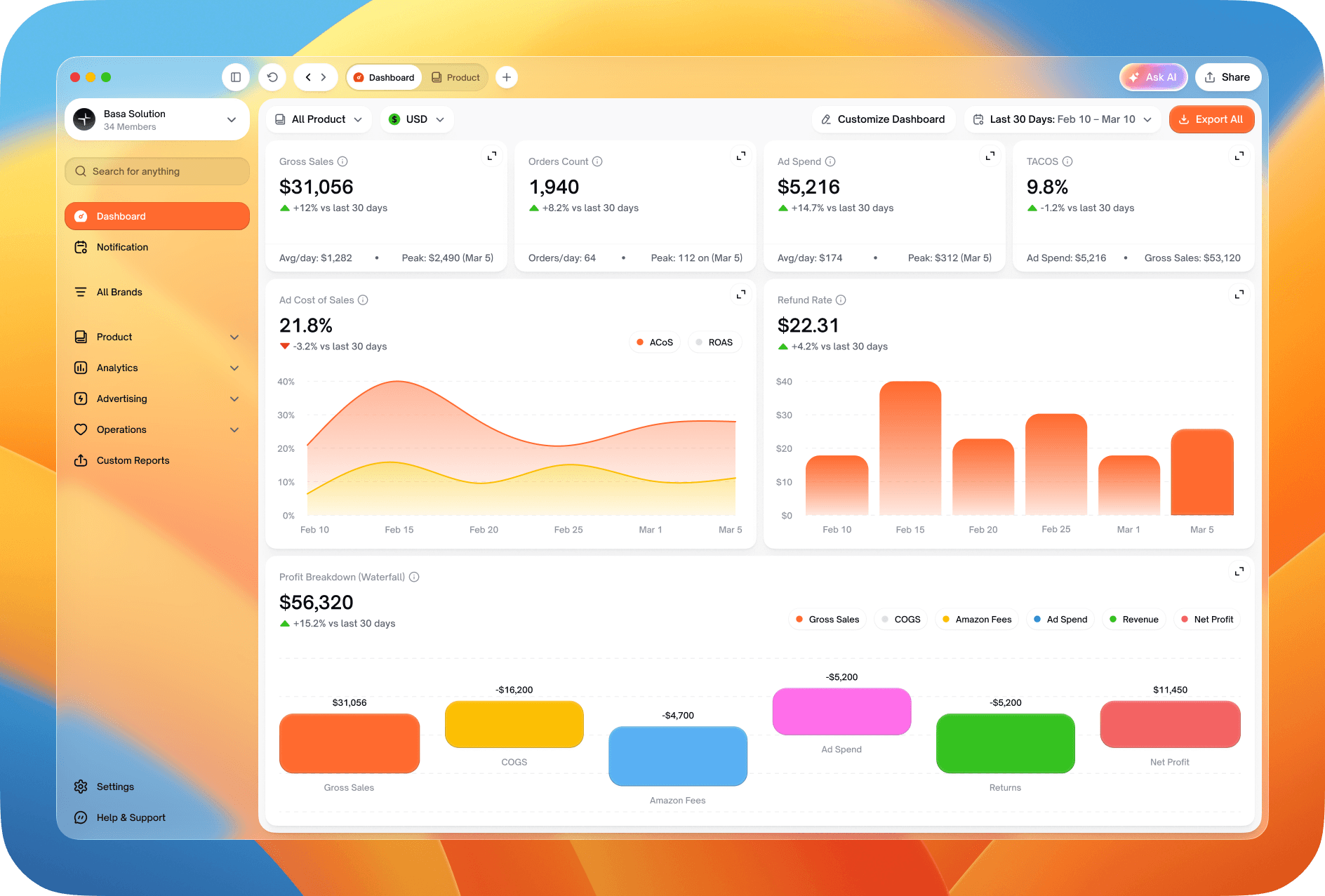
Dashboard
A dashboard each team can shape
Finance, advertising and brand managers each look for different numbers first. The dashboard opens with headline metrics and charts, and Customise Dashboard turns it into a grid: widgets can be added from a library, moved, and switched between chart views.
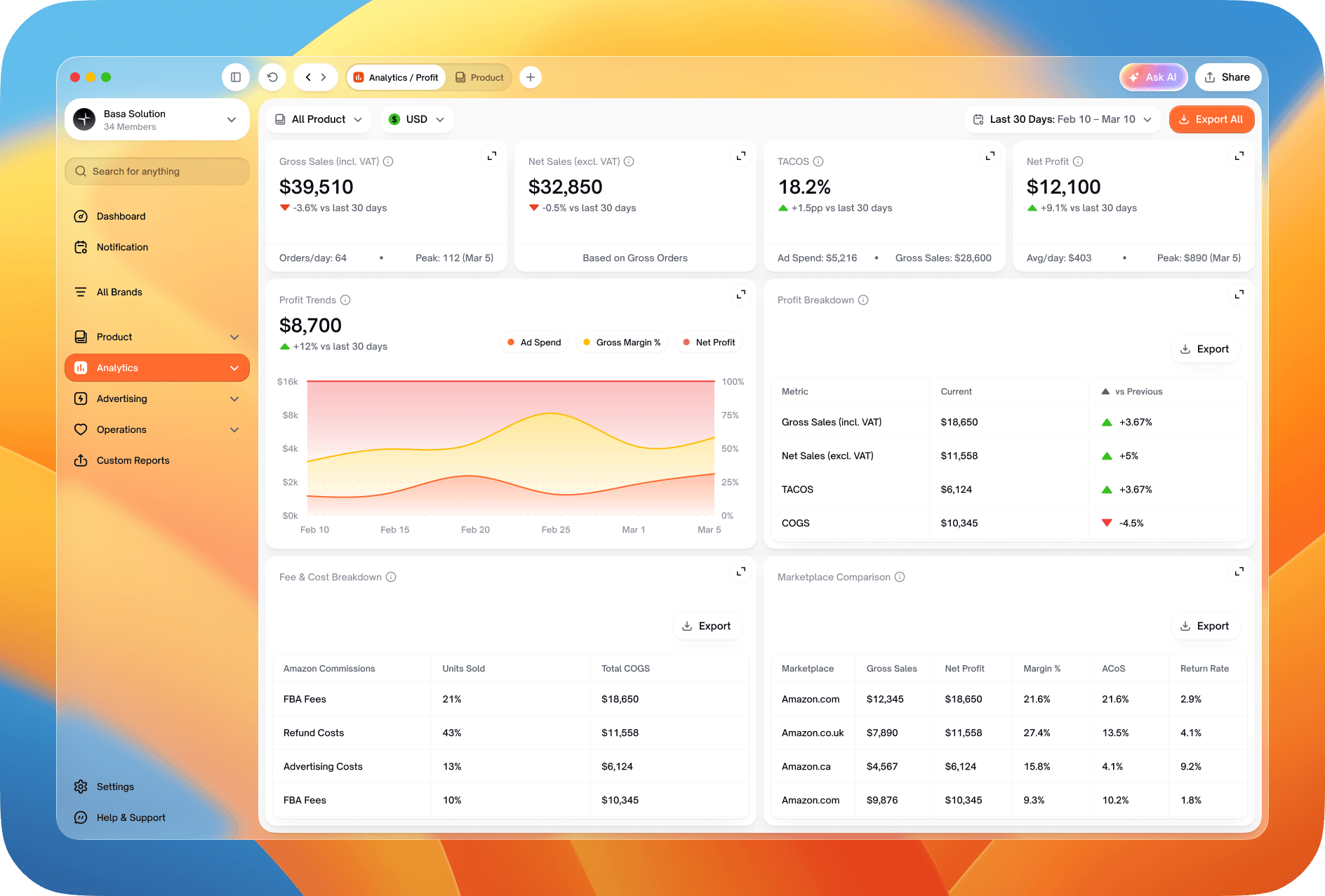
Profit and ads
Where the money goes
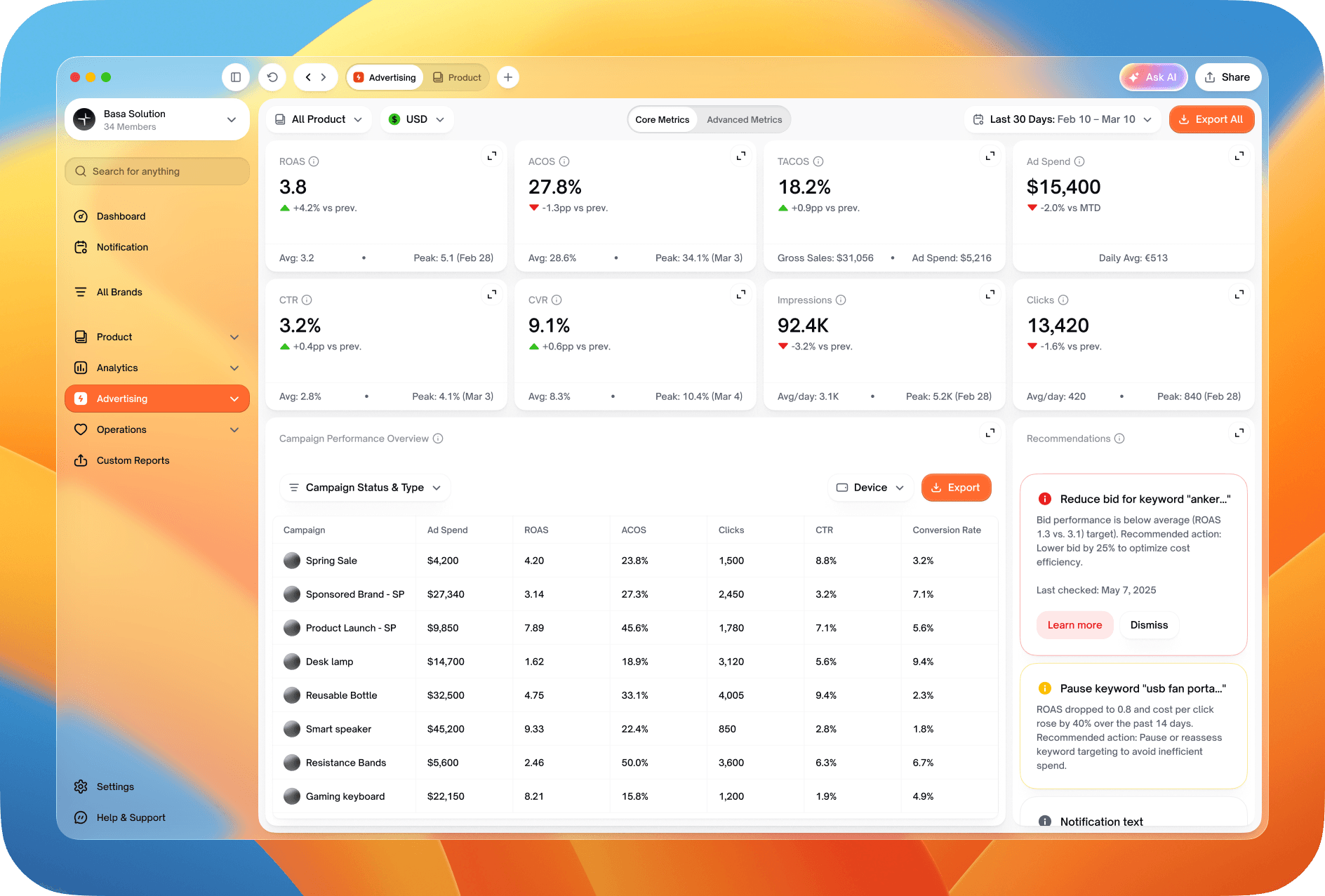
Profit analytics breaks revenue down into a P&L, profitability by SKU and brand, and fees, so a margin problem can be traced to its cause rather than searched for in a spreadsheet. Advertising follows the same structure, with campaign metrics and recommendations that suggest an action, such as lowering a bid or pausing a campaign.
Products
Every SKU, its stock and its problems
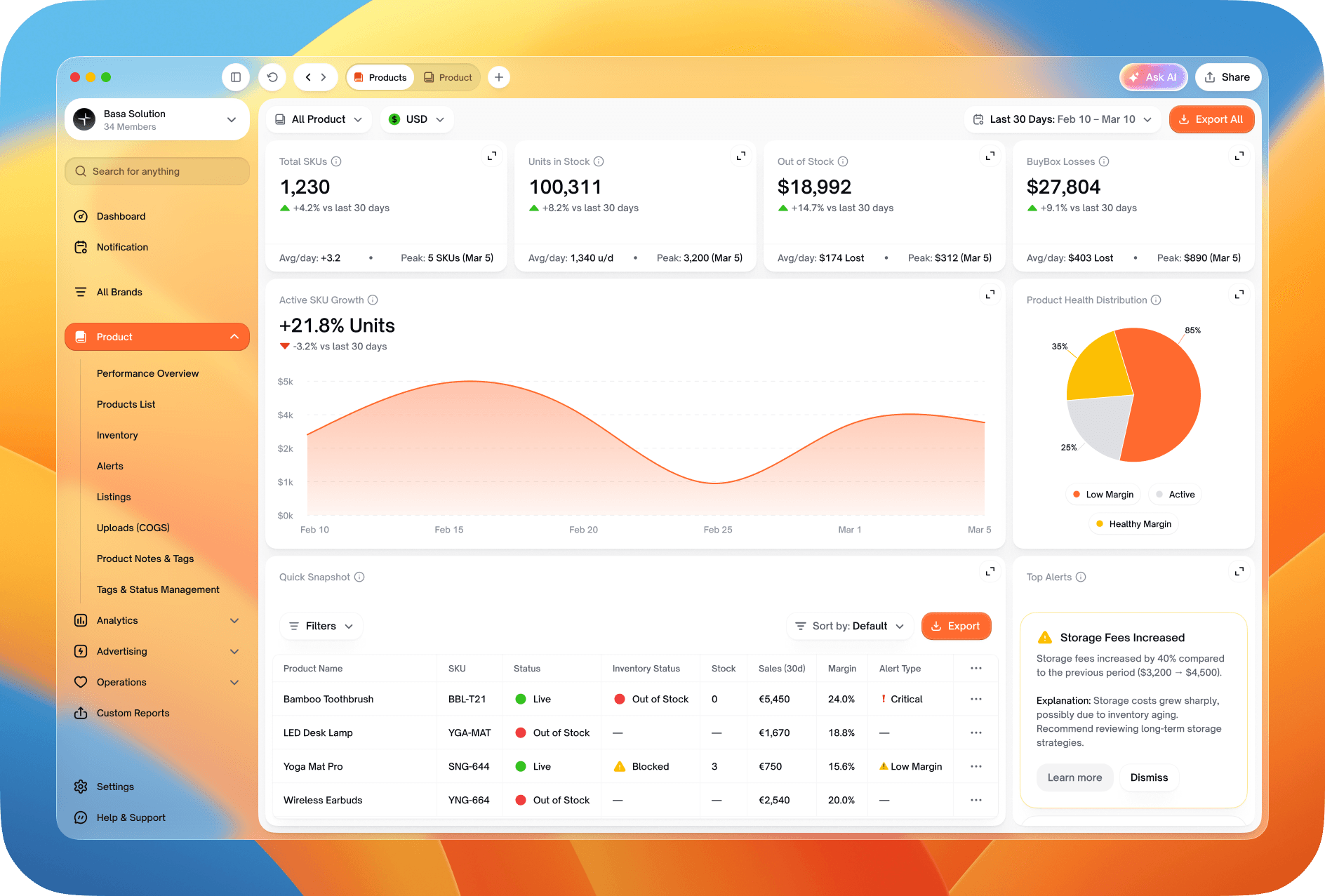
Products brings performance, the full product list, inventory, alerts and listings into one section, each with headline figures above a filterable table. Costs of goods can be uploaded as a file, and notes, tags and statuses help a team keep track of what needs attention.
Operations
The account's health at a glance
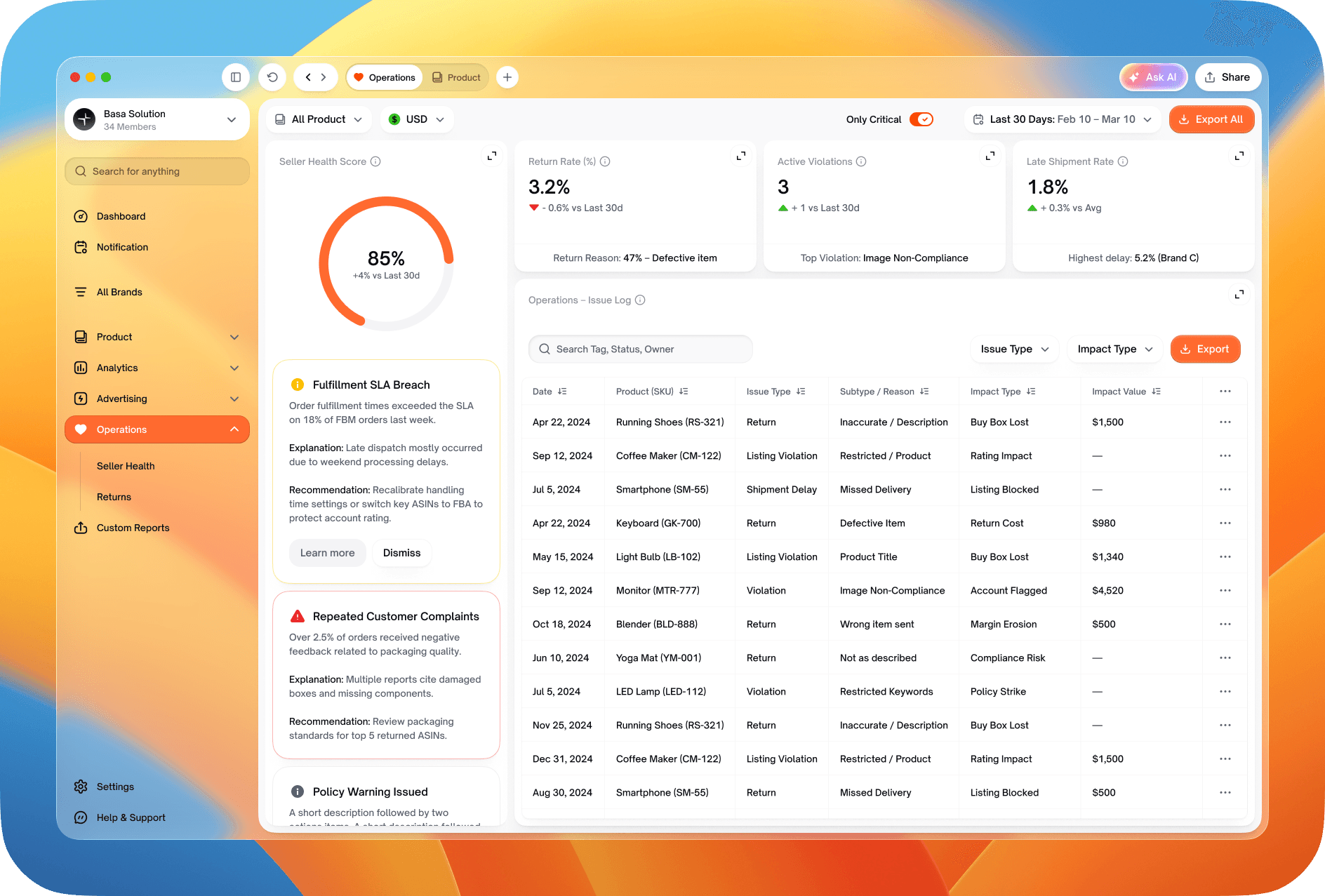
Operations watches the seller account itself: a health score, issues with an explanation and a recommended action, and returns by product and reason.
Brands
Many brands, one workspace
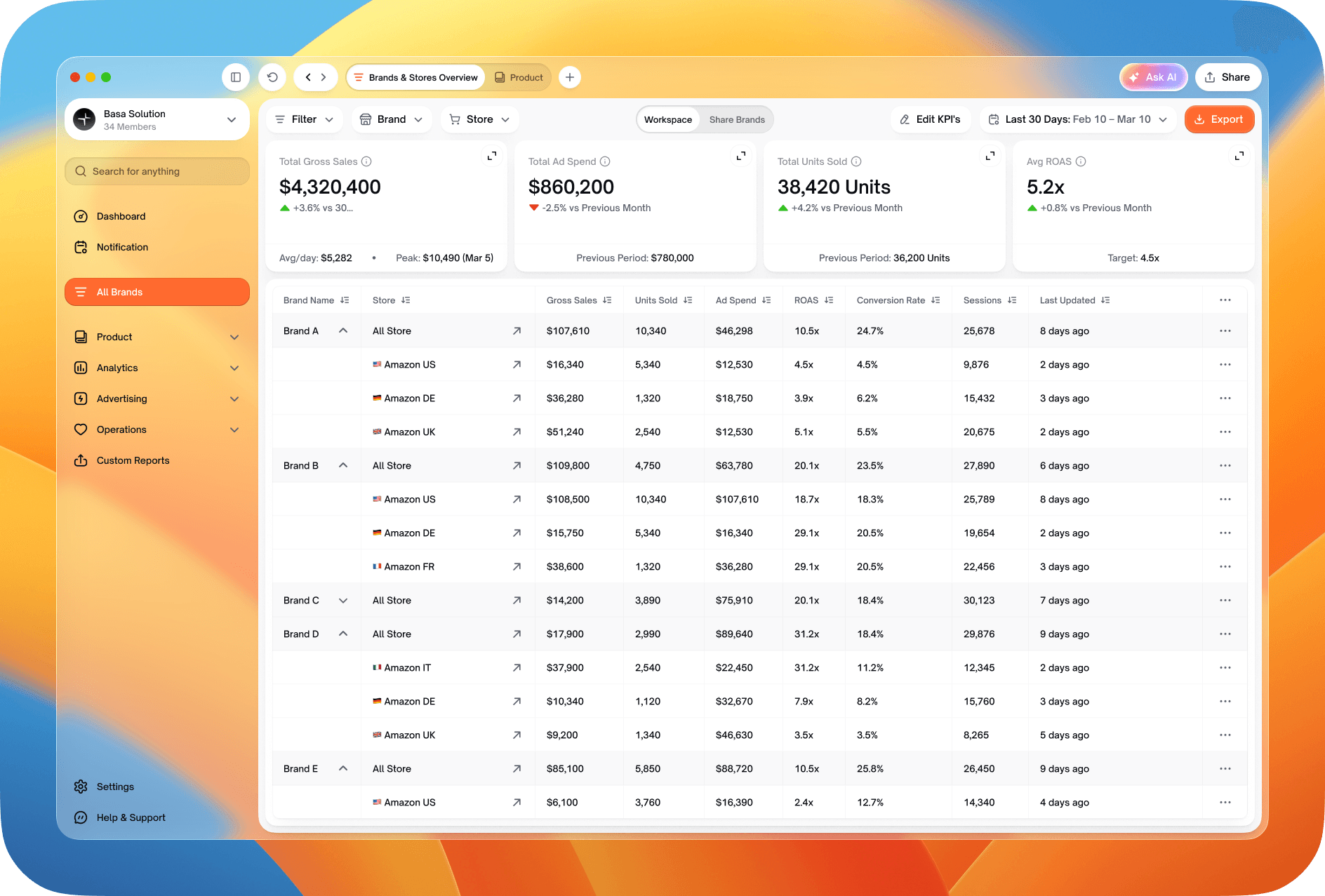
Agencies were the first audience, so brands sit at the top of the structure. The overview lists every brand with its stores and key figures, and each brand opens into its own view with its connected marketplaces.
AI
Asking instead of filtering
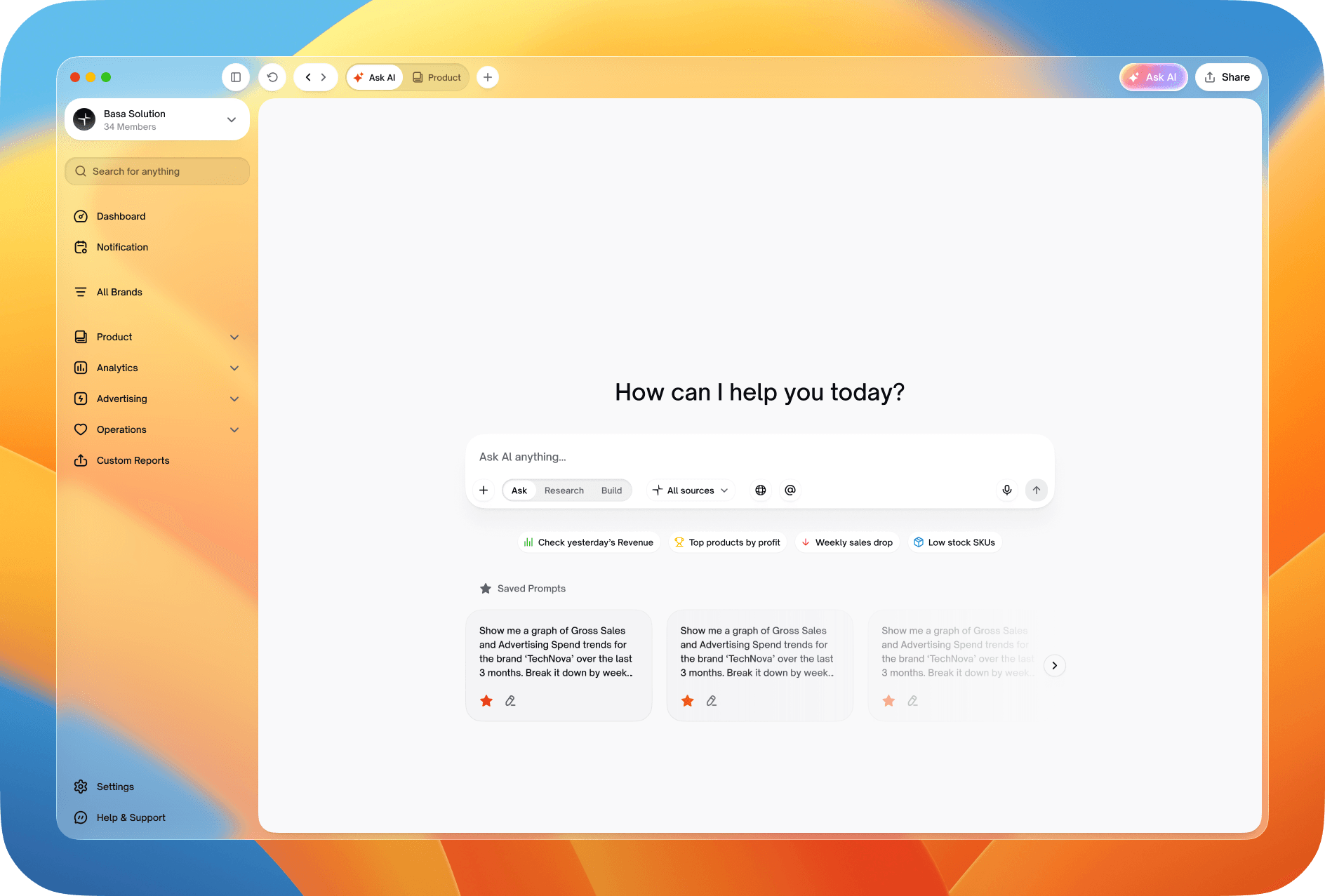
The brief placed AI features in a second step after the MVP. I designed the assistant as a full-screen chat with saved prompts, answers that build a report or chart from a question, and a smaller window that opens over any page.
Reports and settings
Reports on a schedule, settings for a team
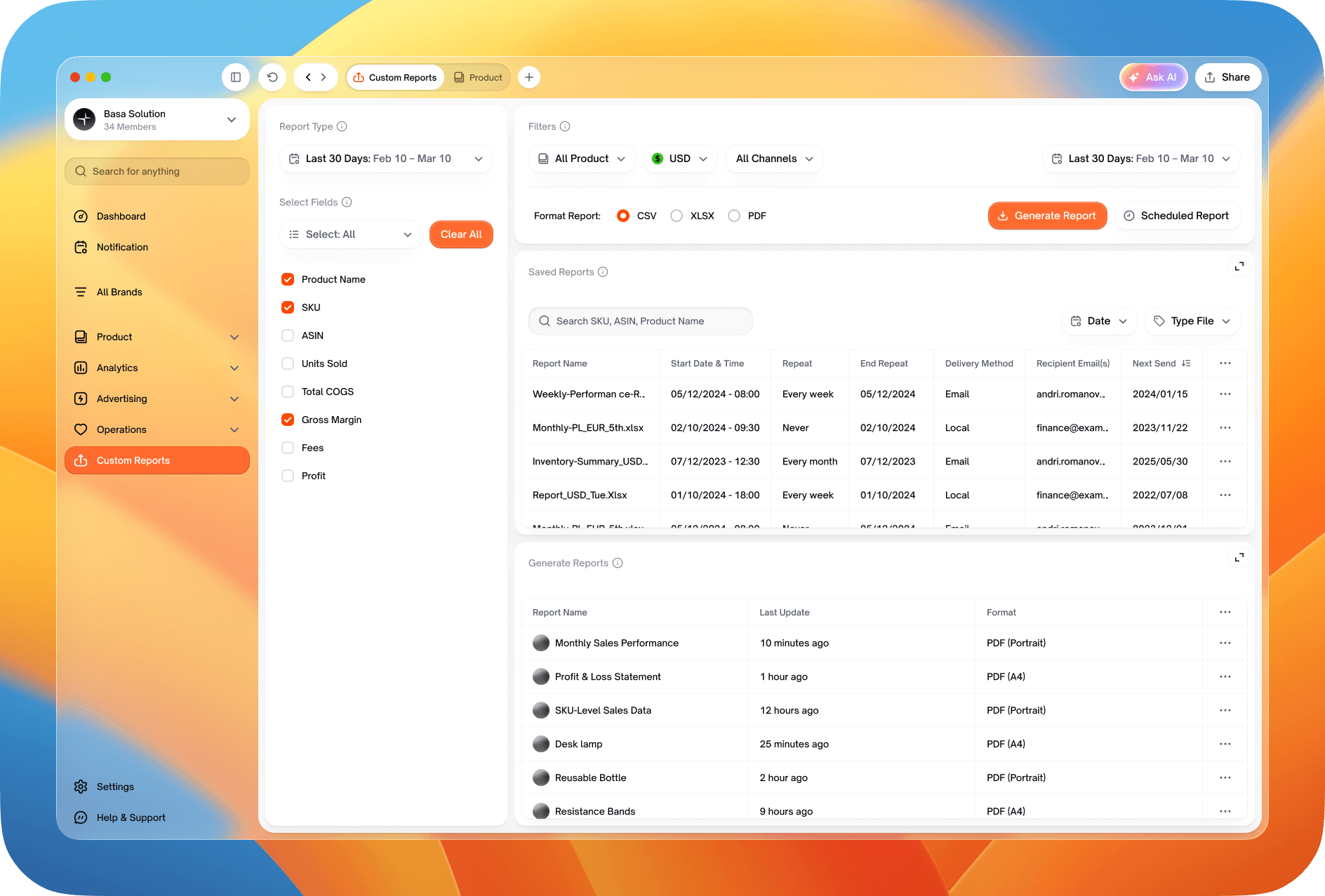
Custom reports pick the fields, period and format, and can go out on a schedule. Settings cover the account and its sessions, notifications by type, and each workspace's connected seller and Ads accounts, including ones shared from other workspaces.
Themes
One system, two themes
Alongside the product I worked on the brand identity and a design system used across every screen. Each screen was designed in a light and a dark theme.