A calm interface for everyday health.
Peach Health is a personal concept I designed as Product Designer: one mobile app for daily health tasks, medication reminders and AI health agents. Health apps easily feel clinical or crowded, so the interface leans the other way: soft neutrals, a mint accent, serif headlines, rounded cards and one decision per screen. This case is about the UI, from the first screen to the settings.
Brand
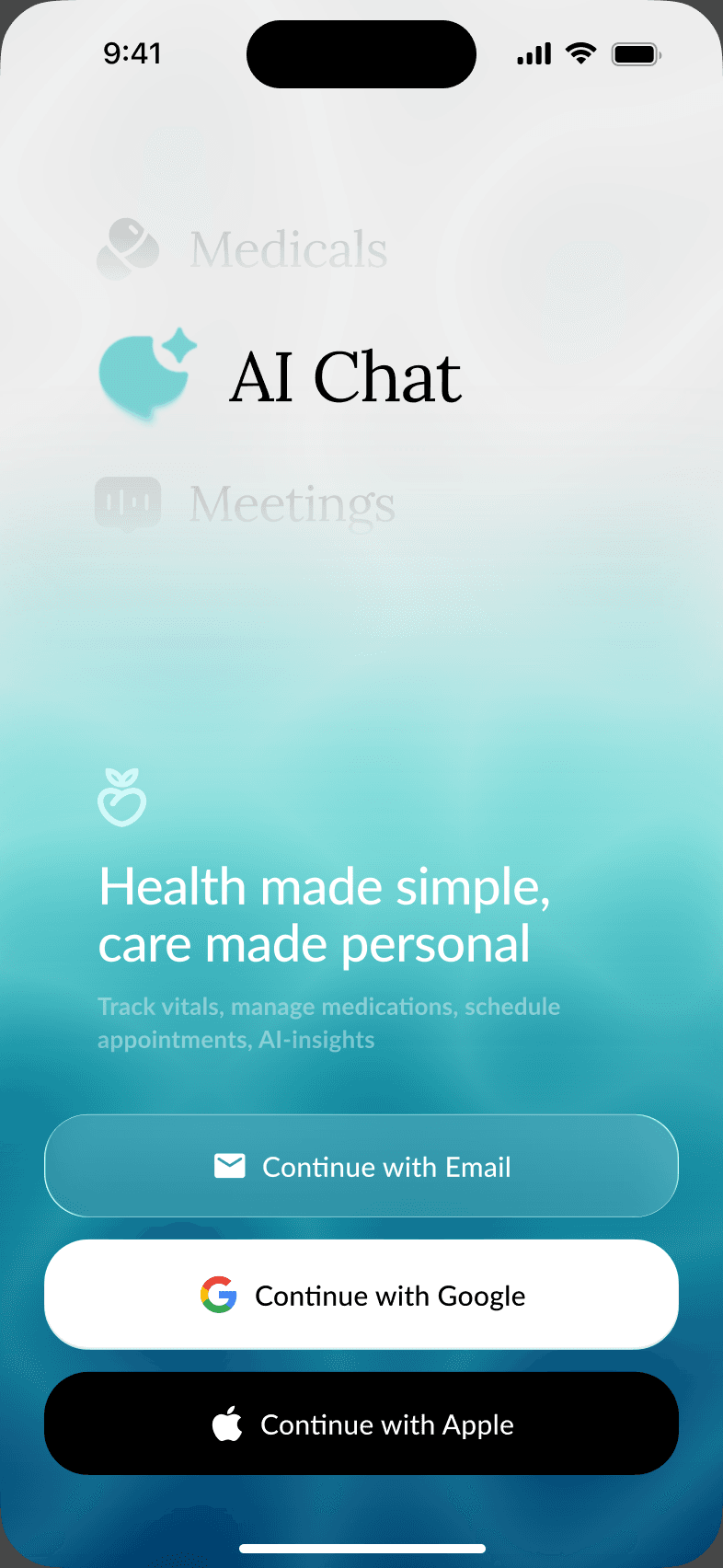
A soft mark for a serious subject
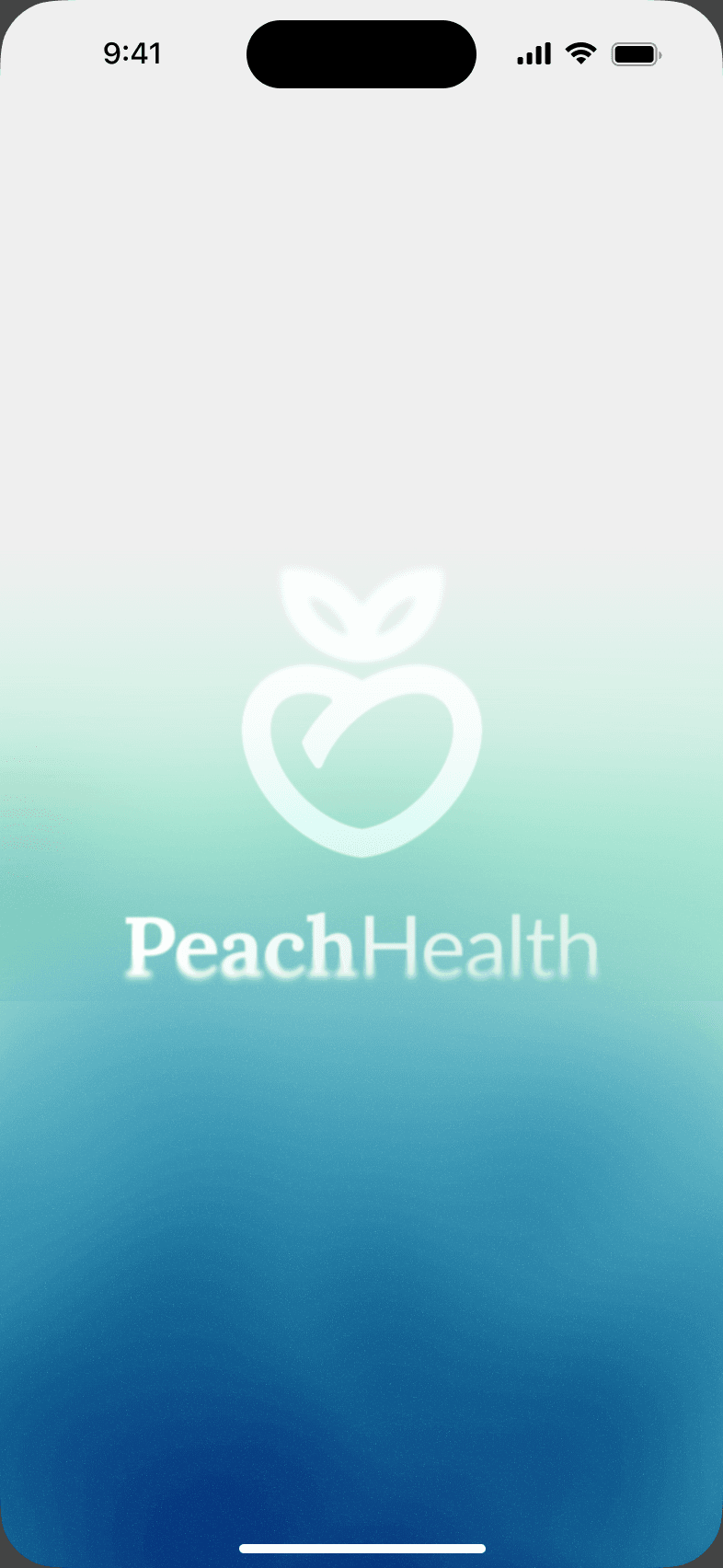
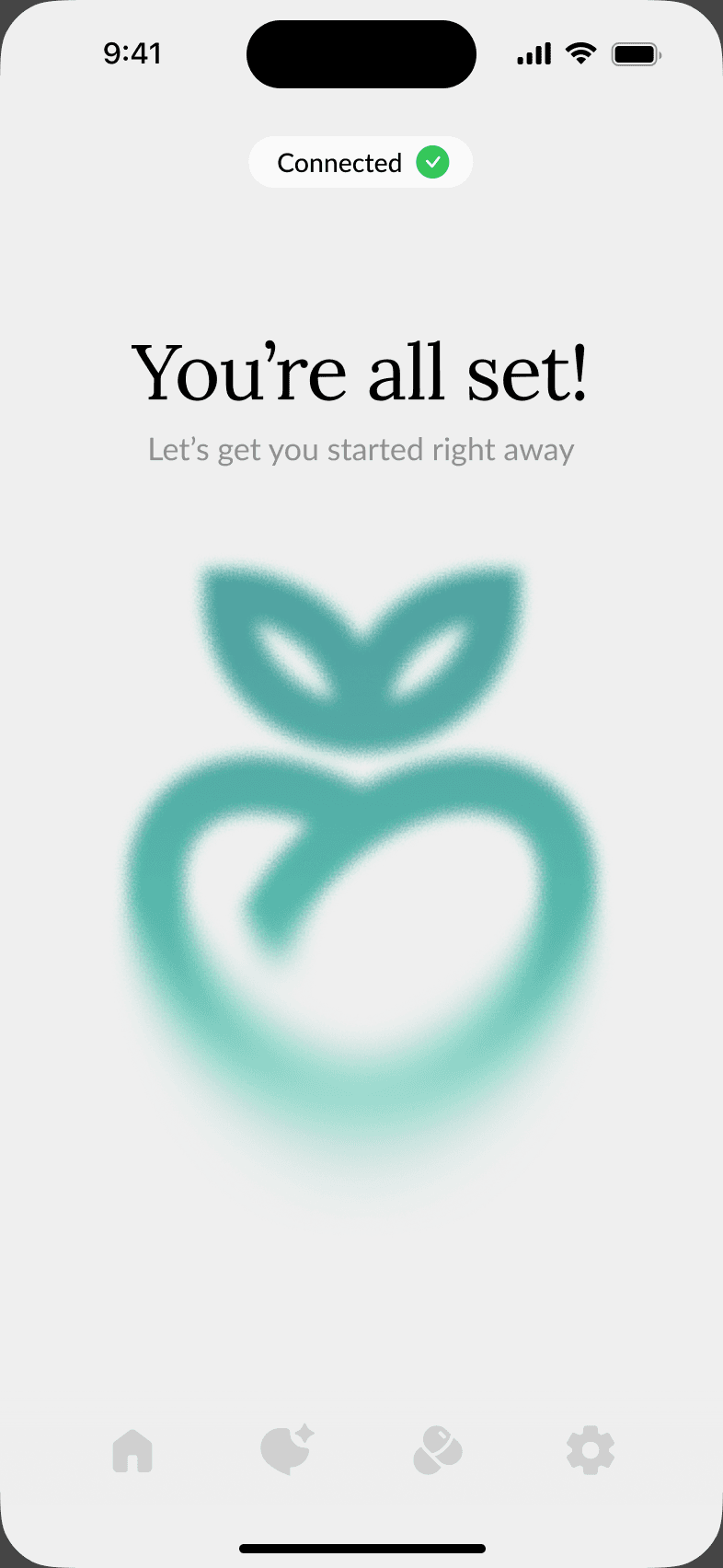
The peach heart mark carries the brand from the loading screen to the end of onboarding. A blue-to-mint gradient and frosted glass give the start screen depth, while sign-in stays to three plain choices. The same mark returns, larger, when setup is complete.
Onboarding
Setup in short, skippable steps
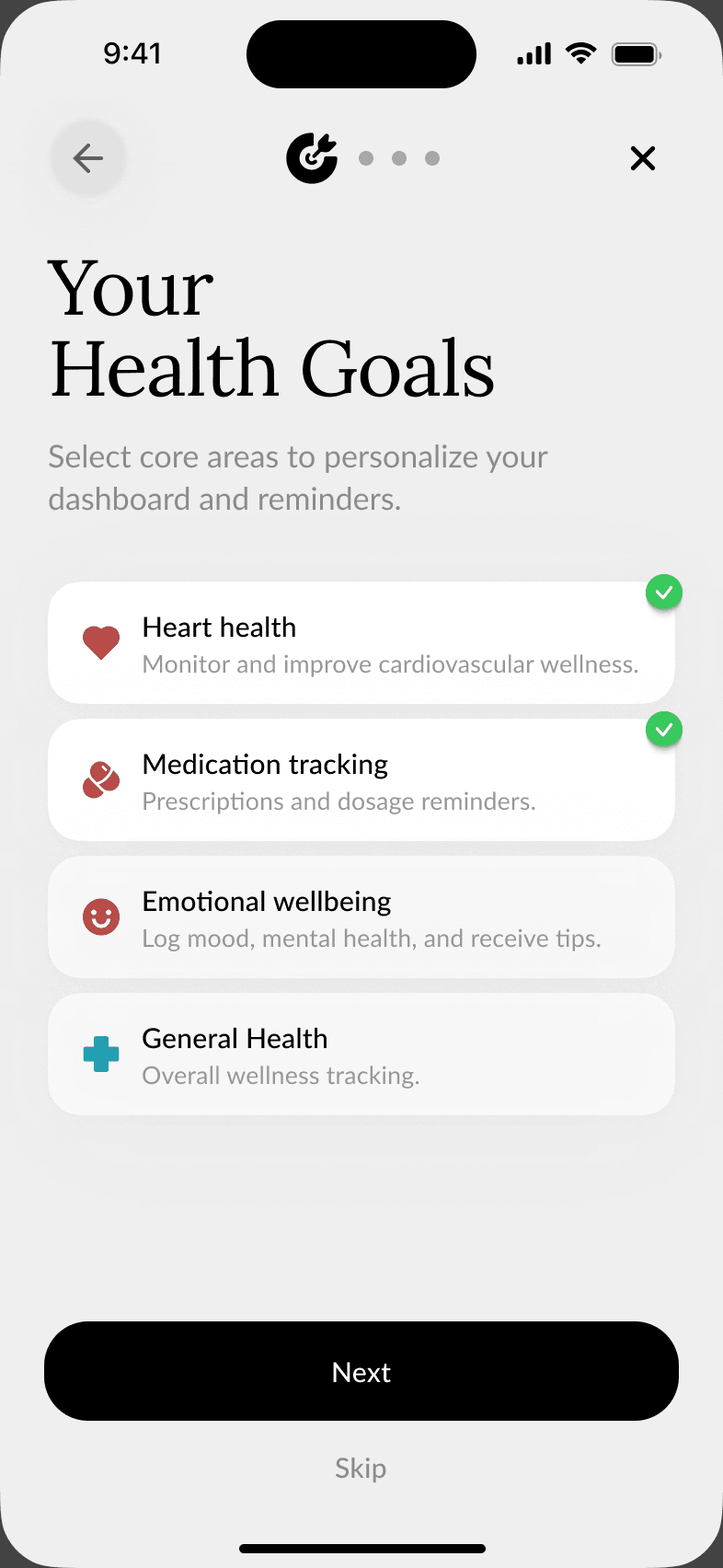
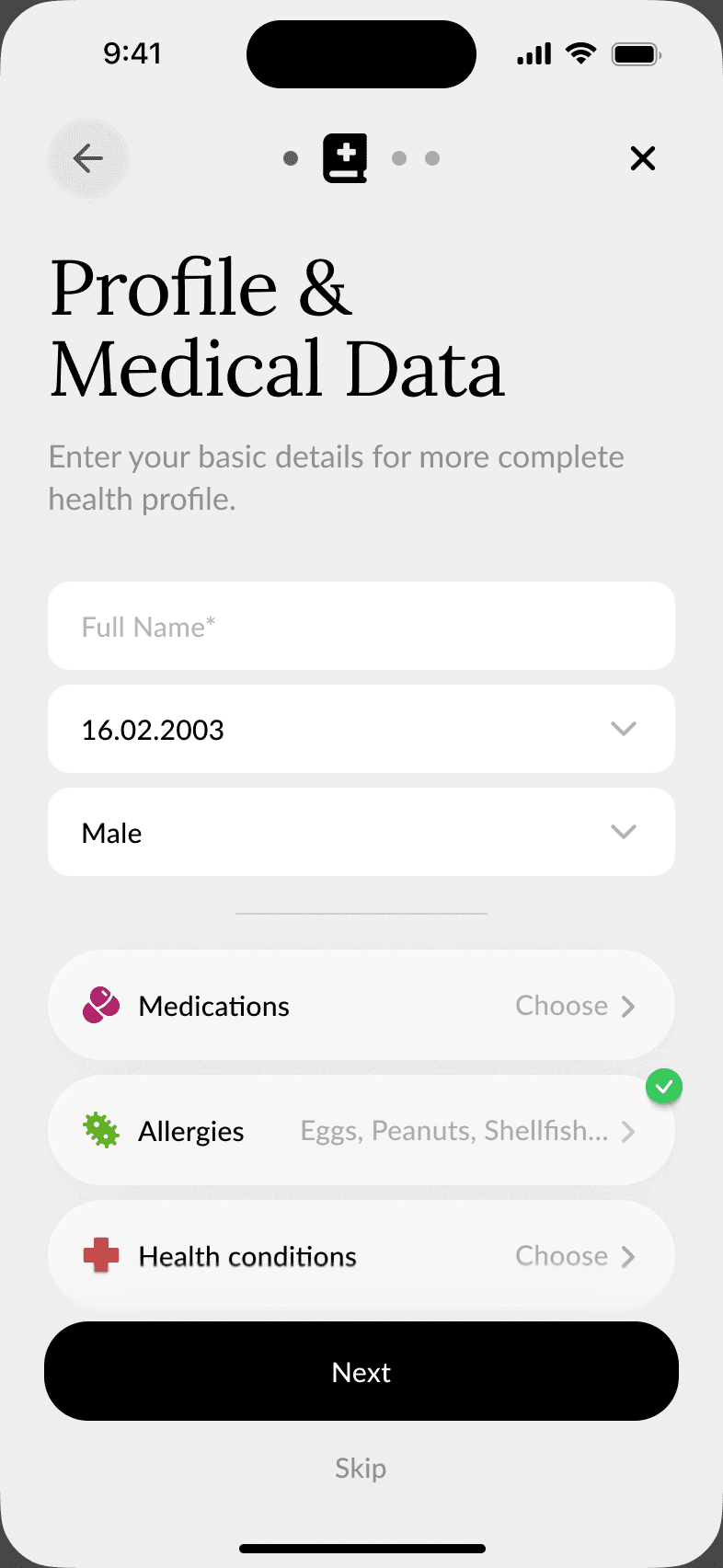
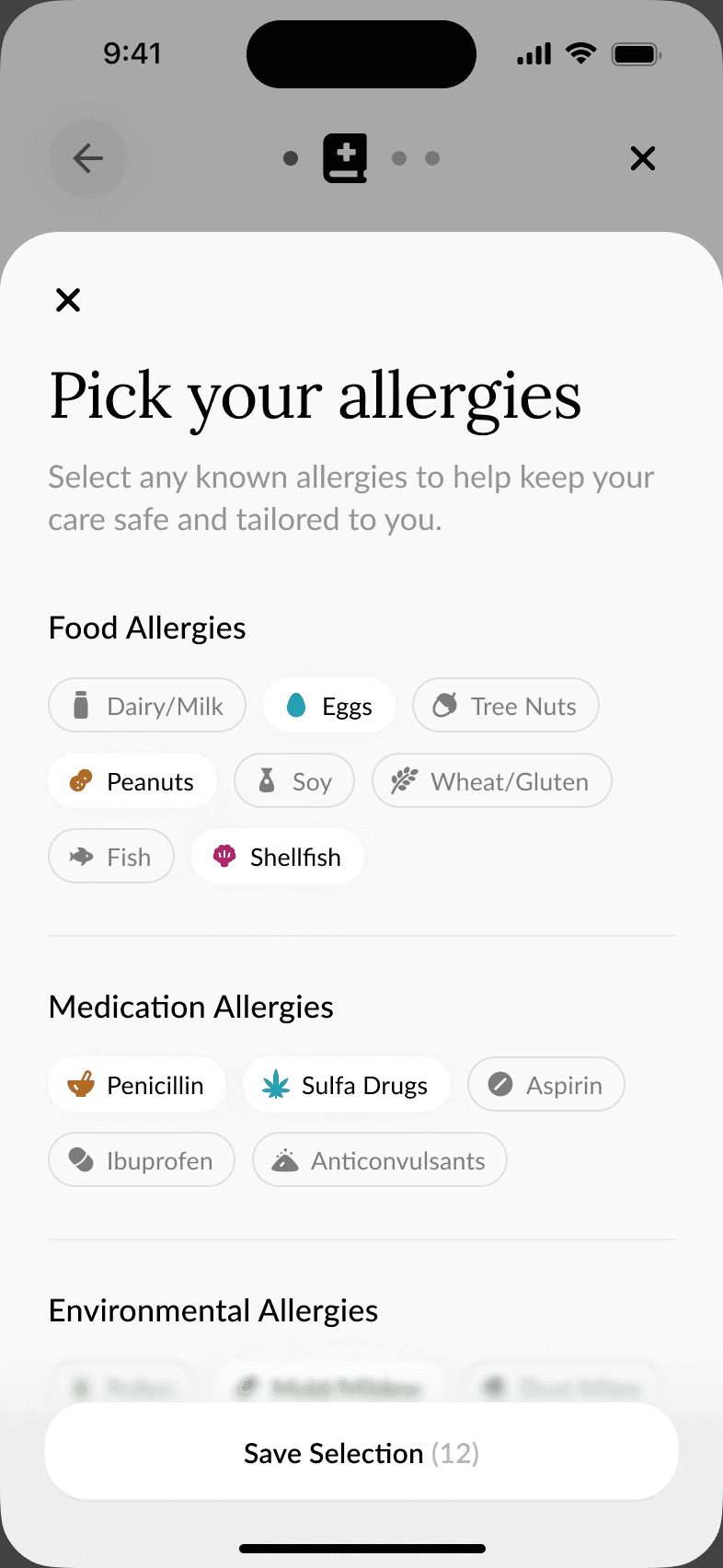
Five steps build a health profile: goals, basic medical data, allergies, permissions and accessibility. Each step has a large serif title, one short explanation and a single primary button, with Skip always available. Allergies open as a sheet of chips grouped by type, and permissions explain what each one is for.
Home
The day at a glance
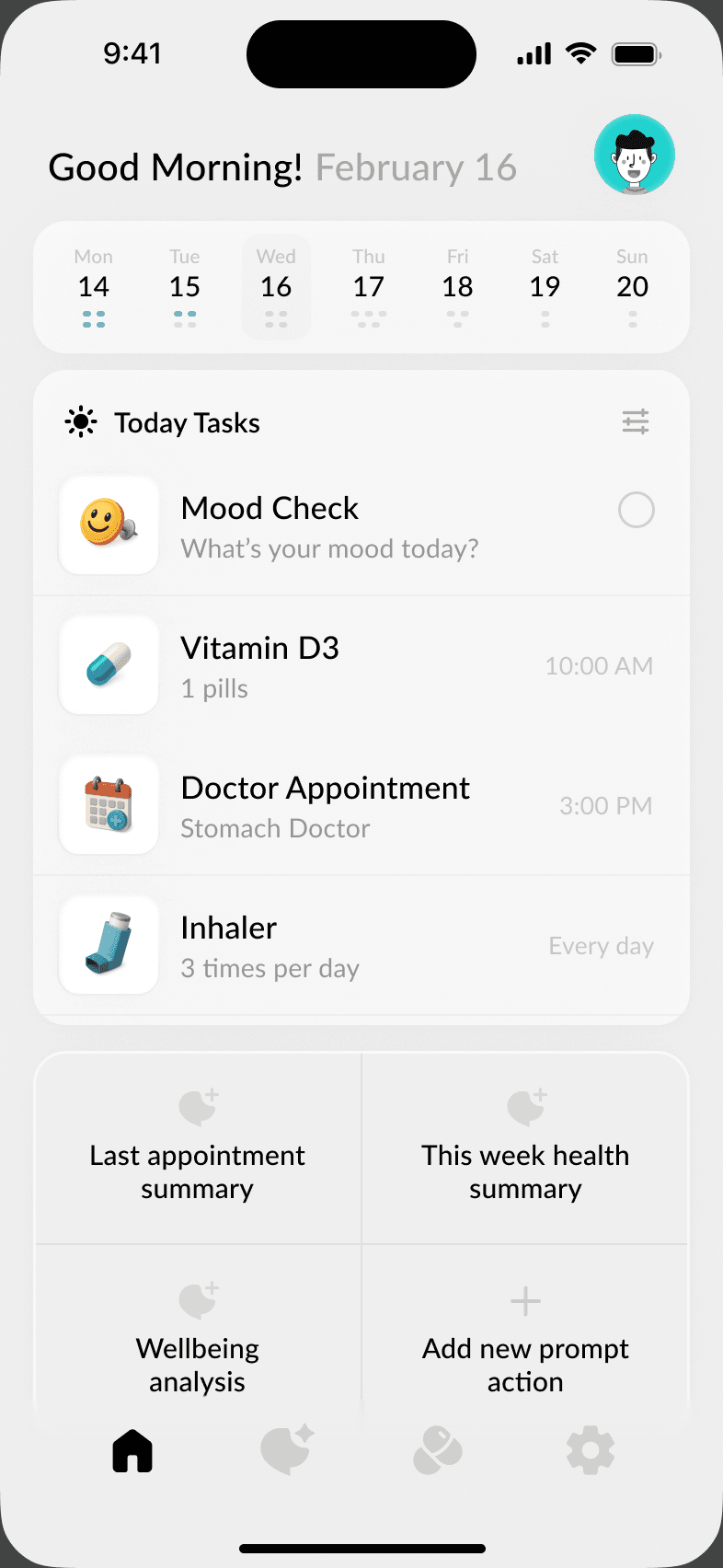
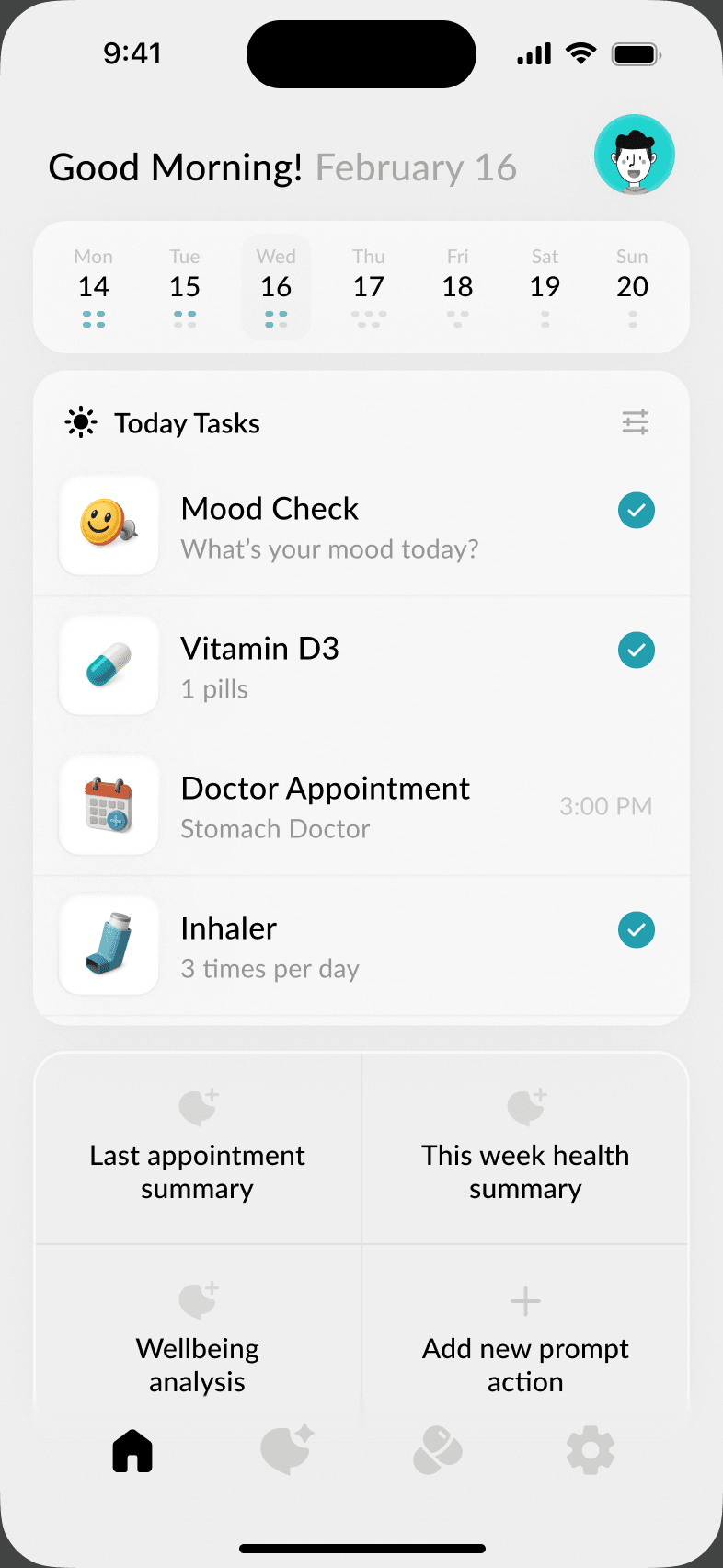
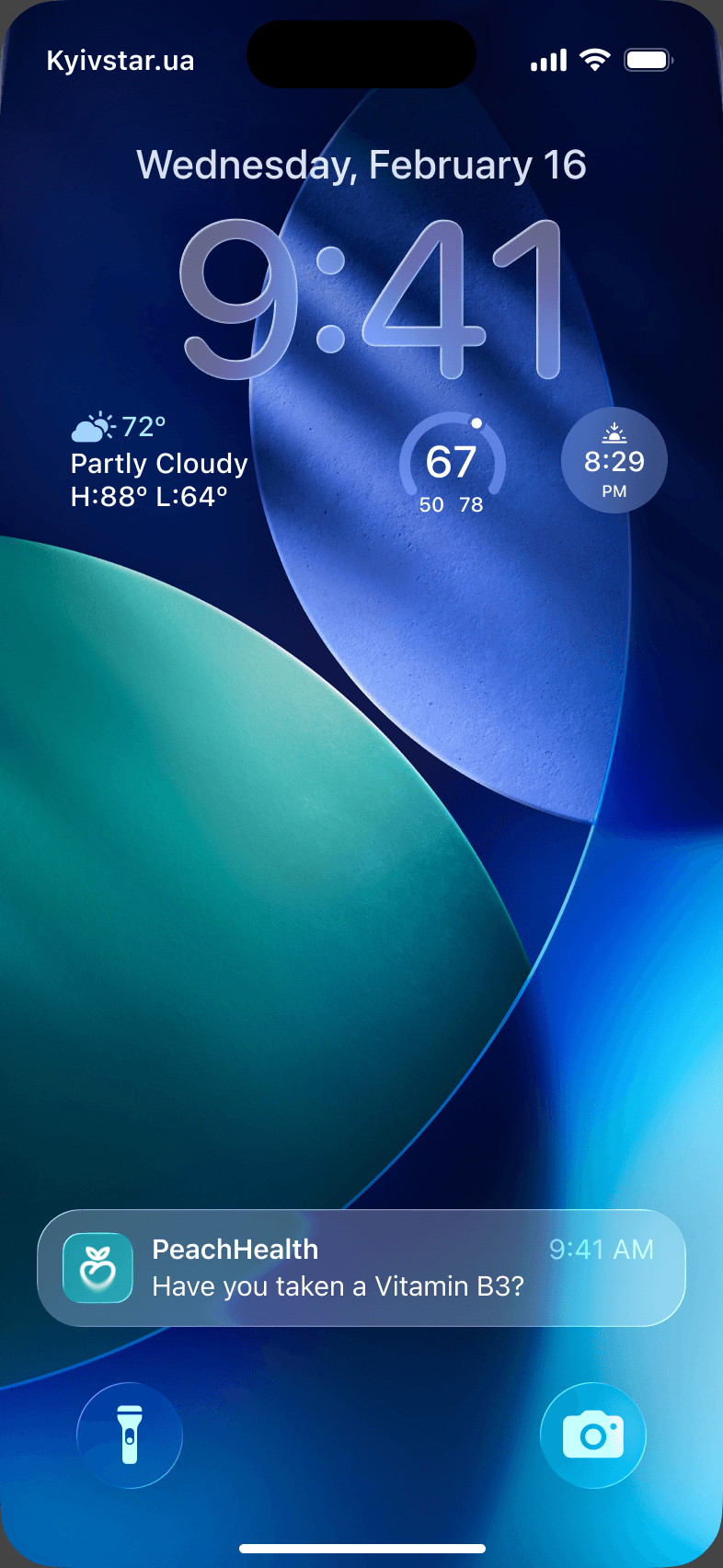
Home opens on a week strip and today's tasks: a mood check, medicines, an appointment and an inhaler, each with its own icon and time. Tasks tick off in place, and quick actions below lead to summaries and AI prompts. A lock-screen notification brings a reminder back into the app.
Check-ins
One question at a time
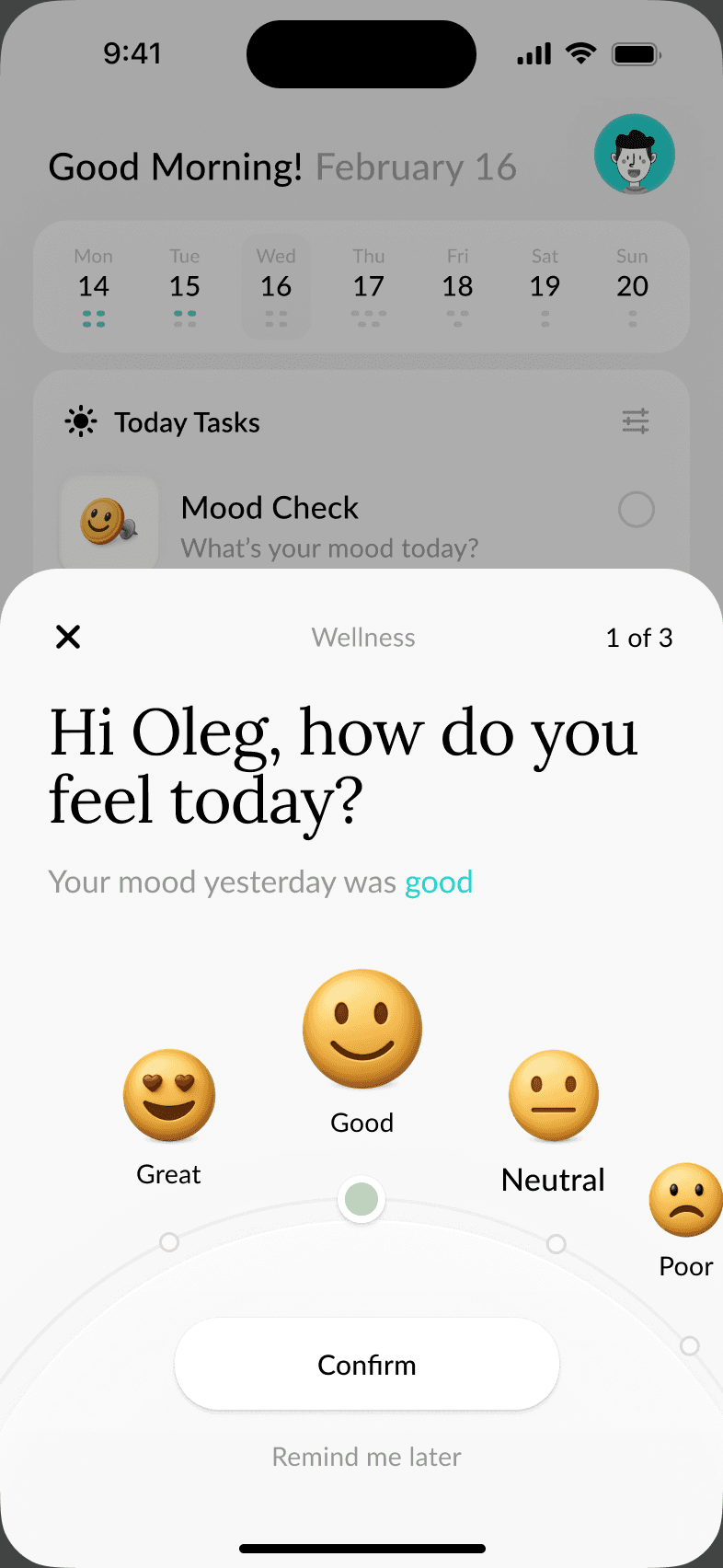
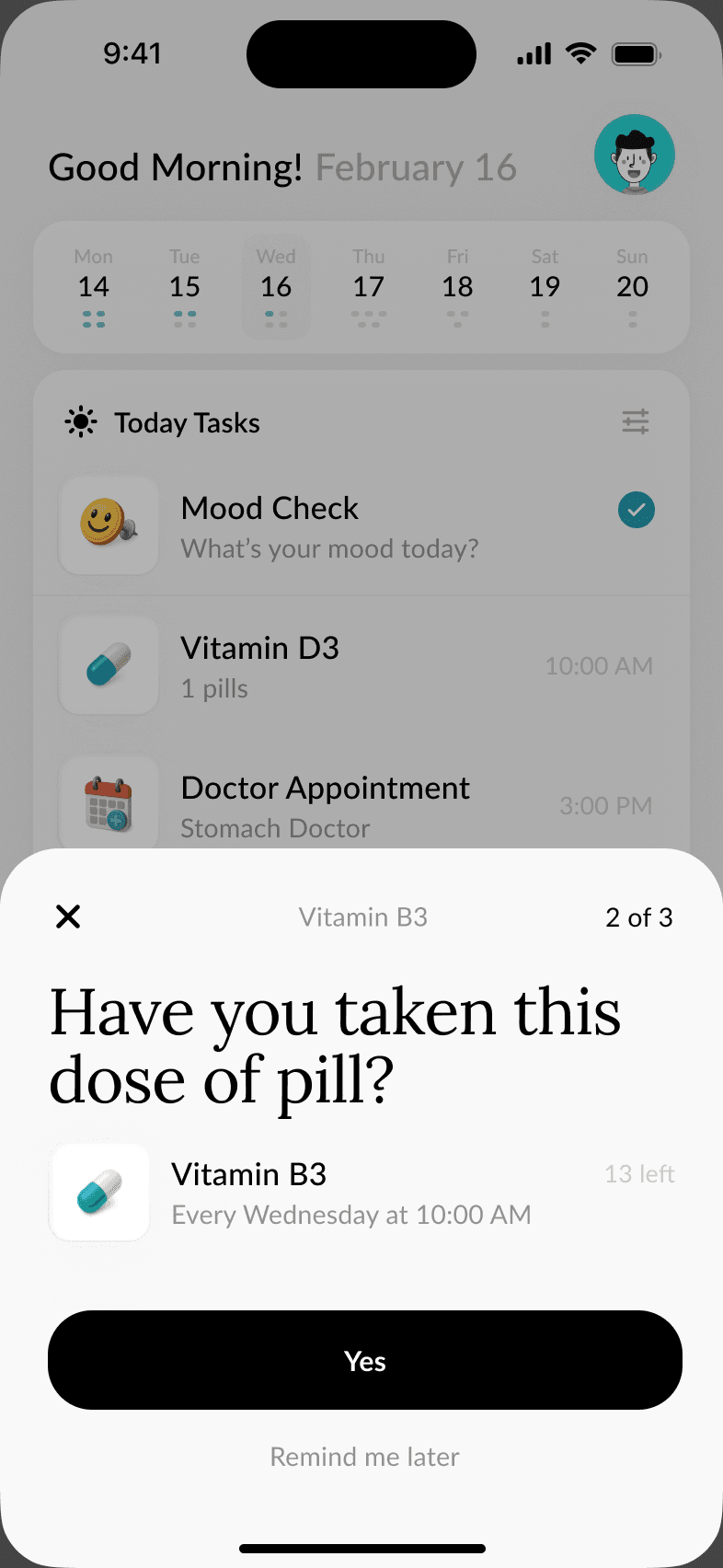
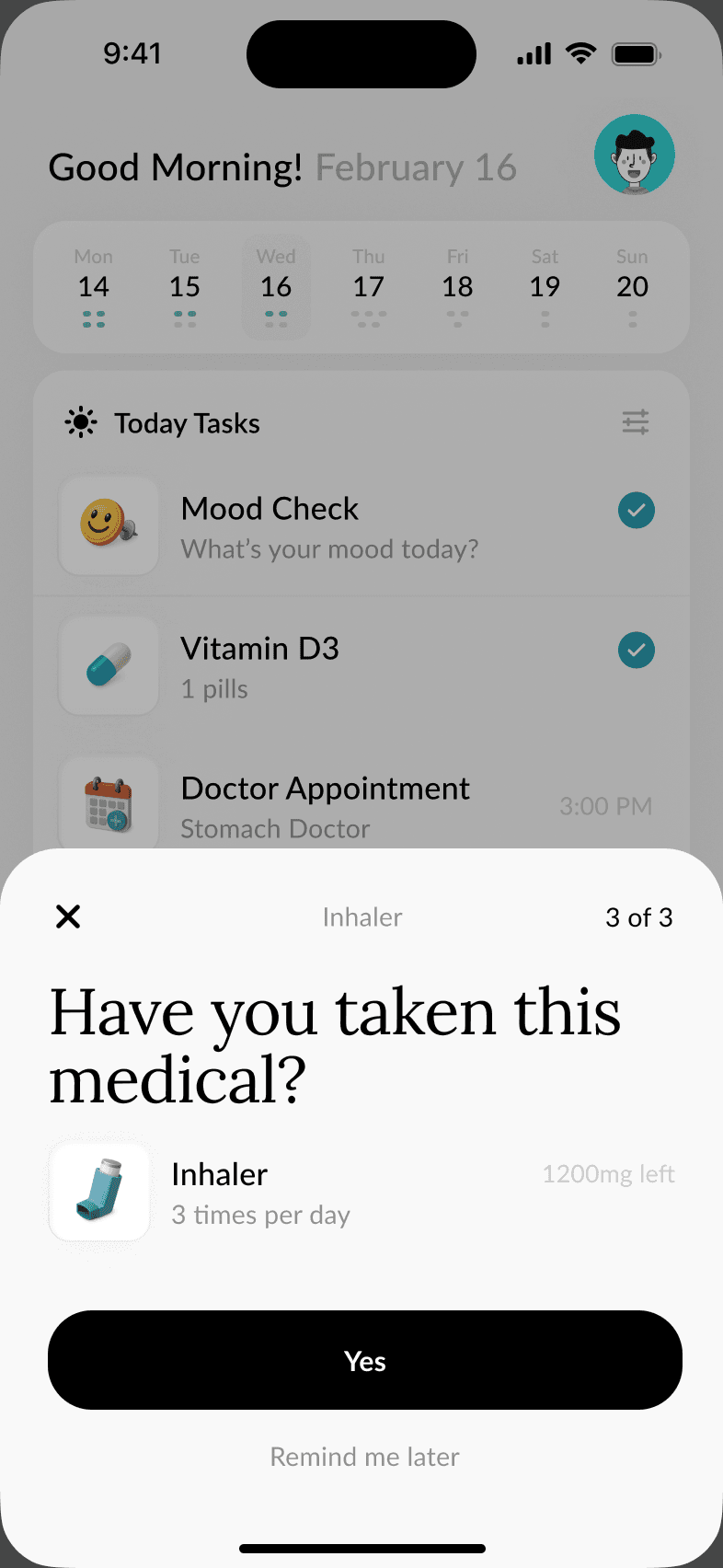
Check-ins rise as a sheet over the home screen and ask a single question, counted 1 of 3. Mood uses a dial of faces with a clear Confirm, while medicine questions show the dose and schedule above a large Yes. Remind me later keeps every check-in easy to postpone.
AI agents
Specialist agents, one conversation
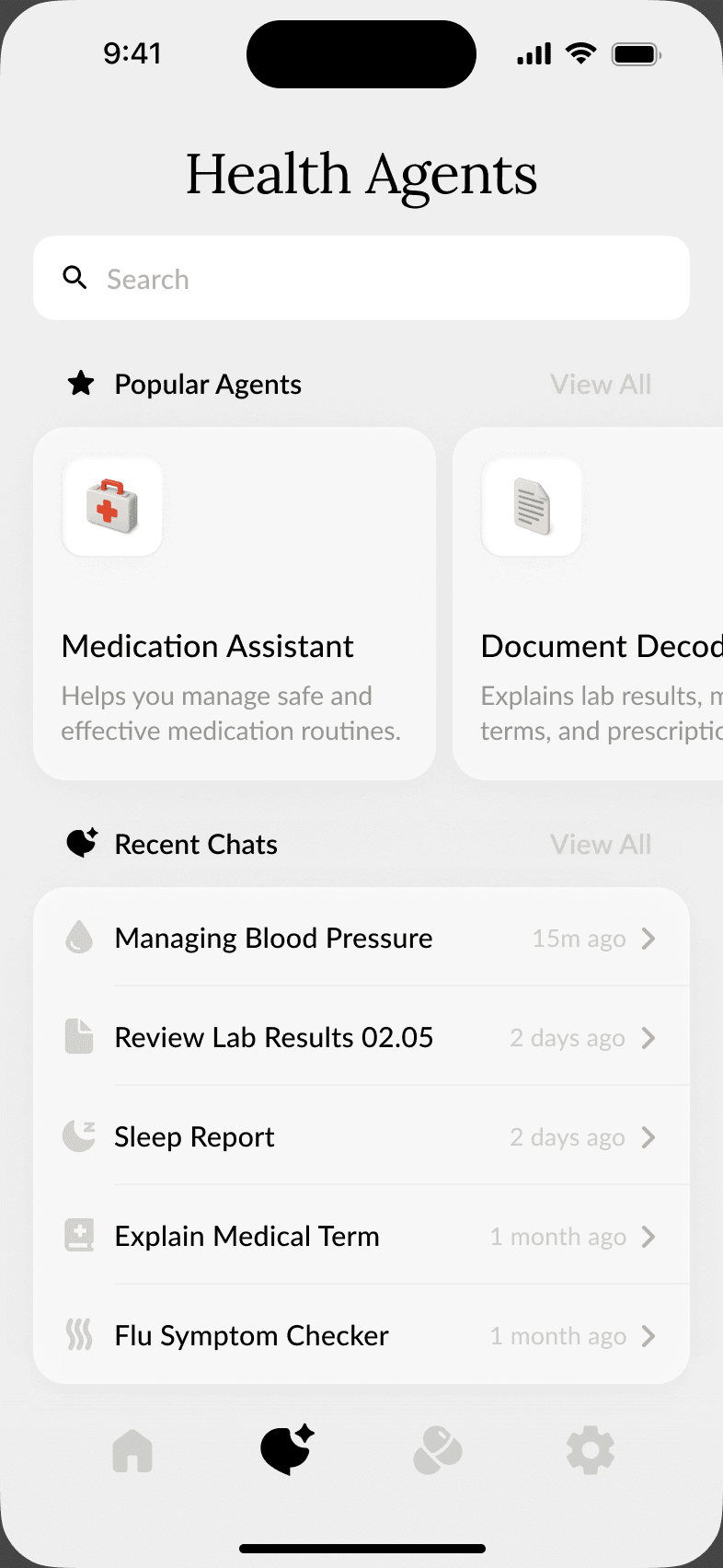
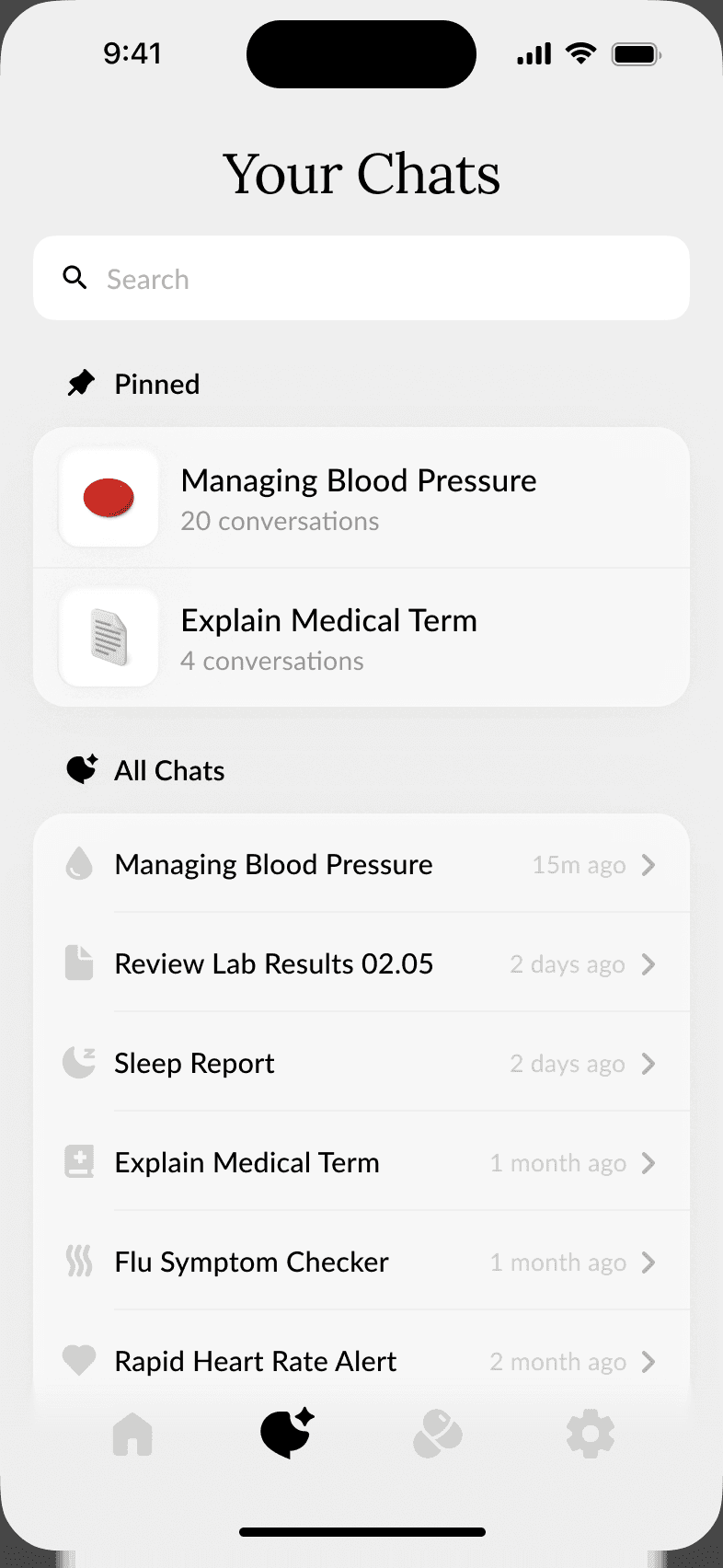
AI help is organised as agents with clear jobs, like a medication assistant or a document decoder, alongside pinned and recent chats. A new chat starts from the brand mark and a short prompt. Answers come back as readable results with follow-up actions, such as saving the answer to a document.
Medications
A medication kit you can see
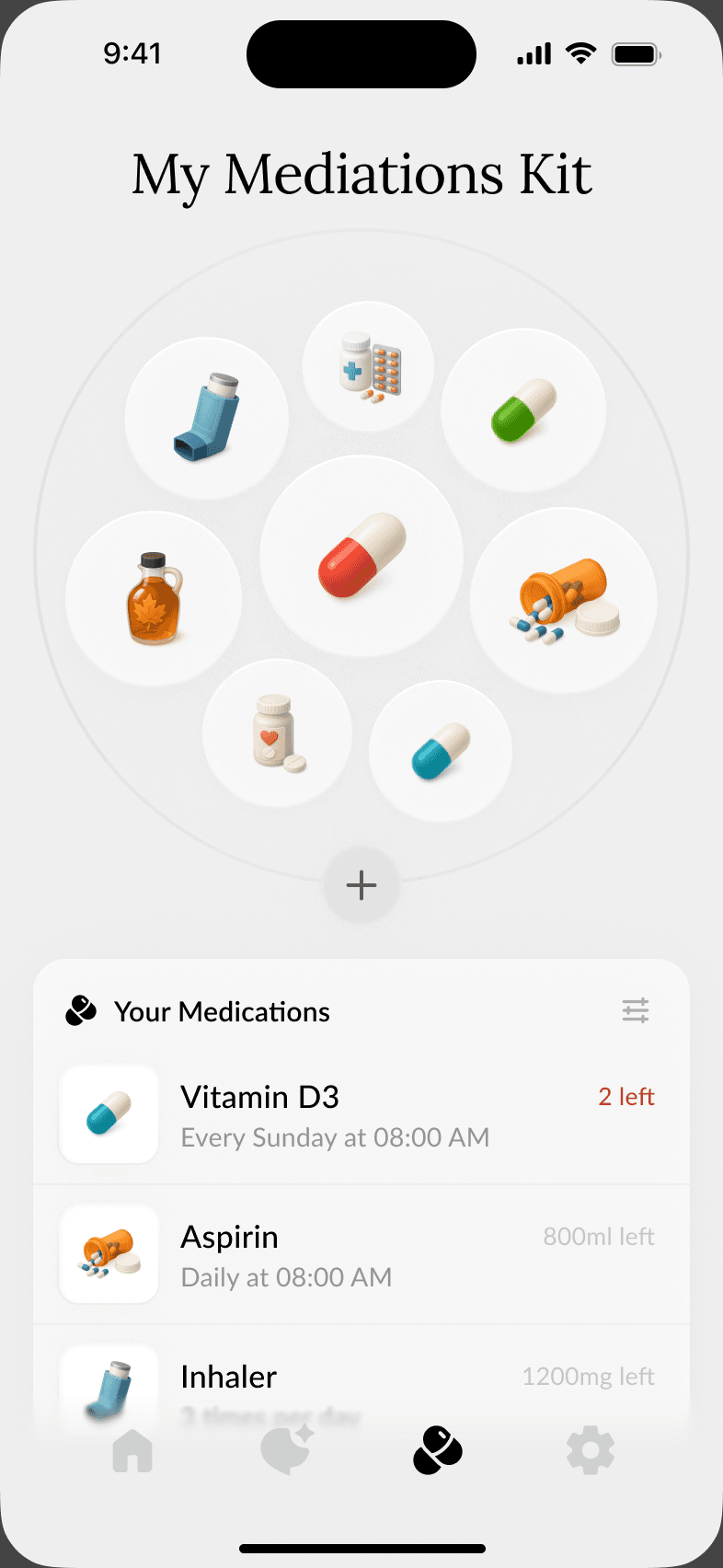
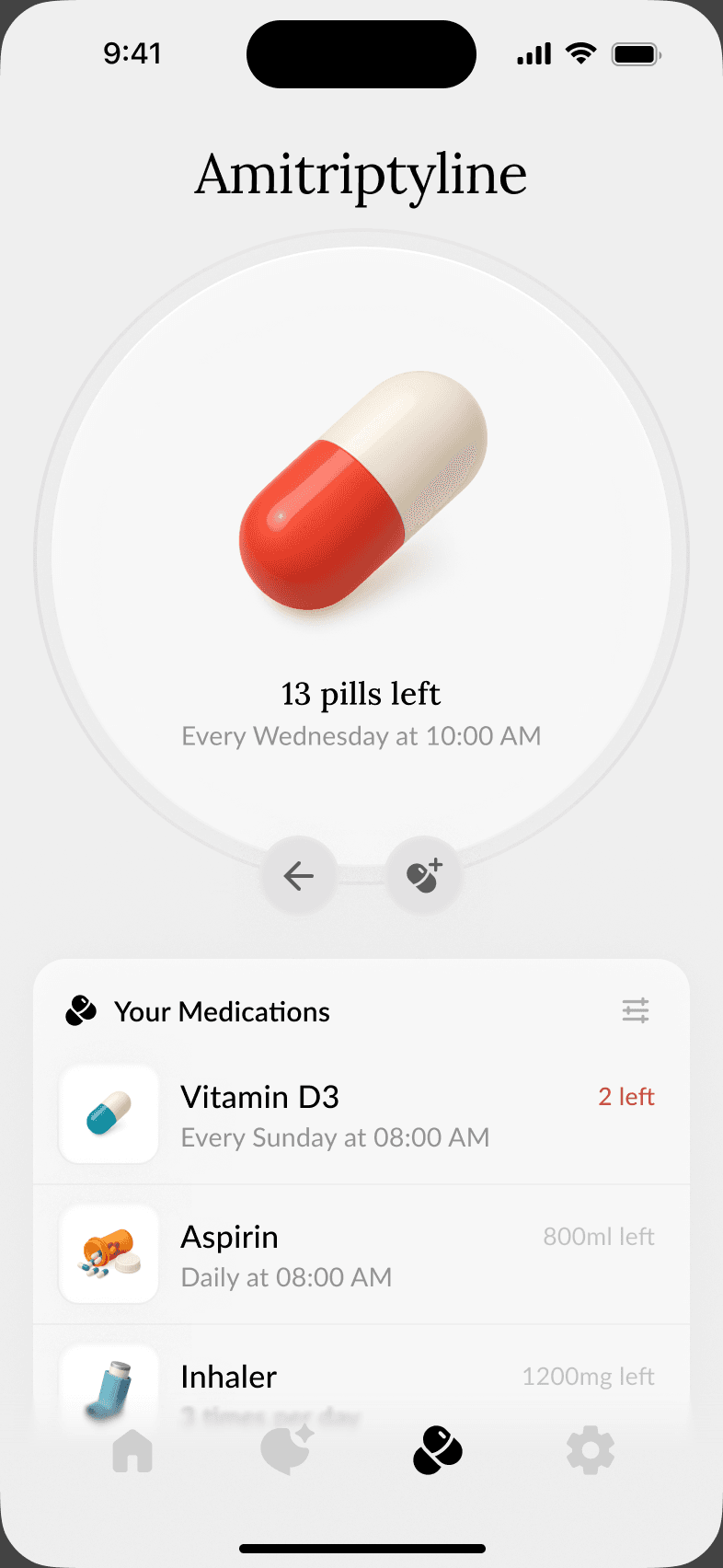
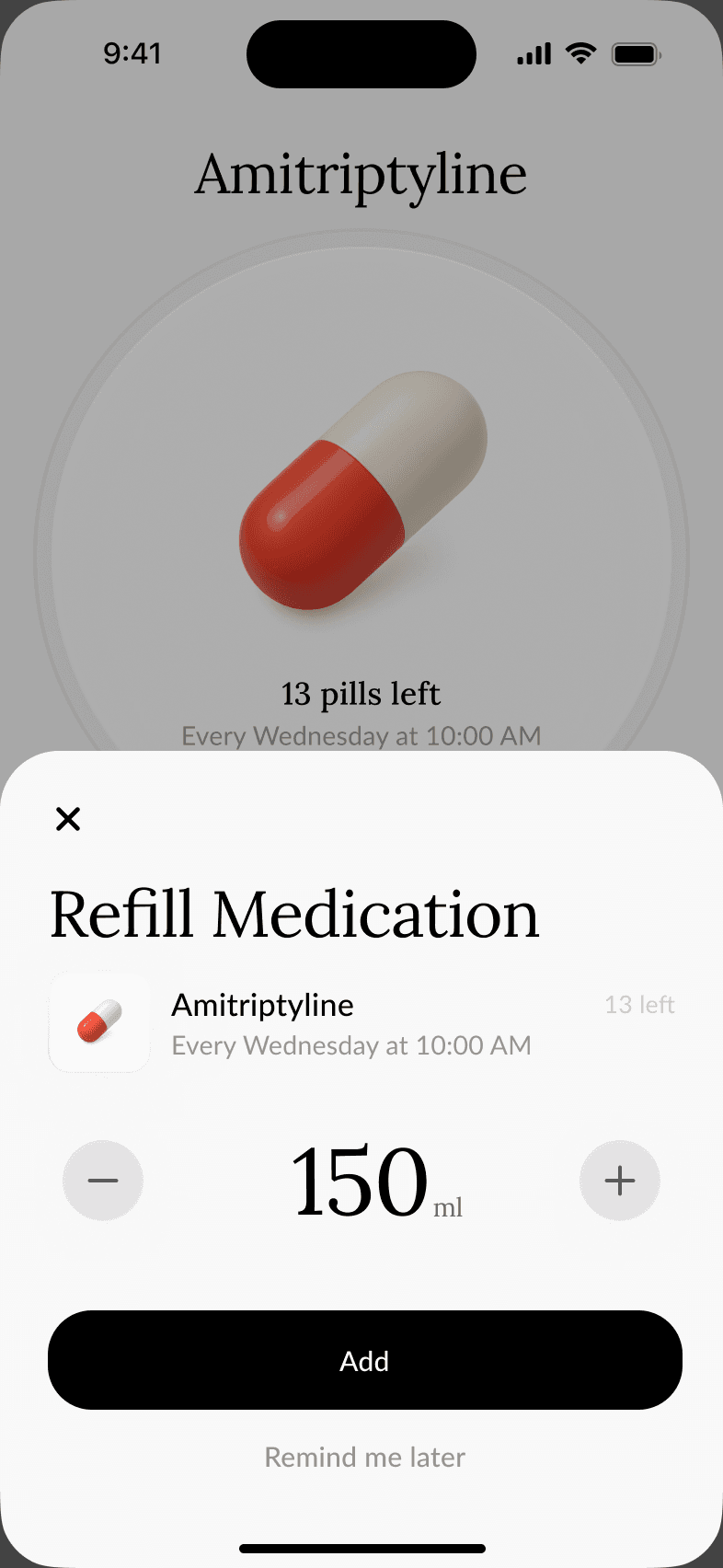
Medicines sit in a circular kit of 3D icons, so a pill, an inhaler or a bottle is recognisable before its name is read. Each medicine opens to a large illustration with the pills left and its schedule, and a refill sheet uses a single stepper and an Add button.
Settings
Light, dark and adjustable
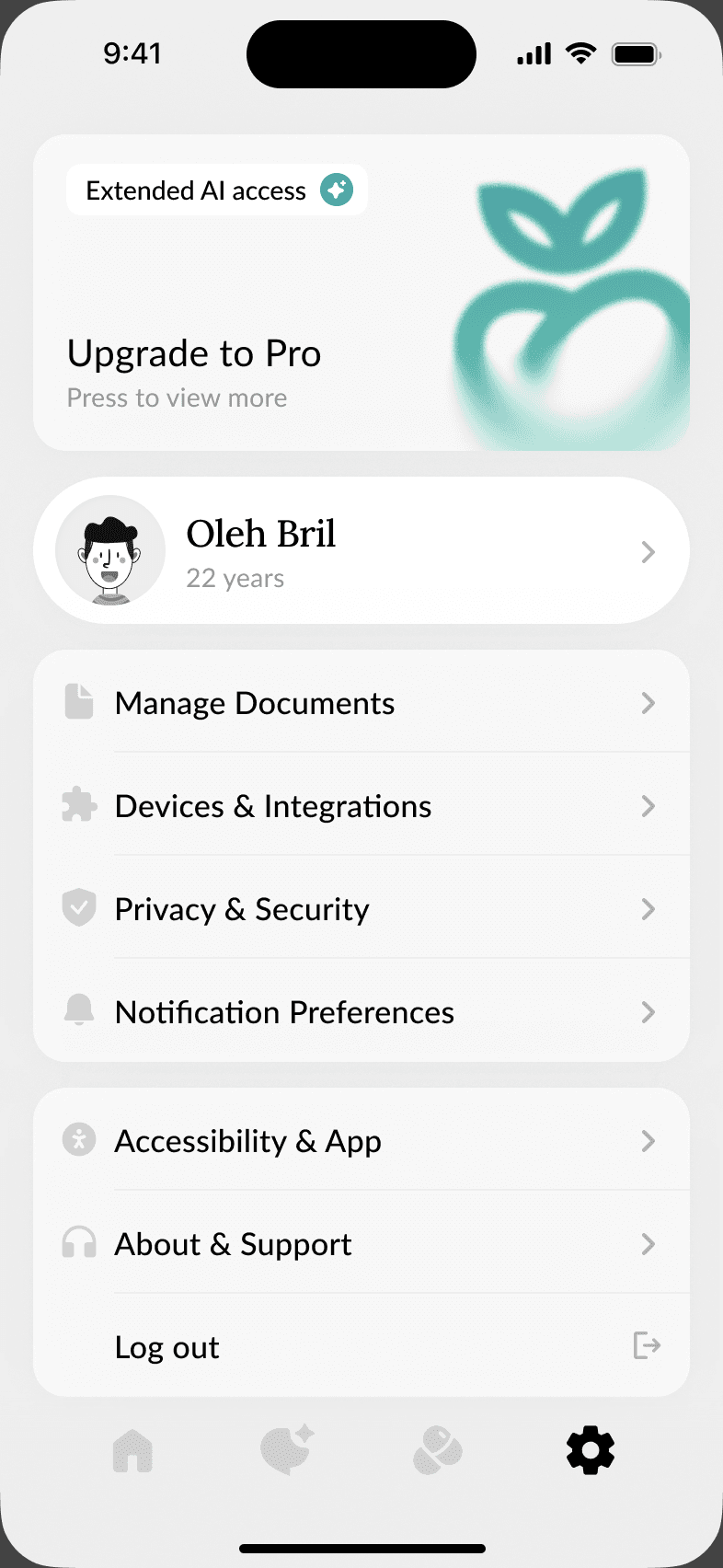
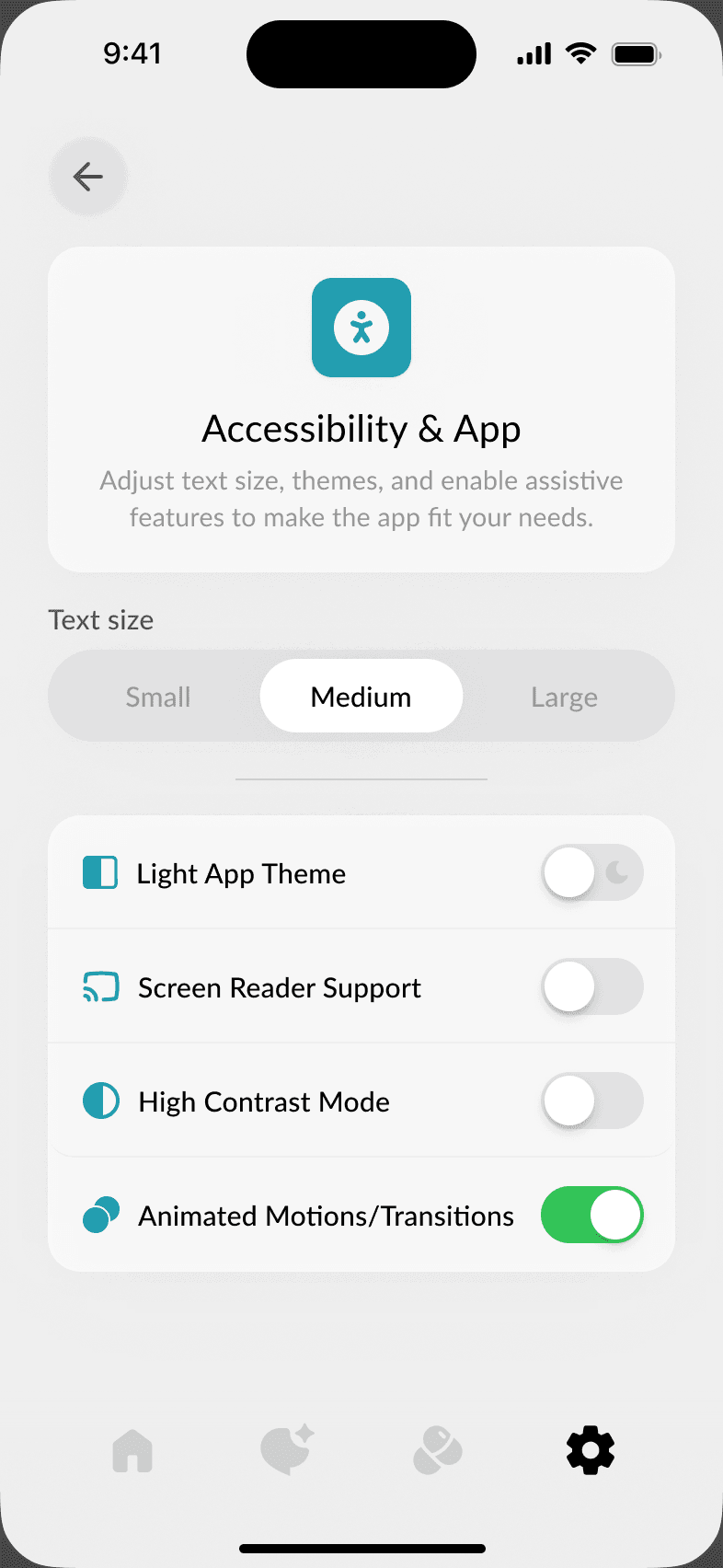
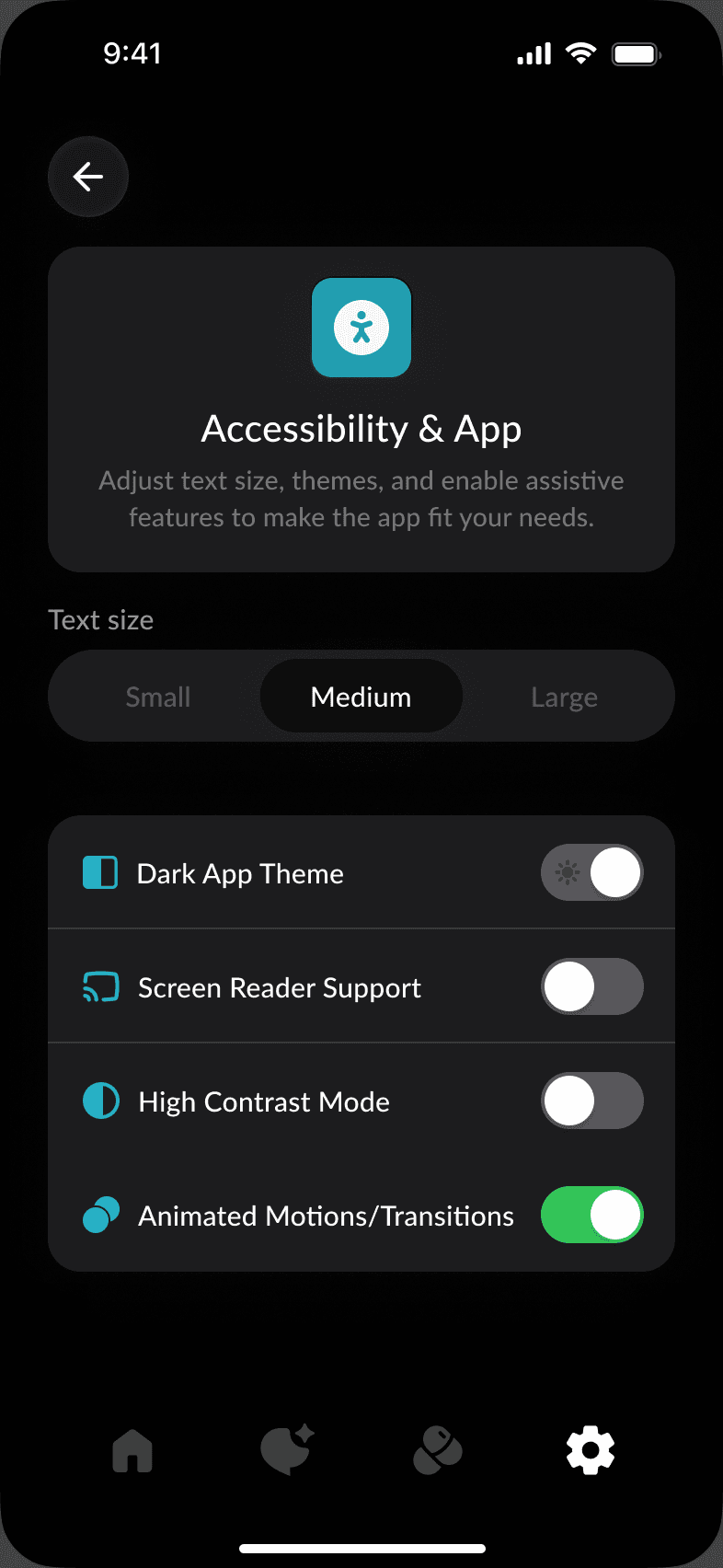
Settings group the account, documents, devices, privacy and notifications in simple lists. Accessibility & App adjusts text size and adds a dark theme, screen reader support, high contrast and reduced motion. The same screen in both themes shows the palette holding up in the dark.