
One tutoring journey, designed for everyone involved.
Tutor IQ is a connected tutoring platform for parents, students, tutors and administrators. A parent needs to find a suitable tutor and manage bookings; a student needs to prepare, learn and see progress; a tutor needs to plan, teach and follow through. Administrators verify tutors and handle the operational exceptions behind that journey. I designed the platform and its design system alongside the website and discovery structure, working with the PM and client. This case follows the user journey first, then shows the system and operations that support it.
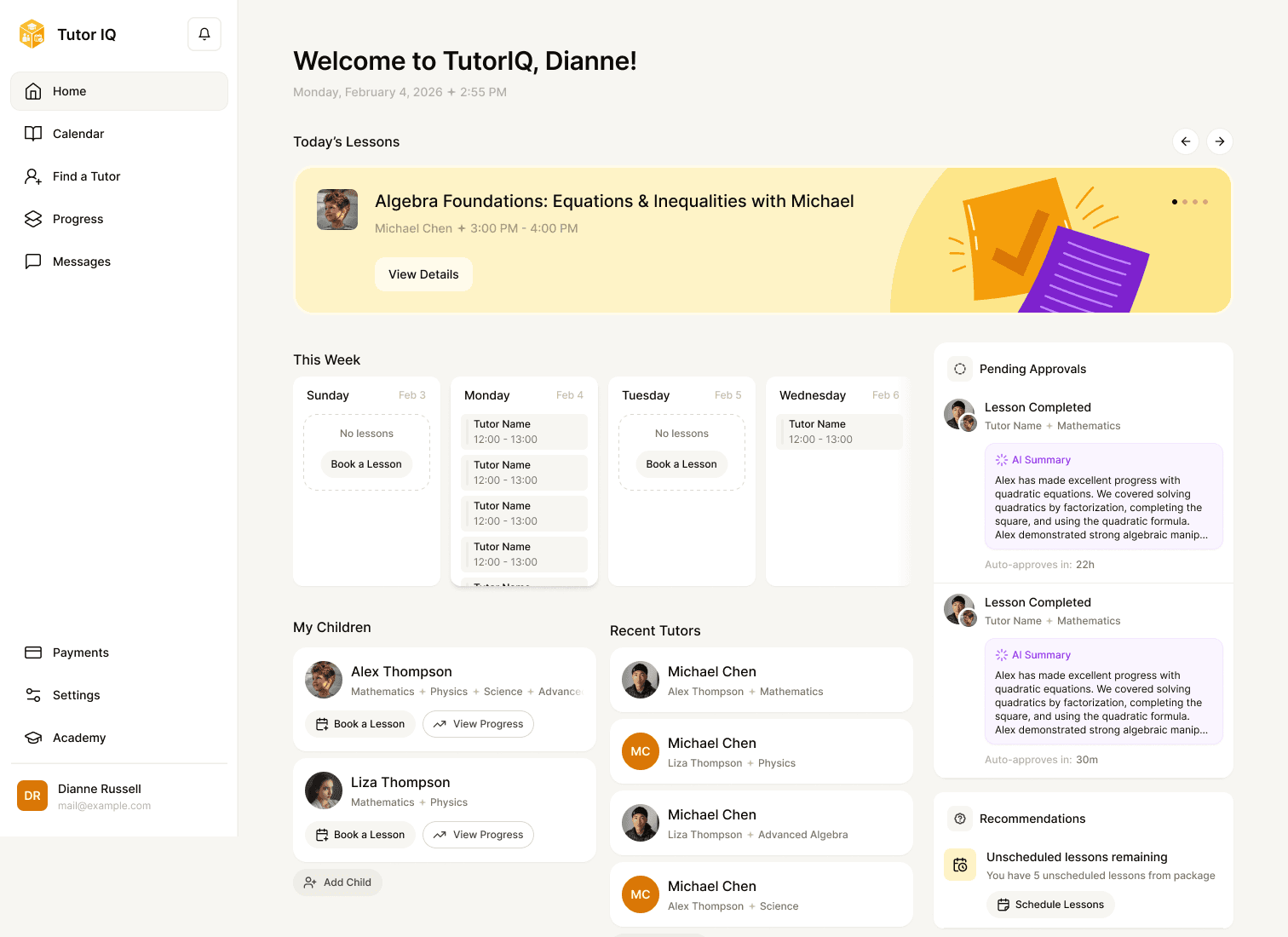
Roles
Different work, one connected product
The same lesson appears differently depending on who is looking. Parent and student homes foreground upcoming lessons and progress; the tutor home makes teaching, homework and booking actions visible; the admin dashboard surfaces system activity. This role structure provides the map for the case. The numbers and names in these design screens are sample content, not measured usage.
Structure
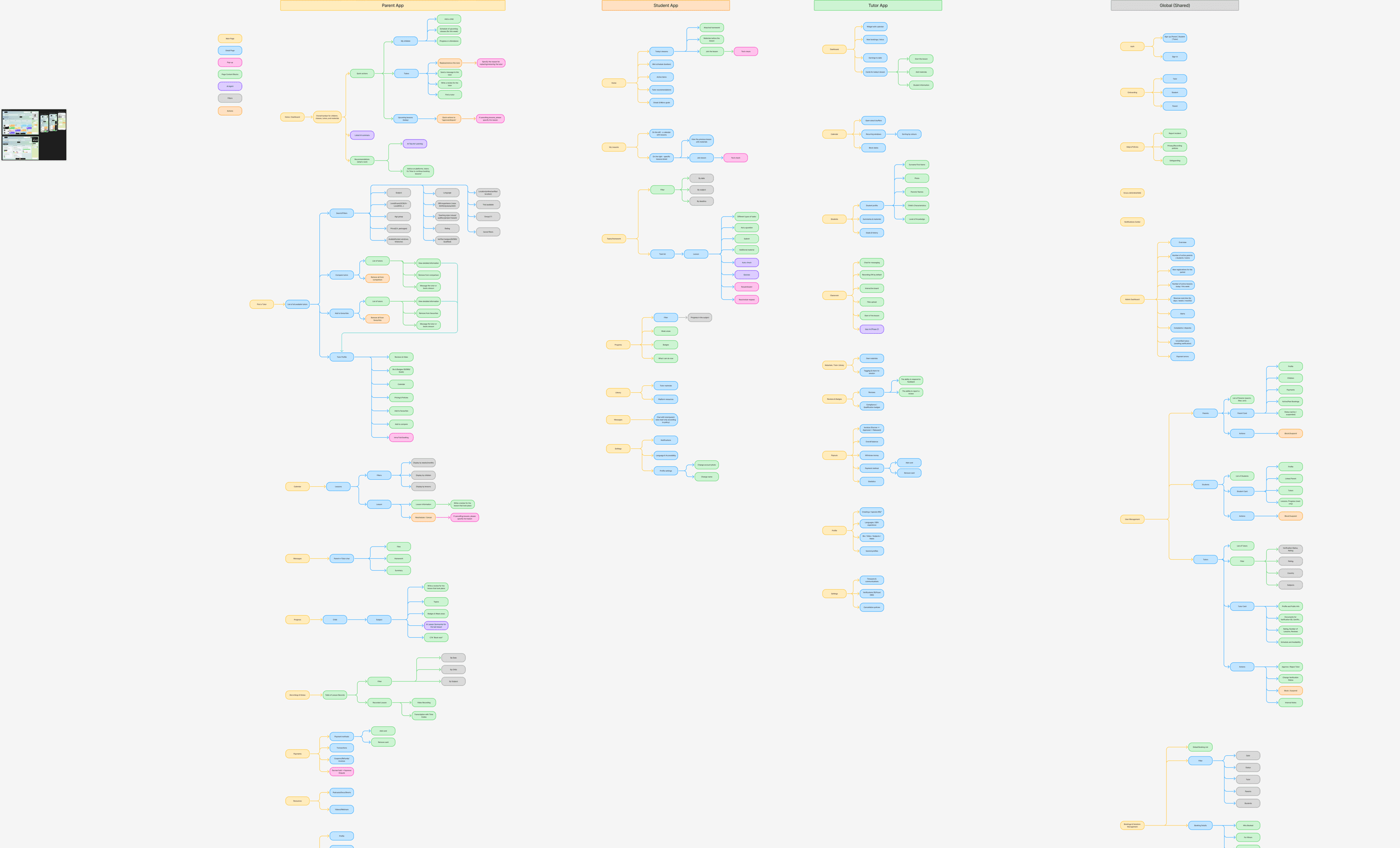
Map the journeys before showing the screens
Discovery explored parent, student, tutor, shared and admin responsibilities. The website sitemap organised the public entry points. These boards hold more detail than one image can explain, so each opens at full size to explore. The discovery board includes conditional and future ideas; the finished UI below is the evidence for what reached design.
Website UX
From wireframes to a useful public path
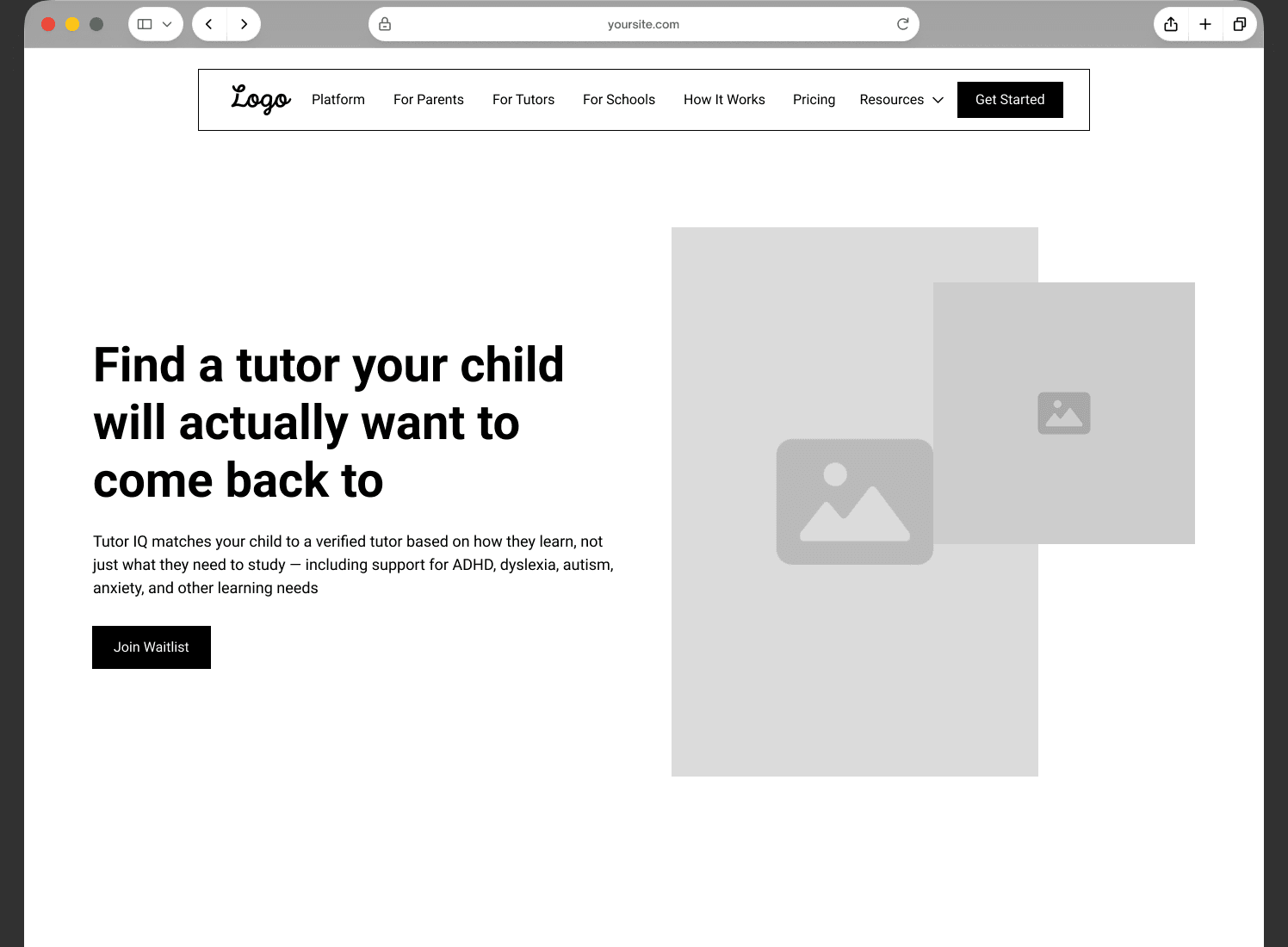
The wireframes defined the homepage and audience routes before the final visual design. Their layouts differ from the finished pages, so they sit side by side rather than under one slider. This compares design stages, not an earlier live site with a redesign.
Wireframes
Content hierarchy first
Homepage, For Parents and Cost as wireframes.
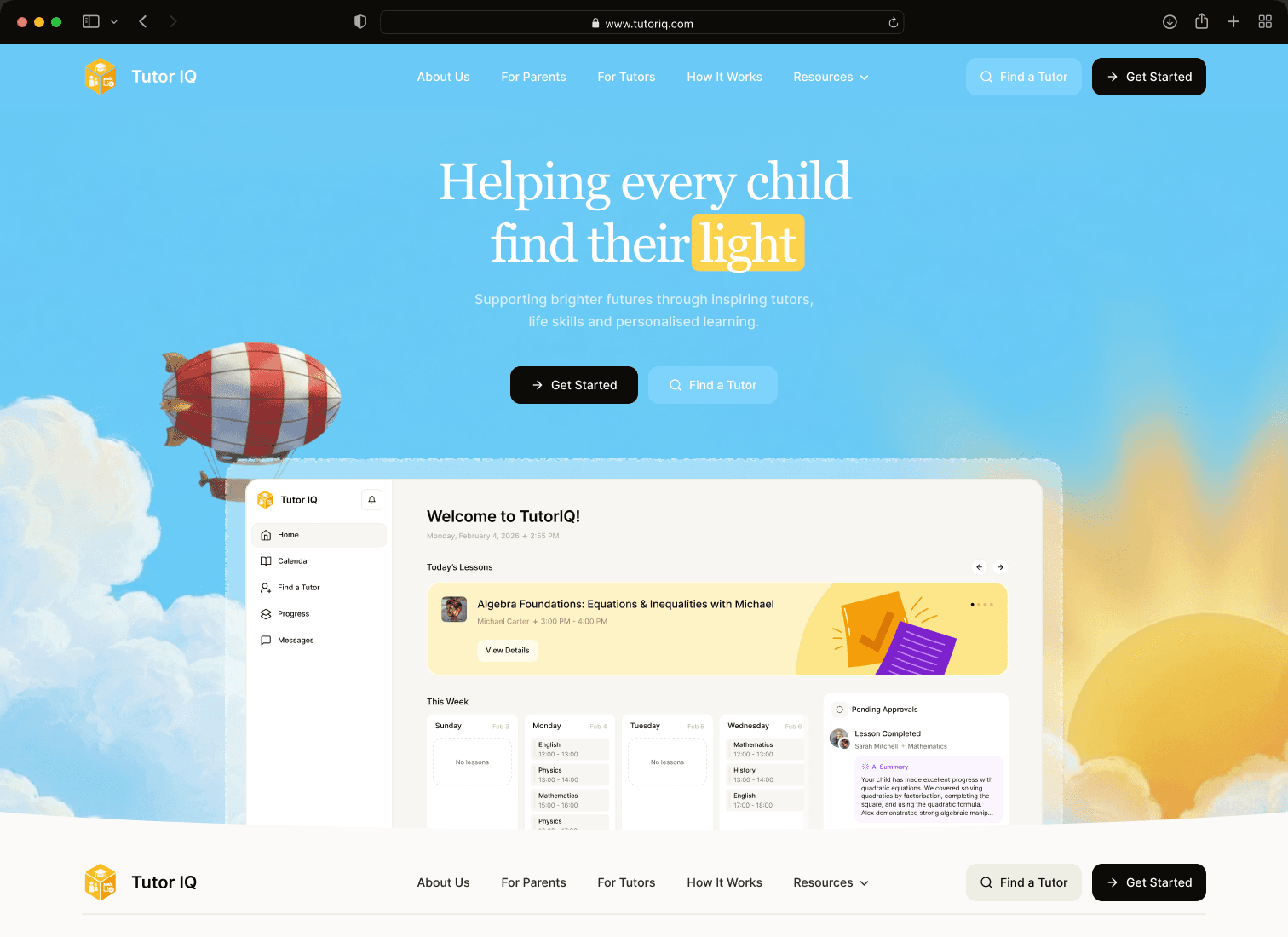
Final
The finished pages
The same three pages in the final visual design.
Website
Explain the value before asking people to sign up
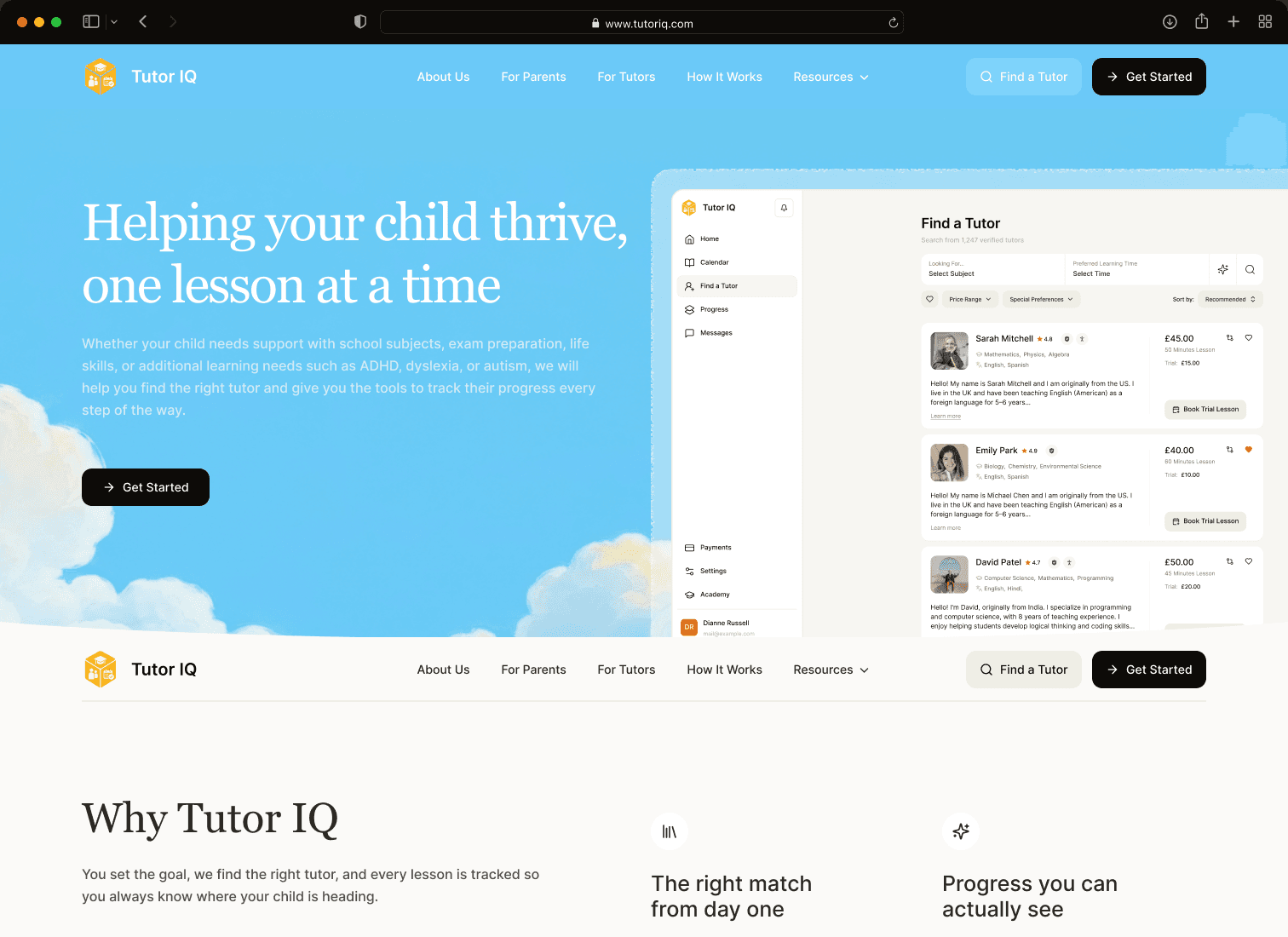
The full homepage moves from an invitation to find a tutor through matching, lessons, progress, benefits, learning resources and common questions. The platform illustrations on the page connect marketing promises to product screens. Desktop and mobile layouts carry the same story at different densities.


Audience paths
Give parents and tutors relevant answers
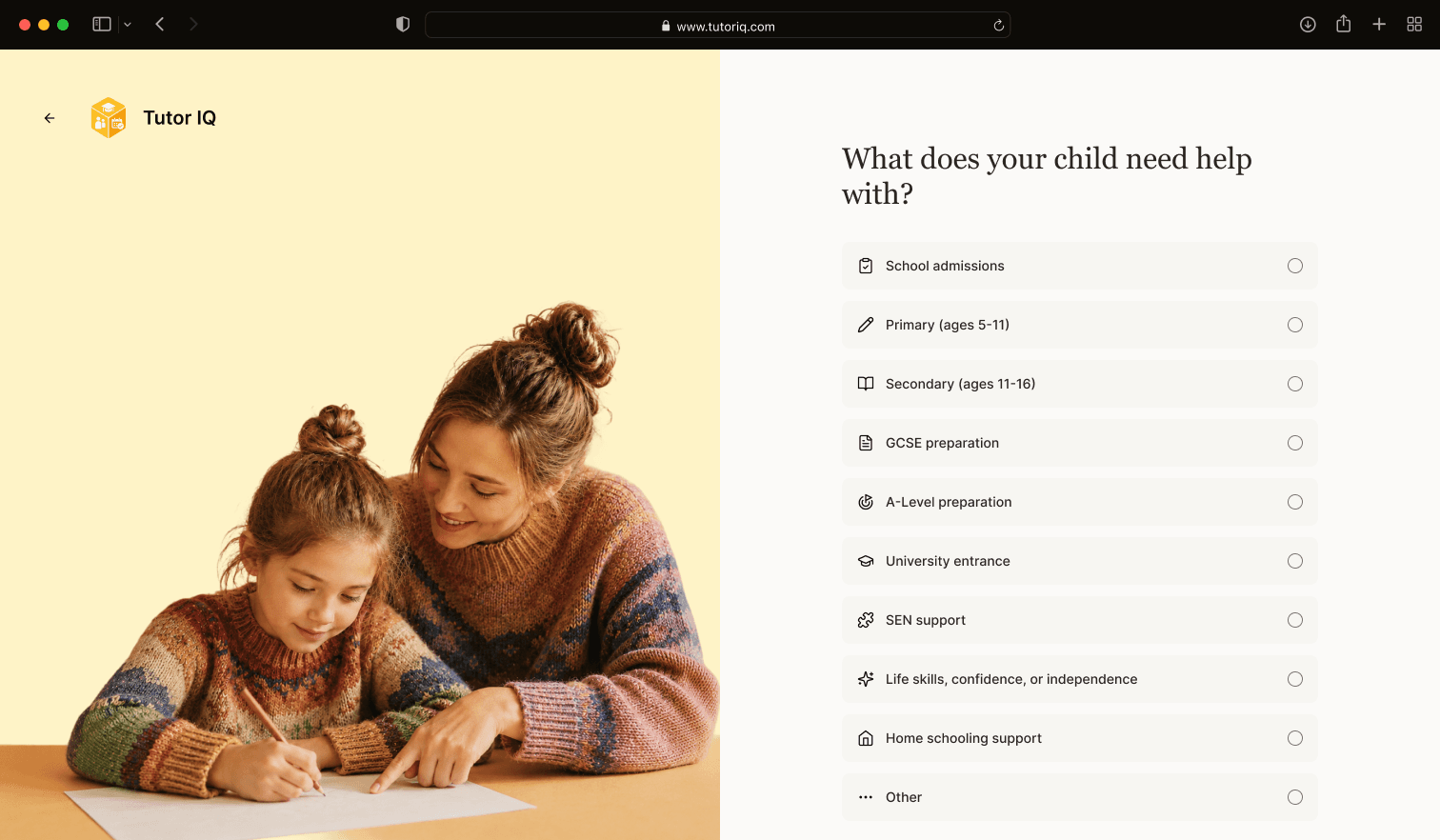
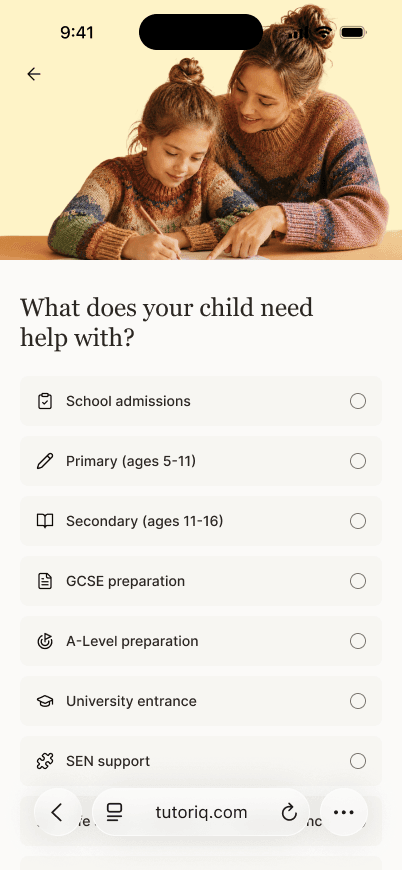
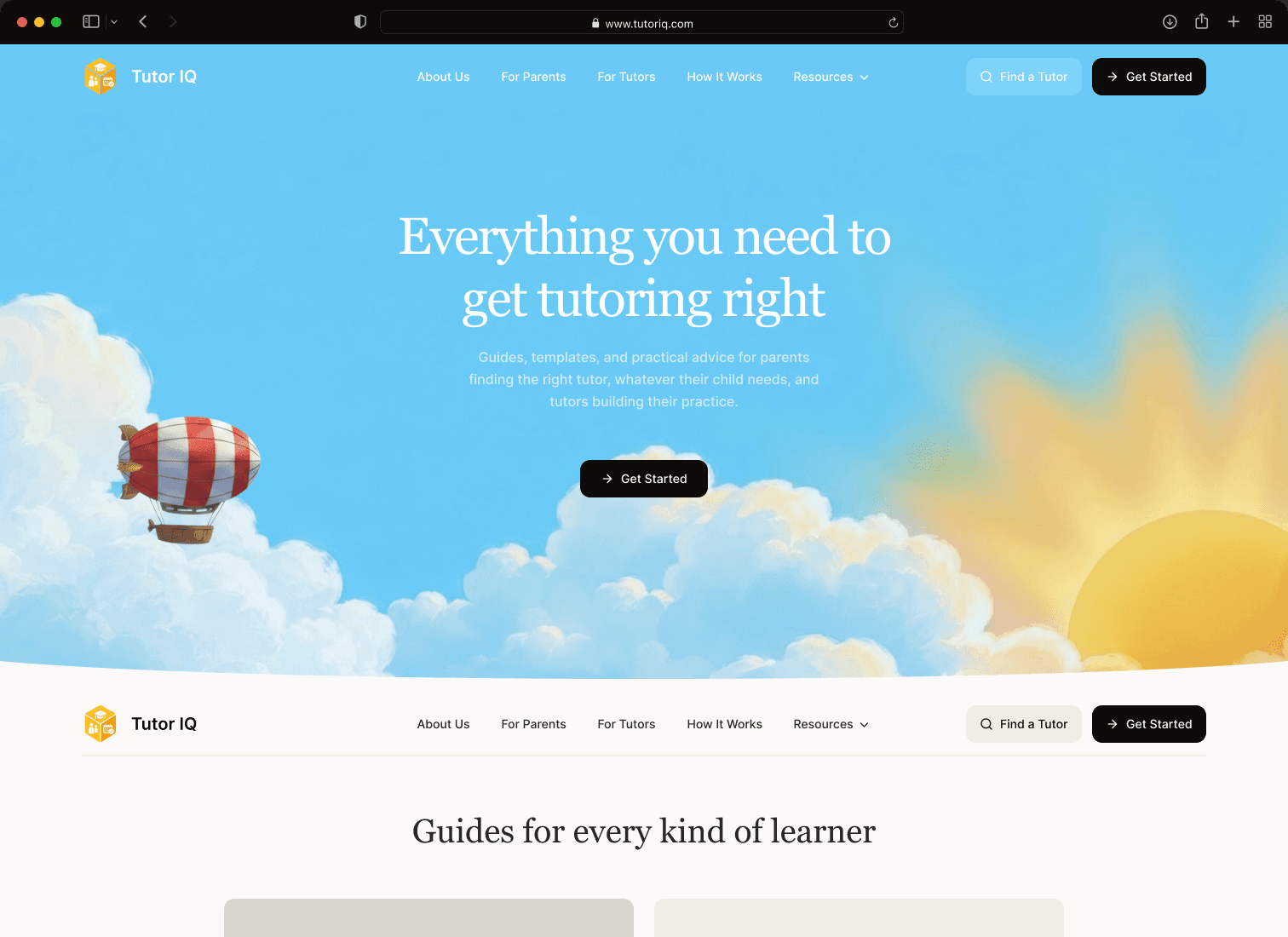
The public site provides dedicated pages for parents and tutors, a How It Works explanation, Solutions, pricing, resources and editorial content. The quiz turns broad interest into a more specific learning need, one readable question at a time; it is a designed flow, not an evaluated matching algorithm.
Entry
Start differently for each role
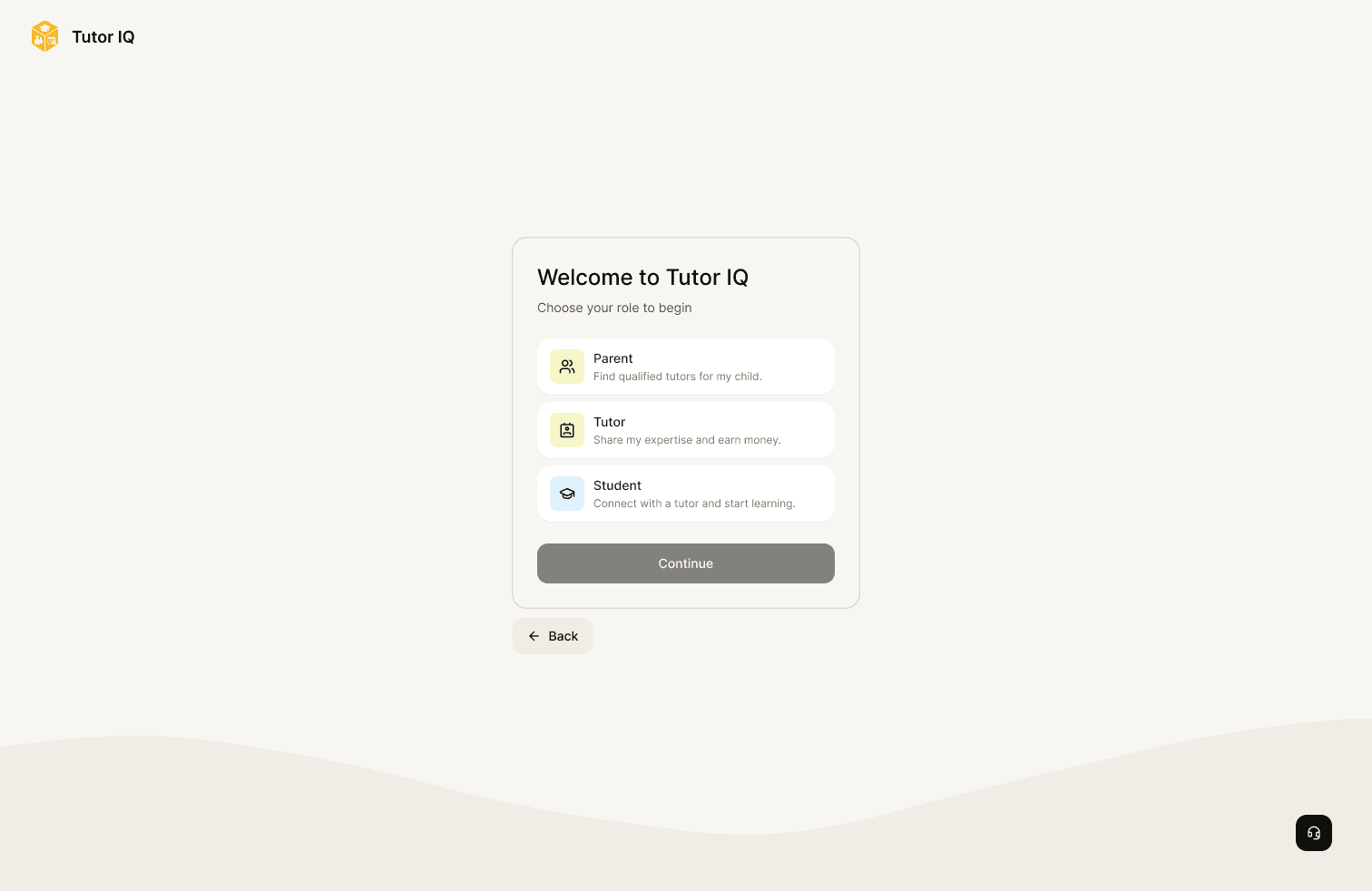
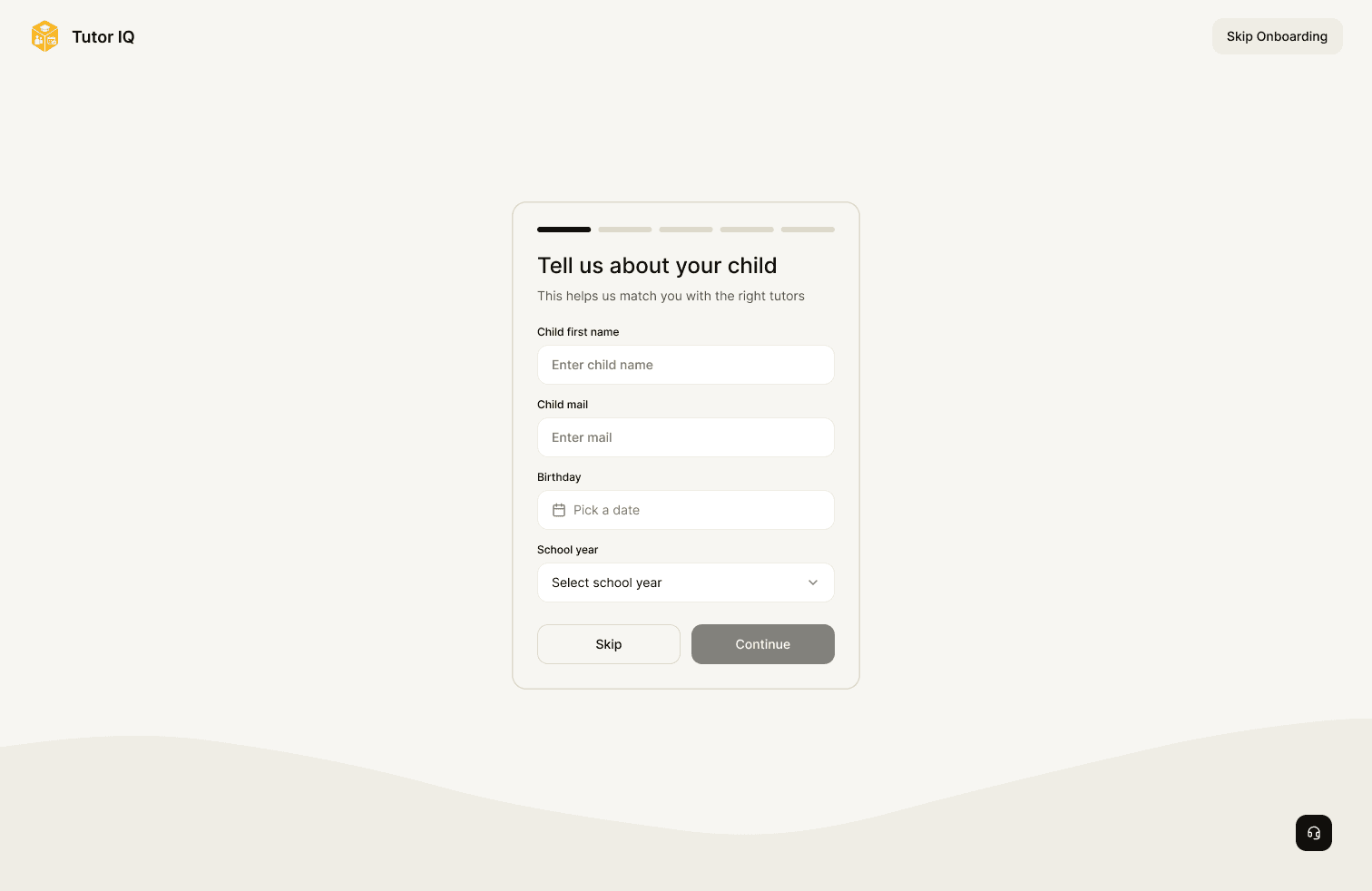
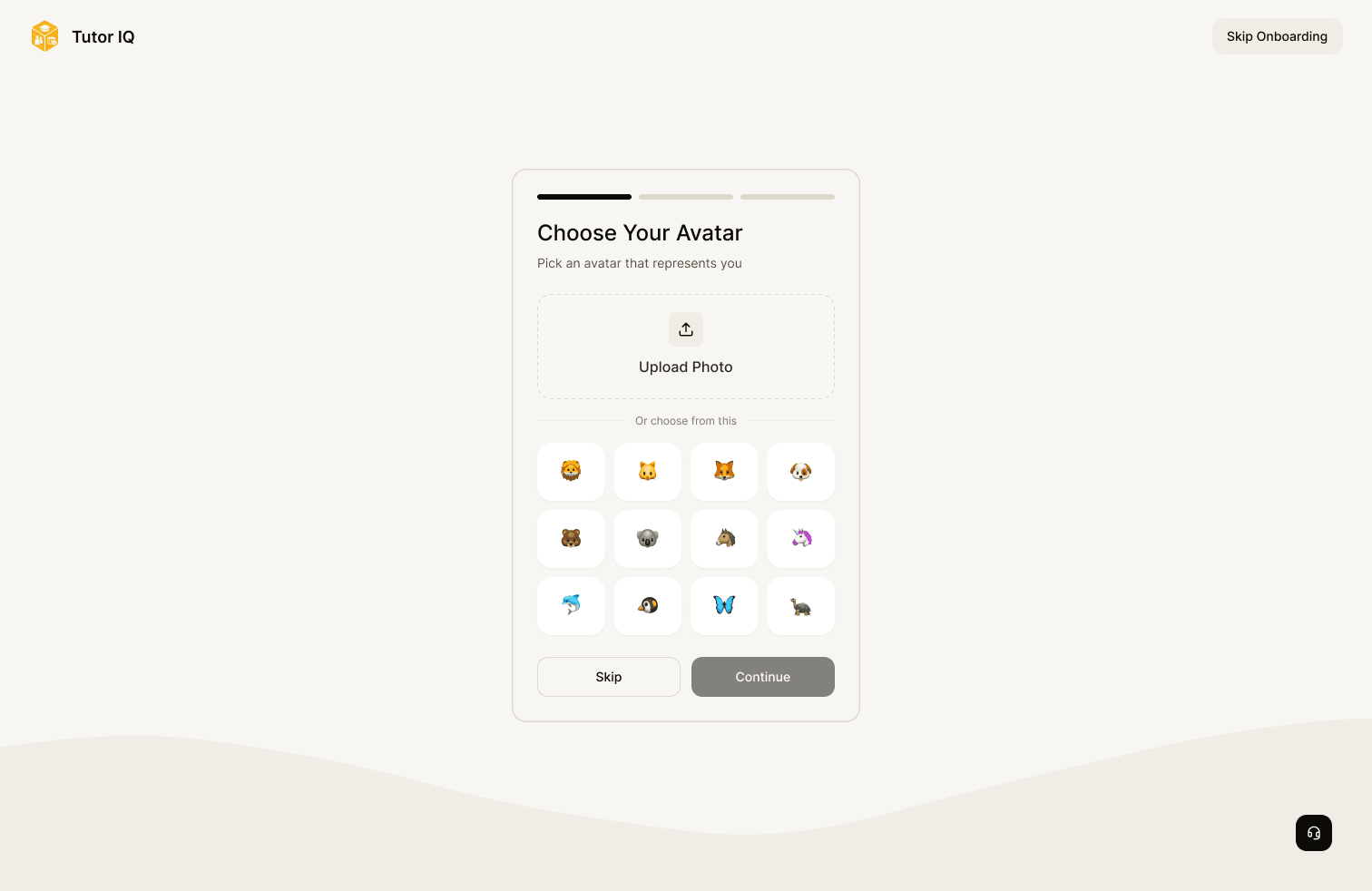
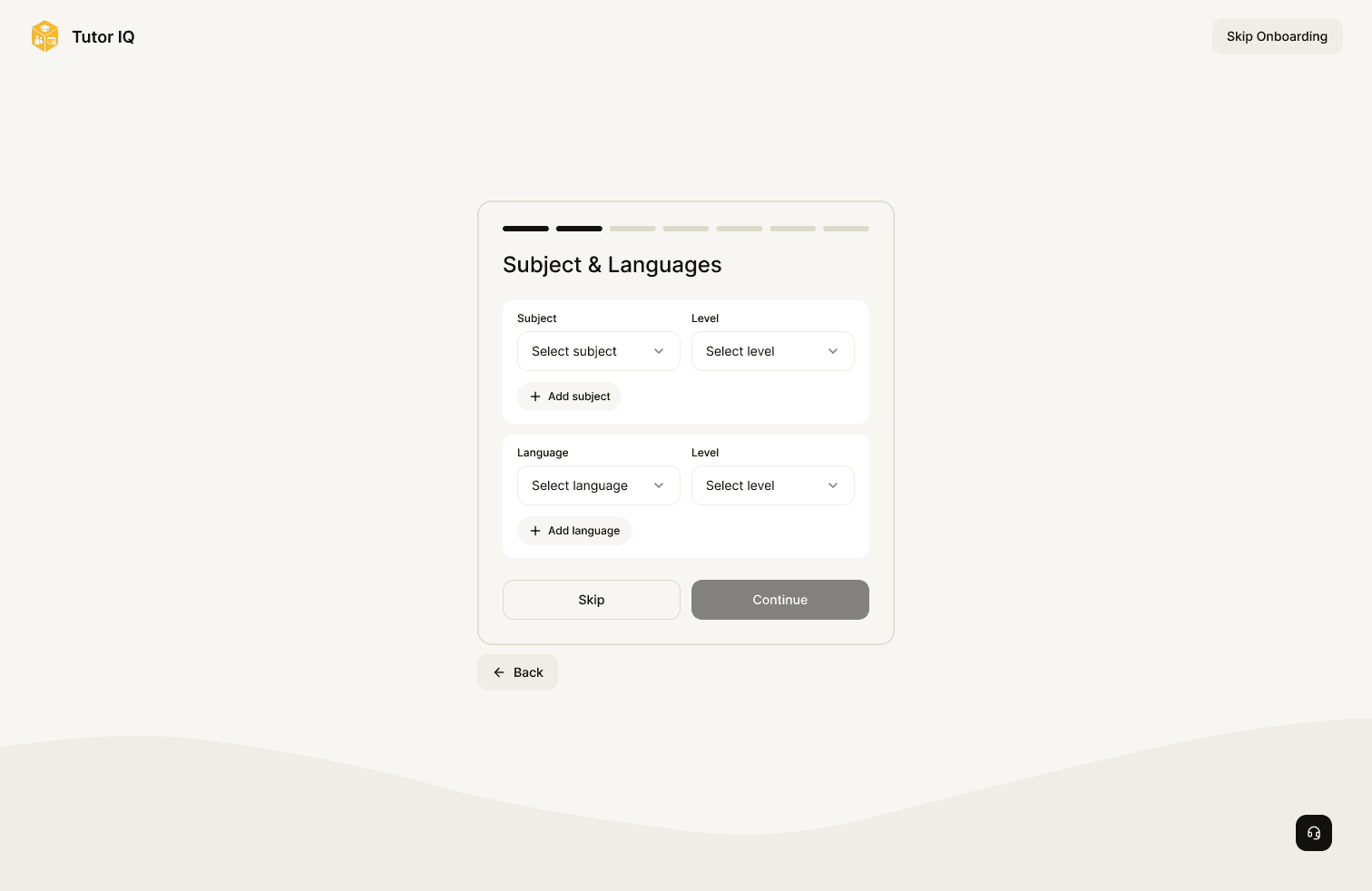
Sign-up asks which role someone is taking, then branches into a setup that makes sense for them. Parents add child information and teaching preferences, students set goals and learning preferences, and tutors describe subjects, rates and availability before verification. The recovery state shows that entry was designed beyond the ideal path.
Find
Make tutor choice understandable
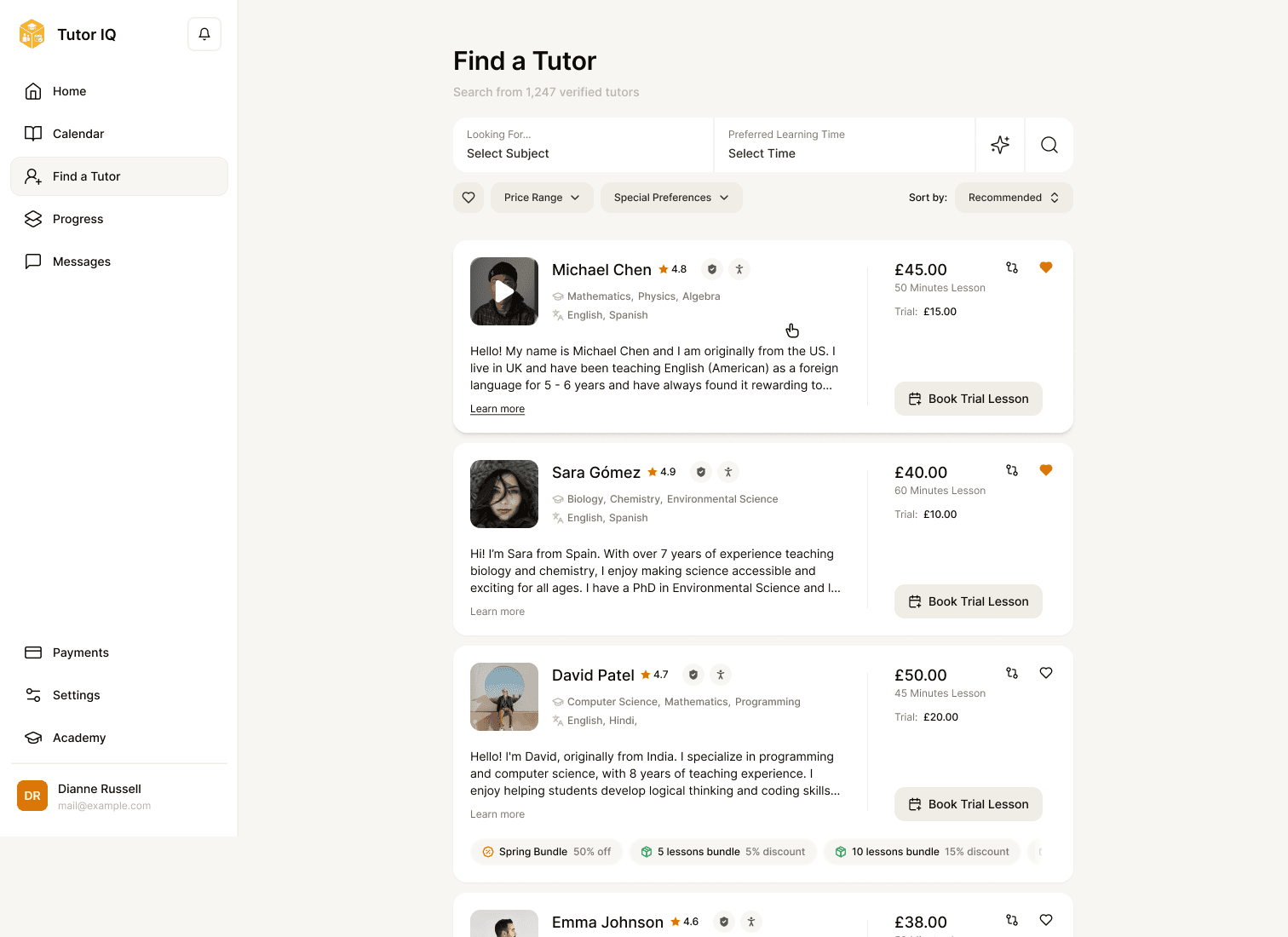
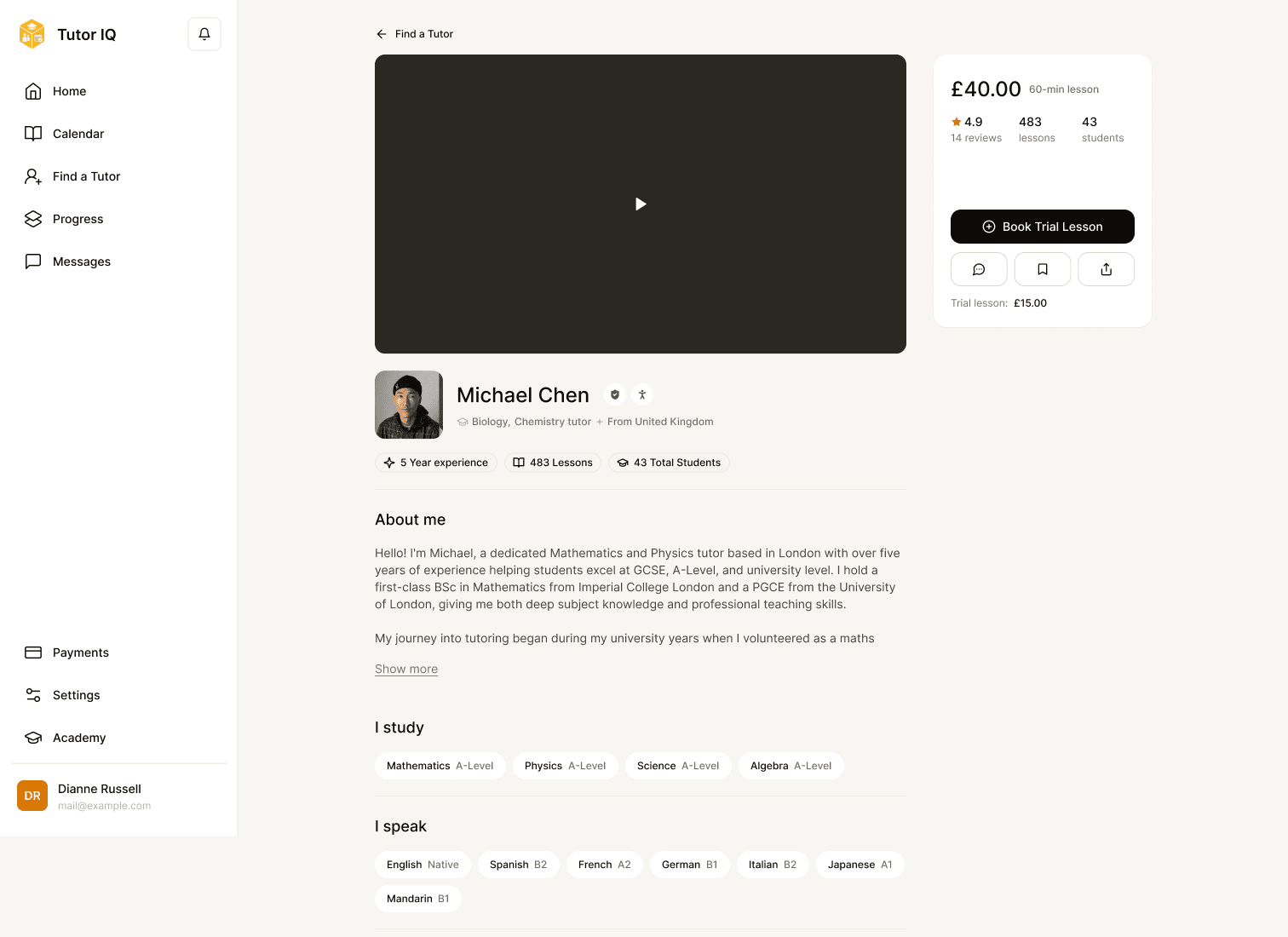
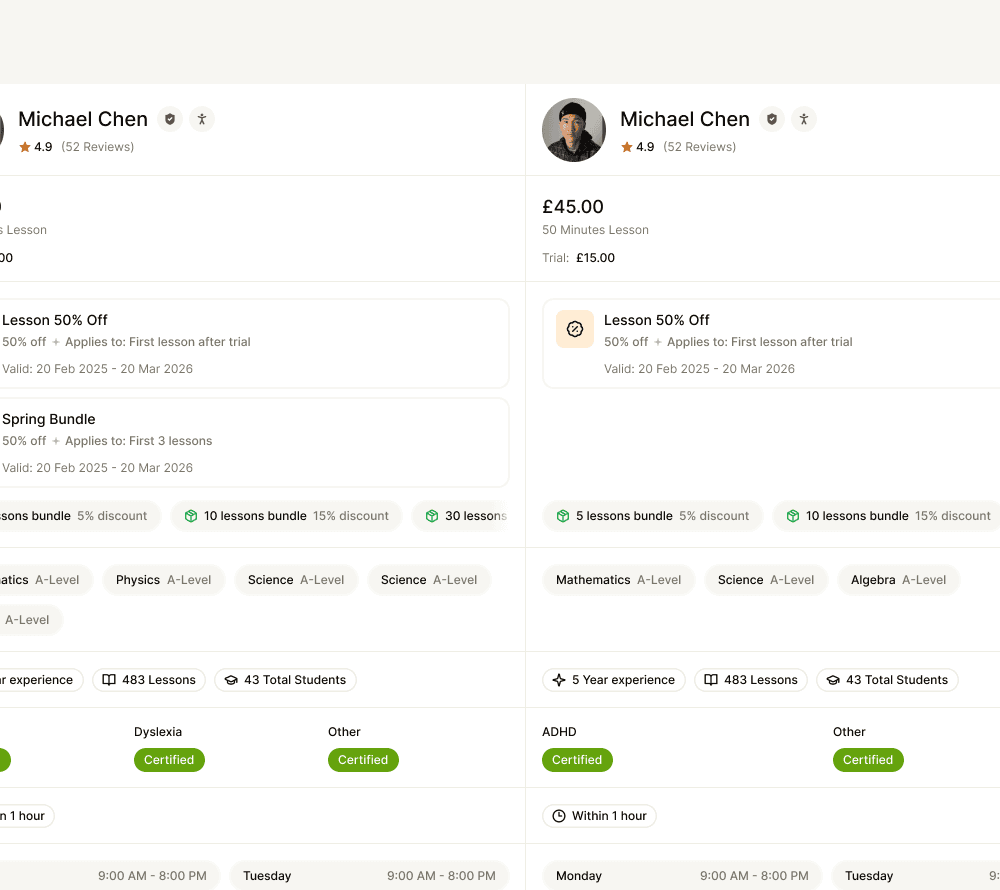
Parent search exposes subject, time, price and special-preference filters. A profile provides the deeper context; comparison lets a parent consider candidates on the same dimensions before booking. The file also includes an AI-assisted search state, shown here as a designed interface rather than a claim about search quality. A no-results state gives a route back to adjusting criteria.
Book
Carry a decision through both sides
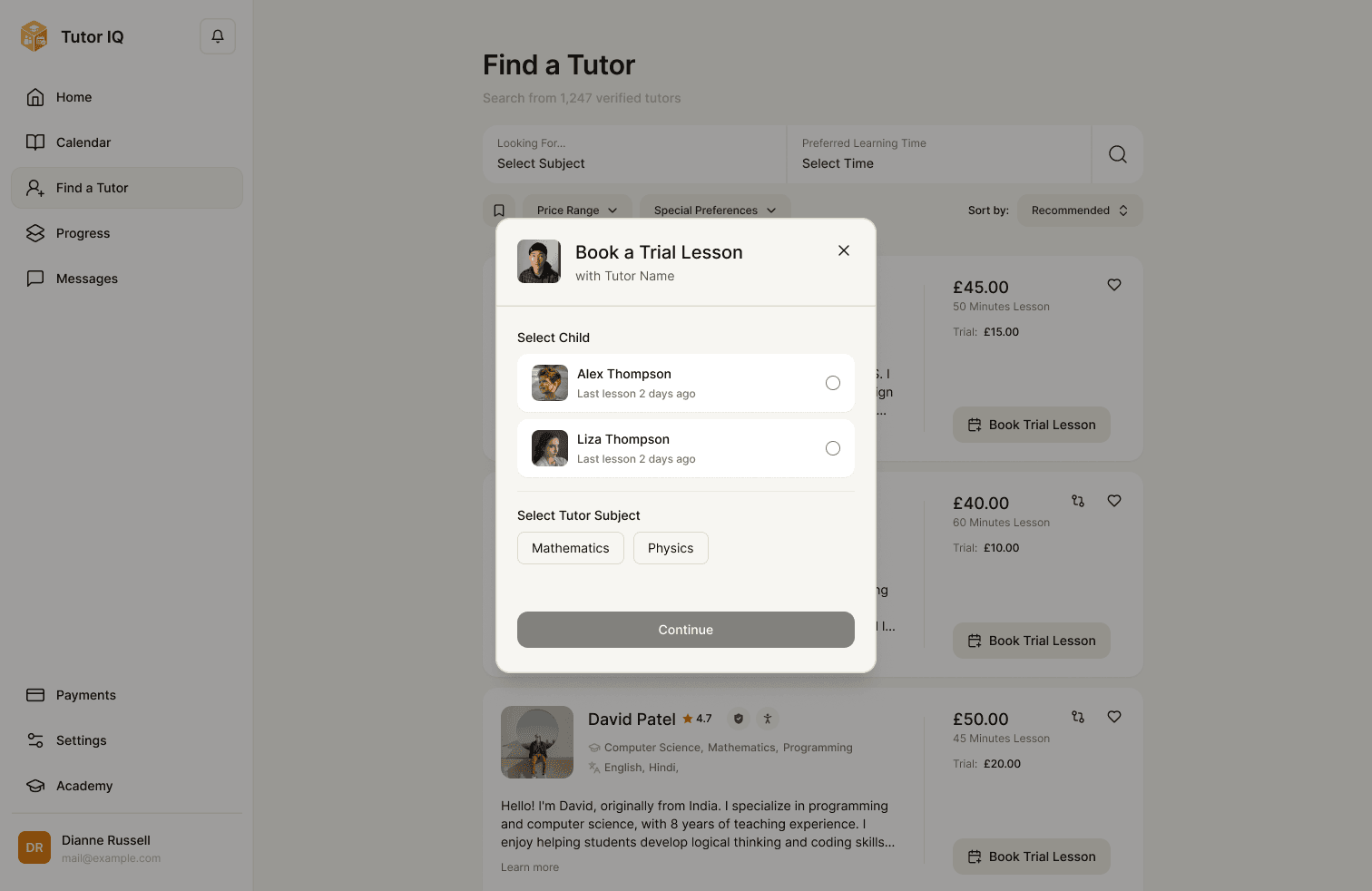
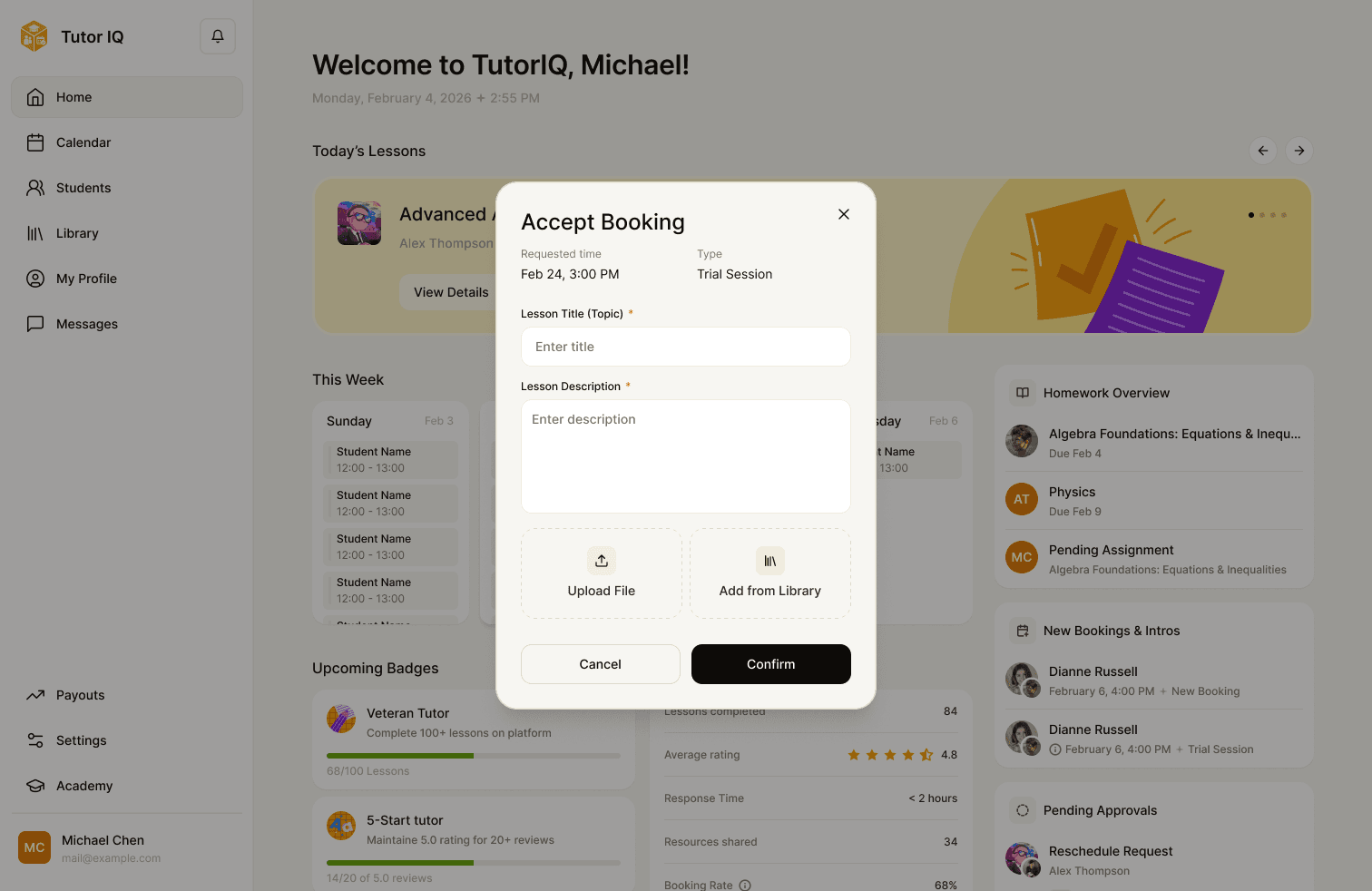
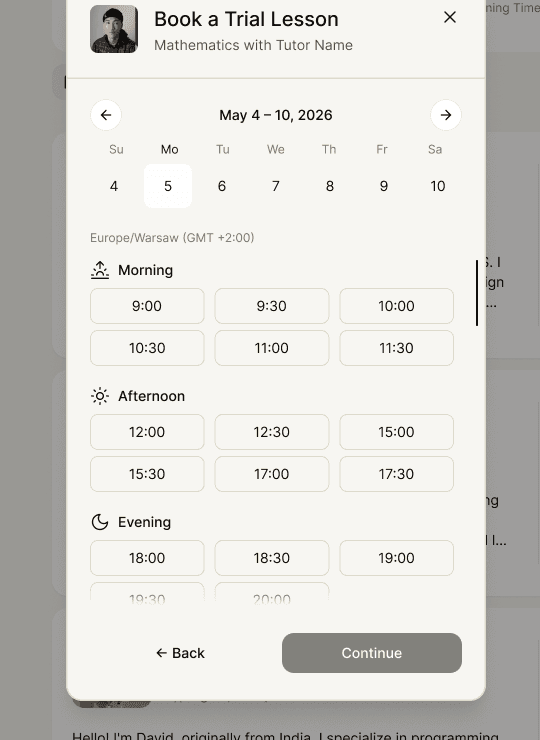
Booking needs to connect a child, tutor, subject, date, time and payment choice without losing context. The parent flow covers a trial and a recurring schedule; the tutor then sees a request to review and accept. Calendar and rescheduling screens extend that decision into ongoing coordination. The UI shows designed payment and protection copy, not a verified operational guarantee.
Classroom
Put the lesson tools in reach
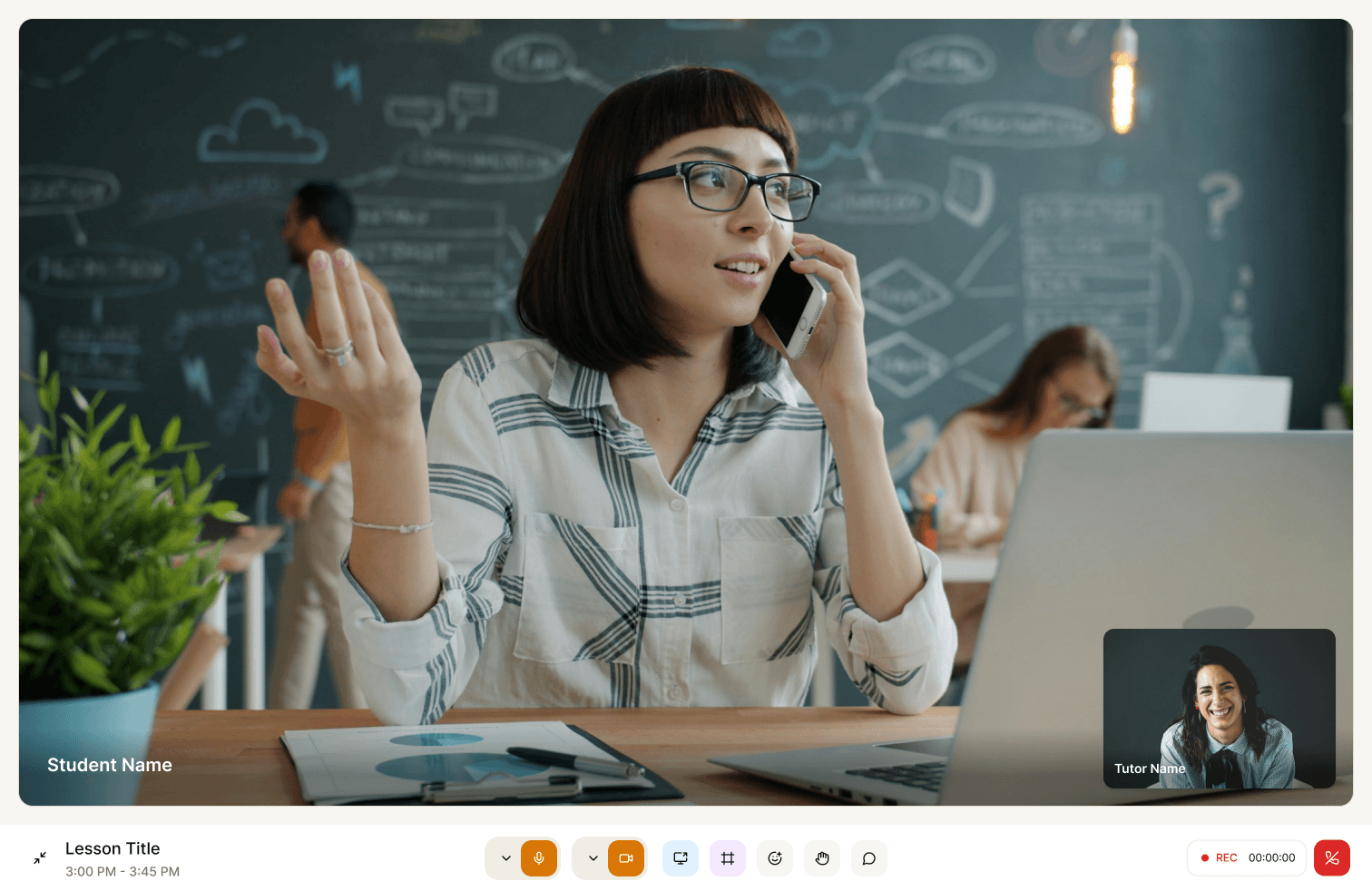
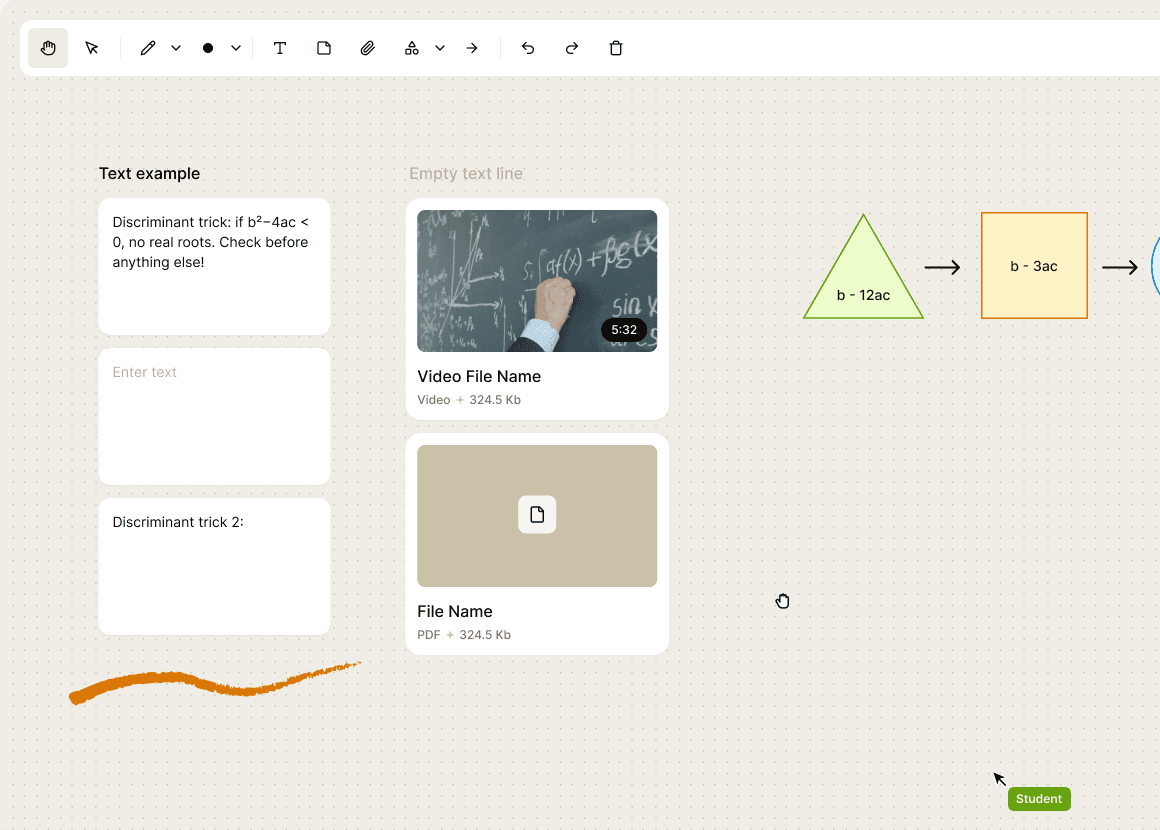
The waiting room gives people time to prepare. During a lesson, video, chat, materials and a shared whiteboard sit within the same classroom. The whiteboard state shows how the drawing tools and attached material support explanation; the end state hands the tutor toward feedback and homework.
Review
Make the lesson useful after the call
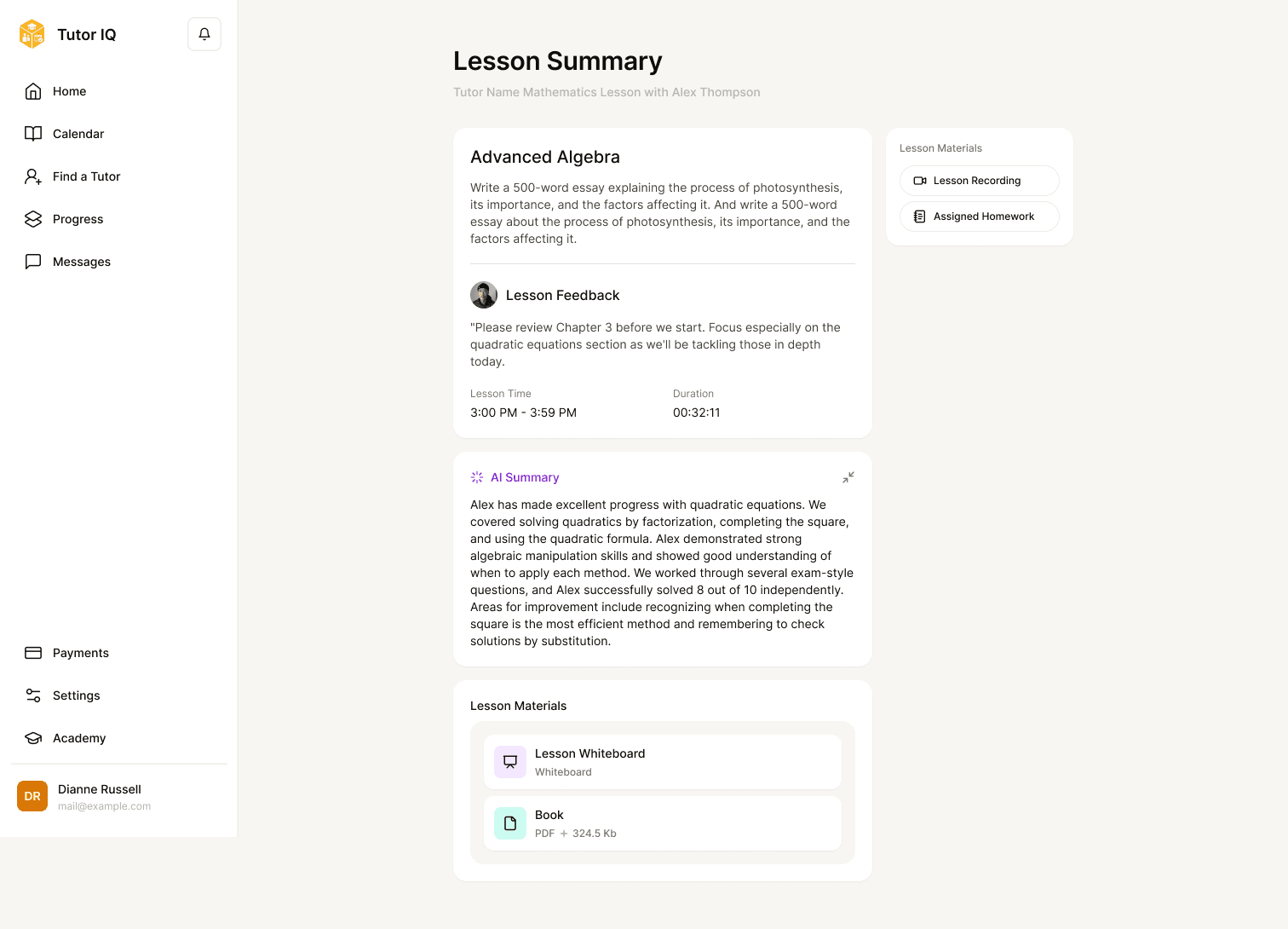
The lesson summary is a place to return for feedback, assigned work and attached materials. Recording, transcript and key-moment views let a family review the session from different angles. These screens include an AI-summary design; it is shown for its place in the experience, not as a claim about transcription accuracy or learning outcomes.
Homework
Close the loop across tutor and student
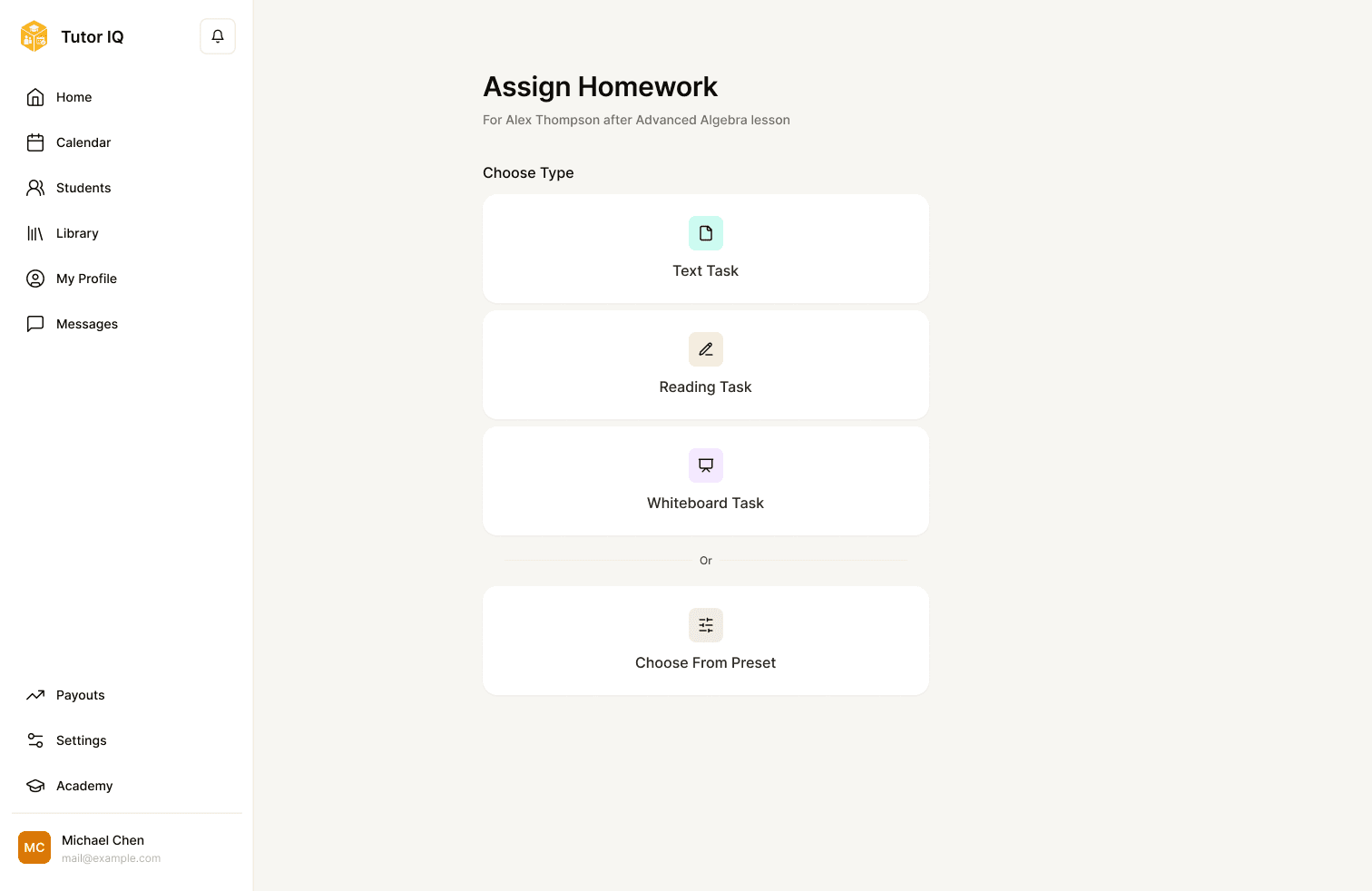
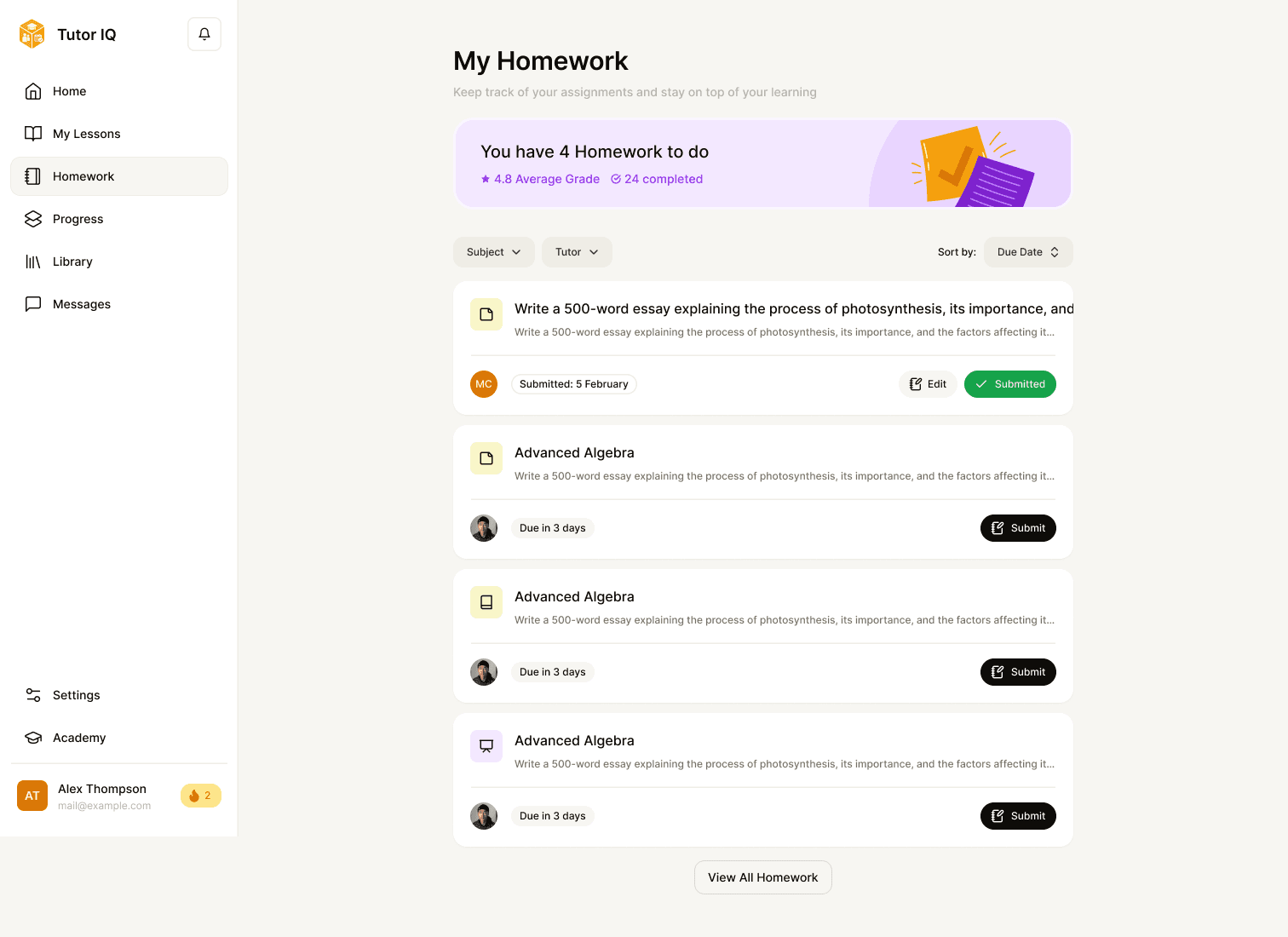
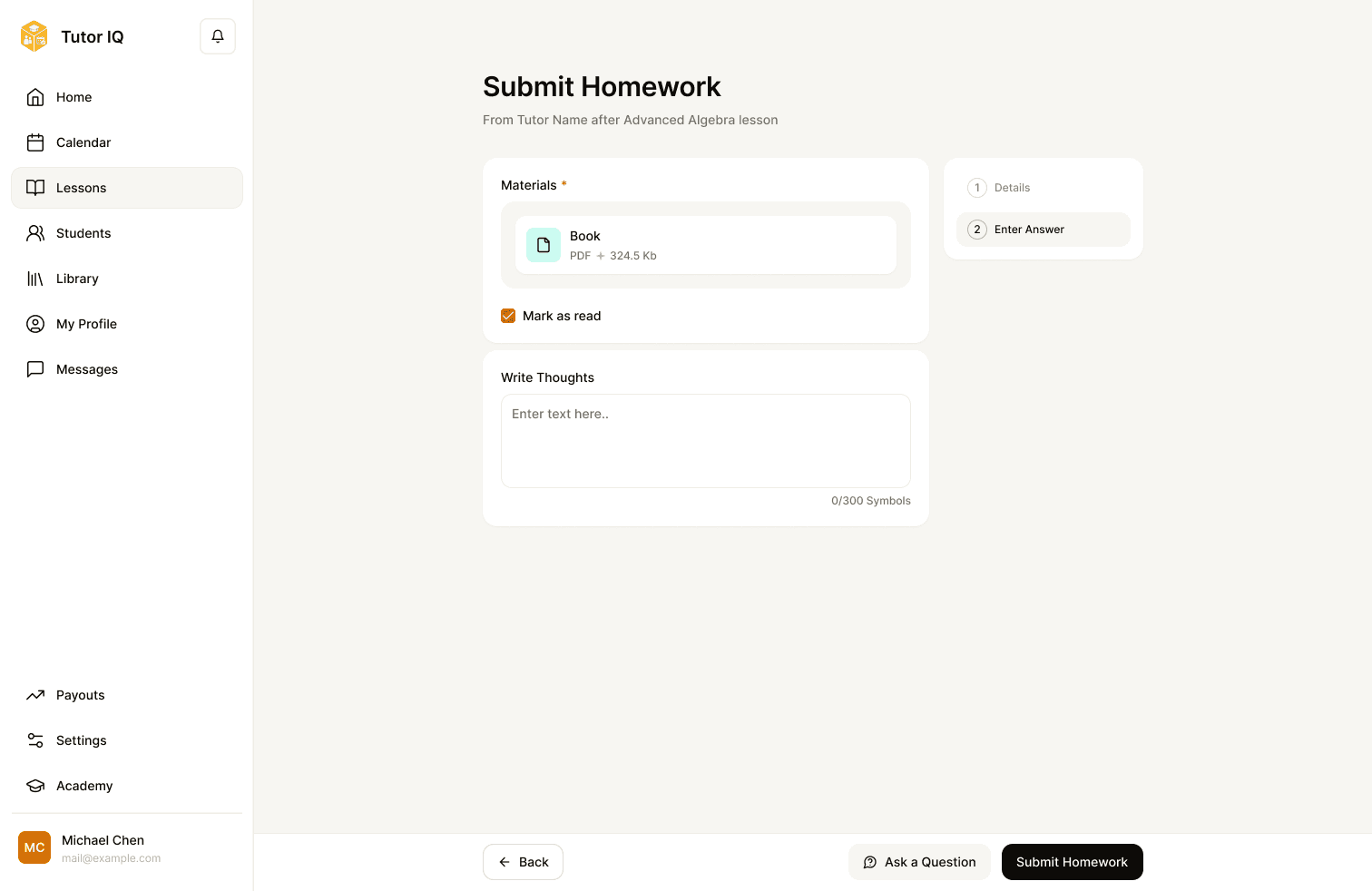
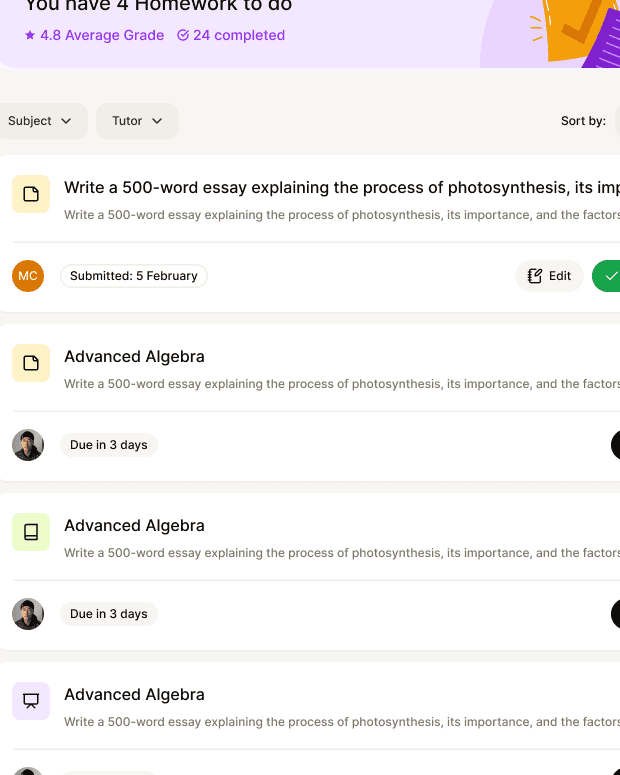
The tutor can choose a task type, prepare instructions and materials, and reuse a preset. The student sees the task, submits work, and receives feedback after review. Text, reading and whiteboard submissions show that the workflow supports different kinds of learning, while the same status language carries the task across roles.
Progress
Show what the work adds up to
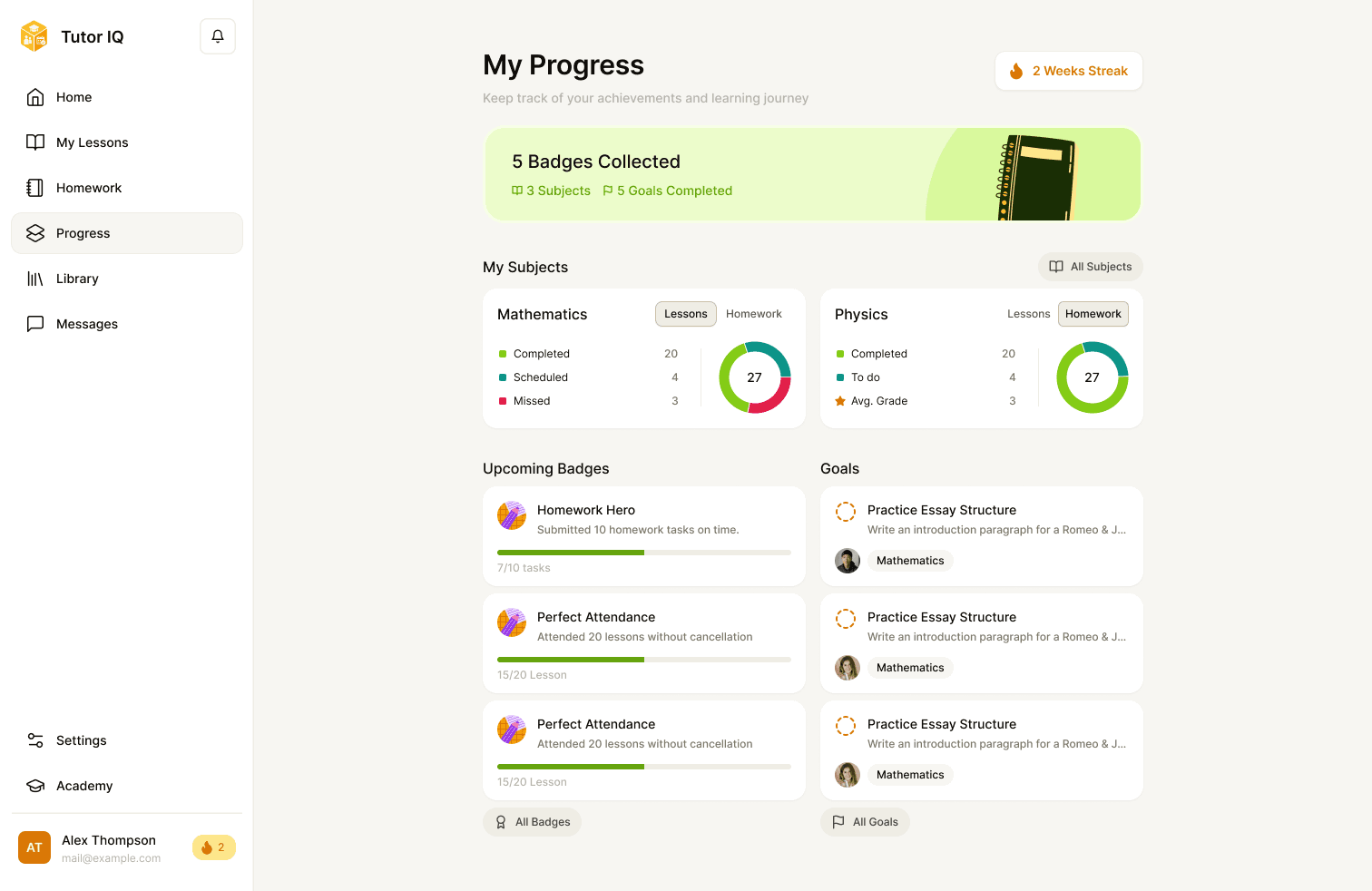
Student and parent progress views answer related but different questions: what has the student done, and what should the family understand or act on? Subject views, goals, badges and streaks give the work a visible history. These are designed feedback signals; the case does not claim they improved motivation or retention.
Library
Keep material available between lessons
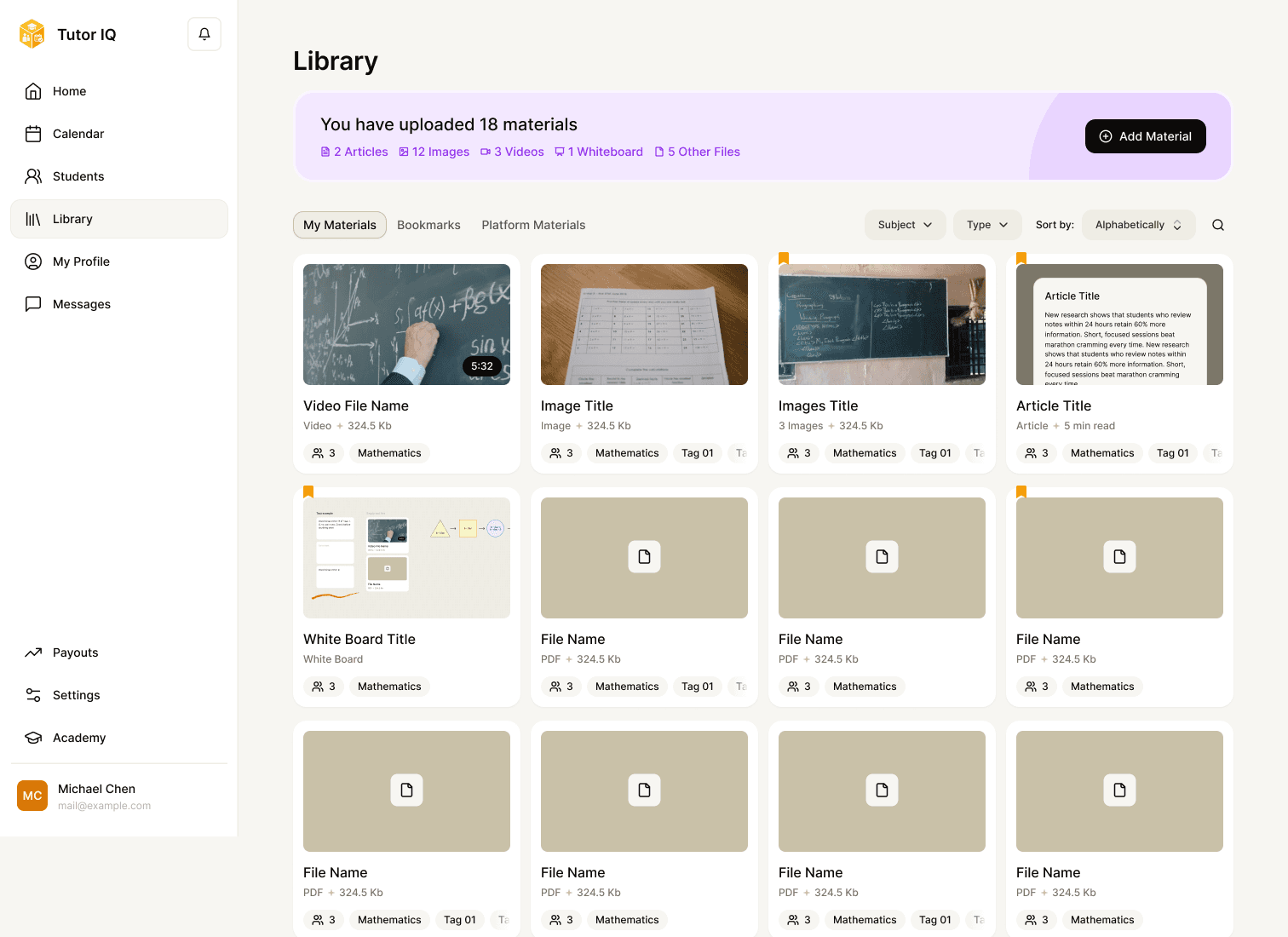
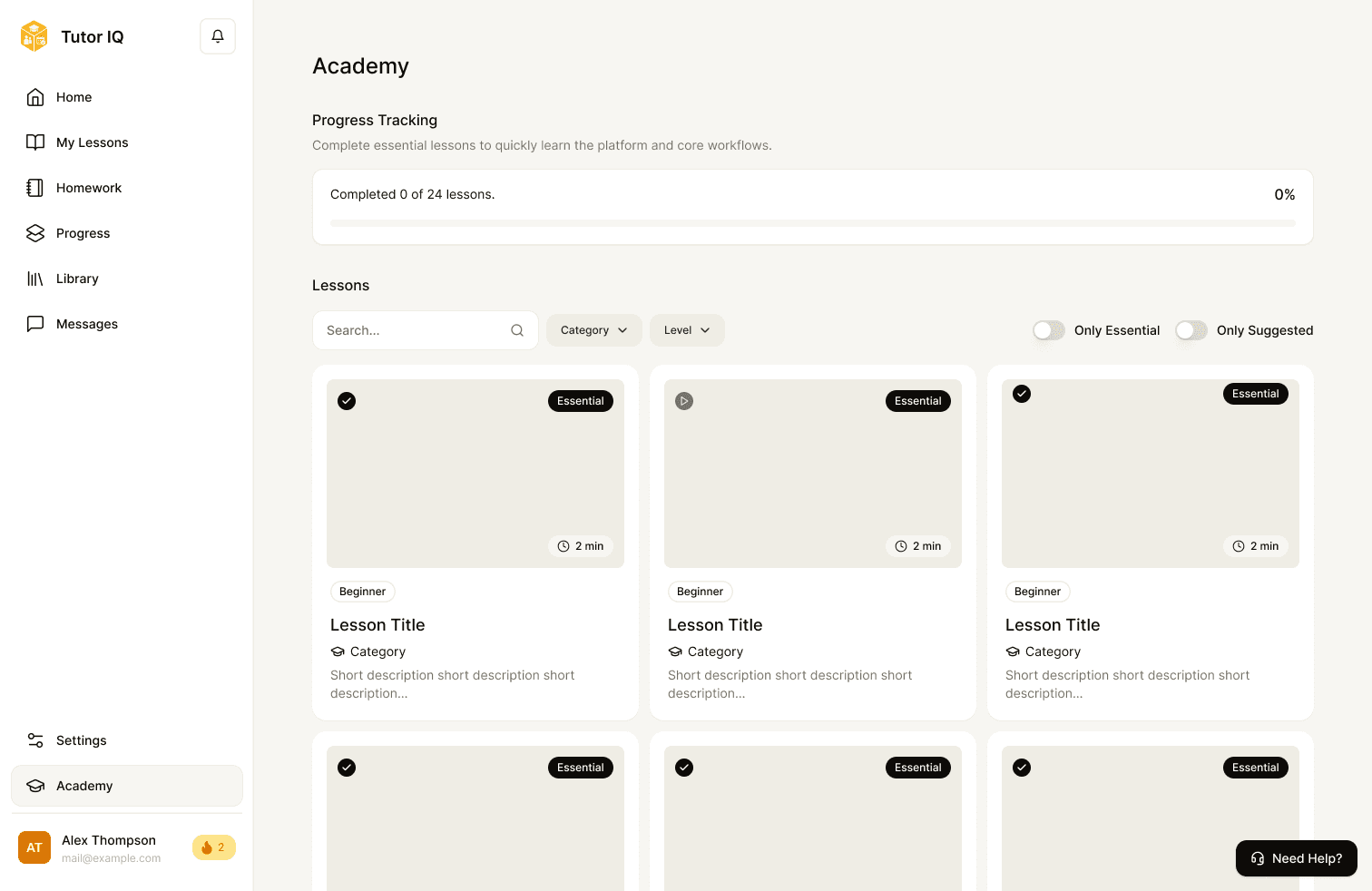
The tutor library organises uploaded resources and supports sharing into teaching or homework. The student library provides a place to revisit material, while Academy offers a separate guided content path. The upload alert shows how the flow handles a blocked file.
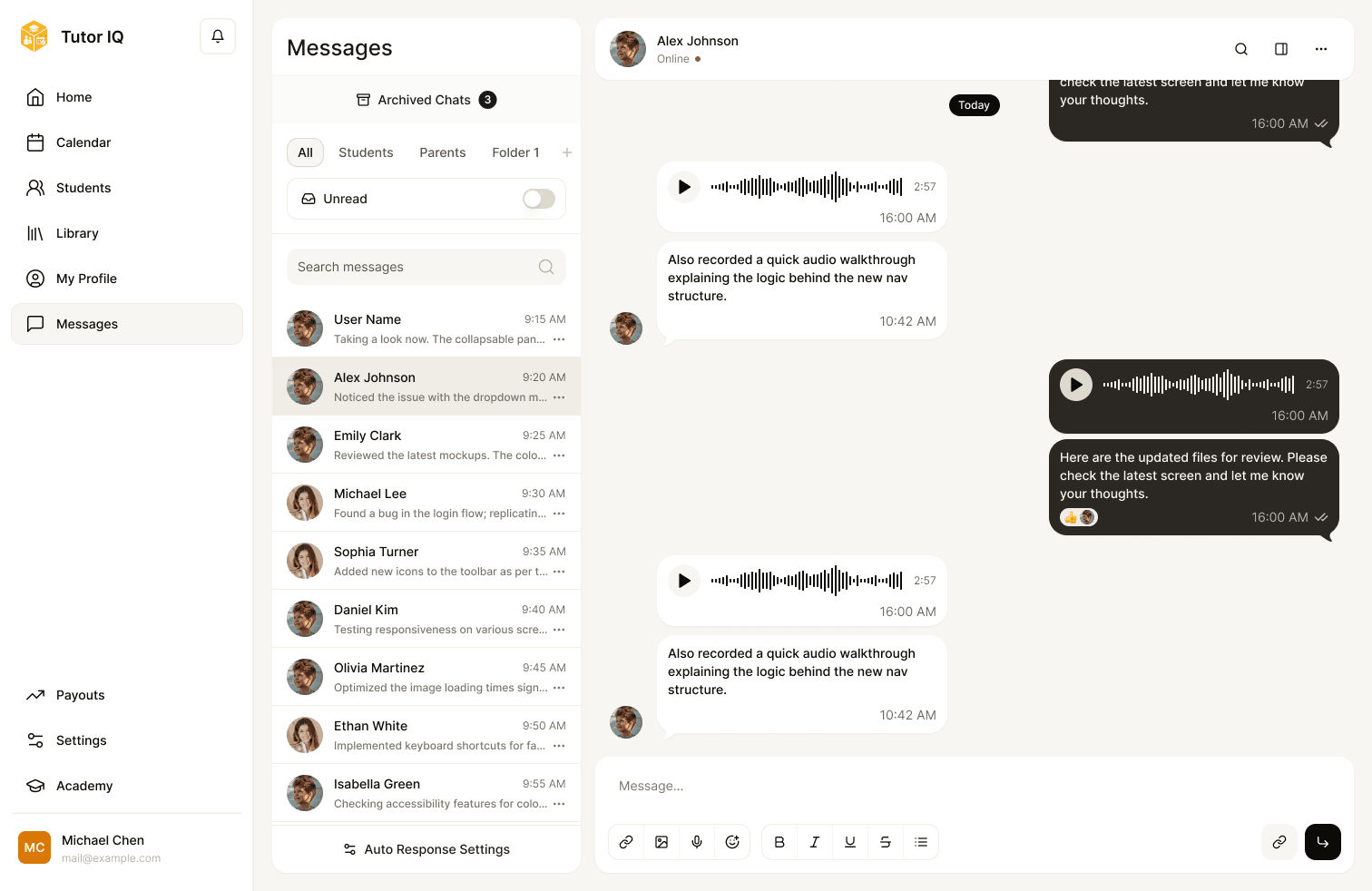
Messages
Keep questions close to their context
Messaging supports conversations with tutors, child-based organisation for a parent, and questions about homework for a student. Notifications bring time-sensitive work back into view; tutor auto-response settings support expectations around availability.
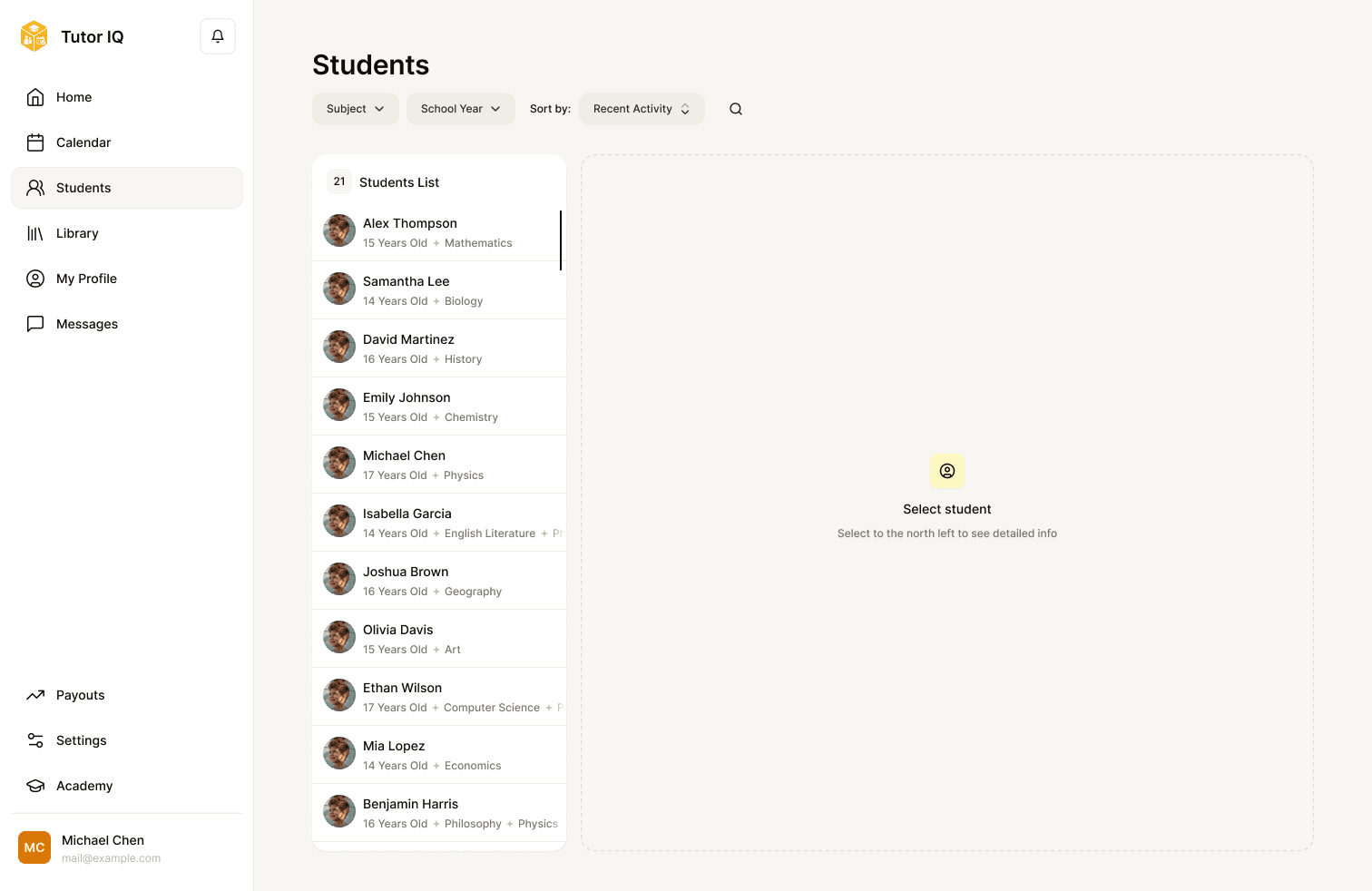
Tutor work
Give tutors tools beyond the live lesson
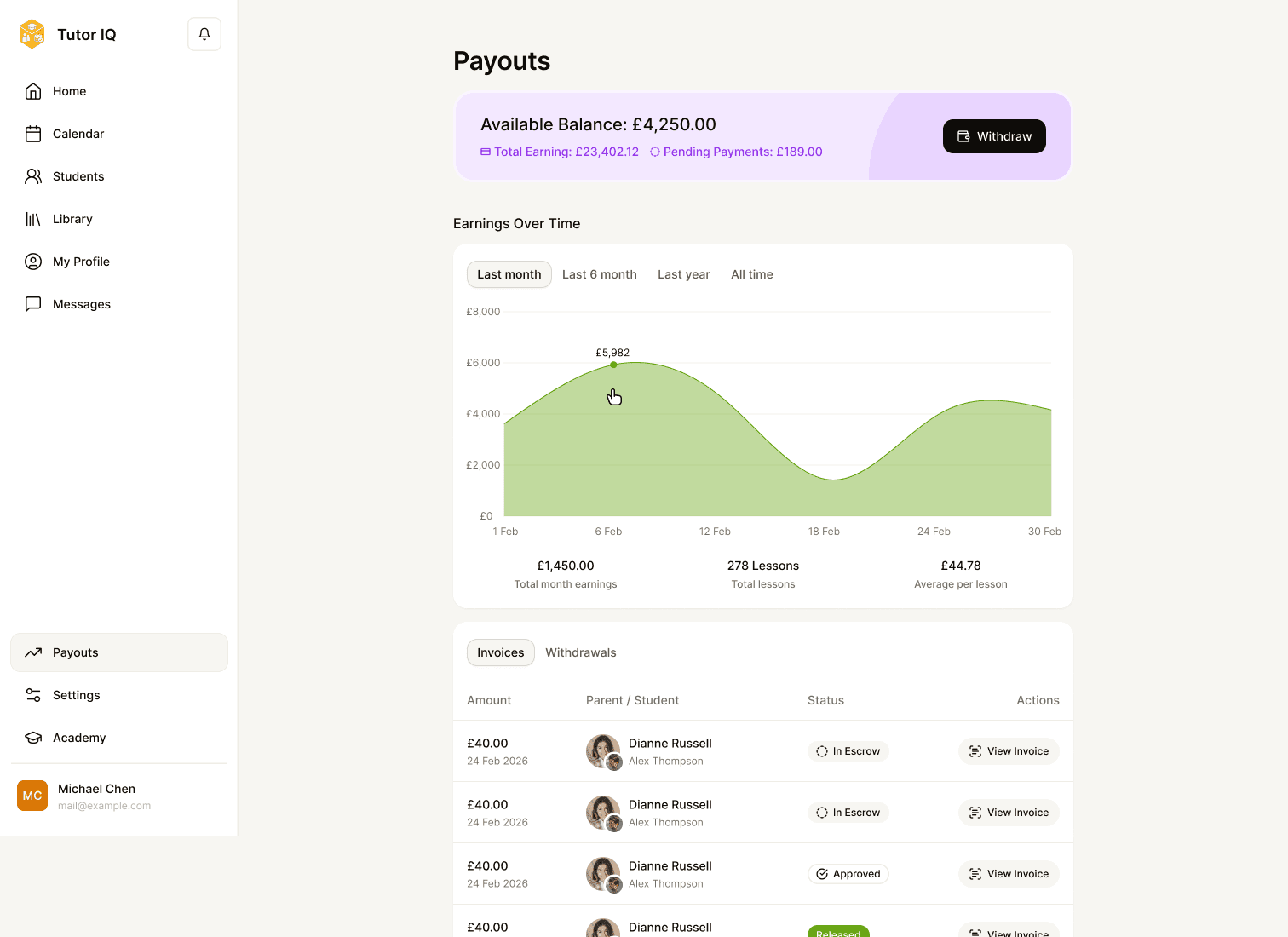
A tutor manages students, goals, reusable materials, profile services, reviews and payouts. These screens make the teaching practice visible as ongoing work: preparation before a lesson, follow-up afterward, and the business details around both. Parent payment and invoice views show the other side of the same transaction, with example amounts retained from the design.
Trust
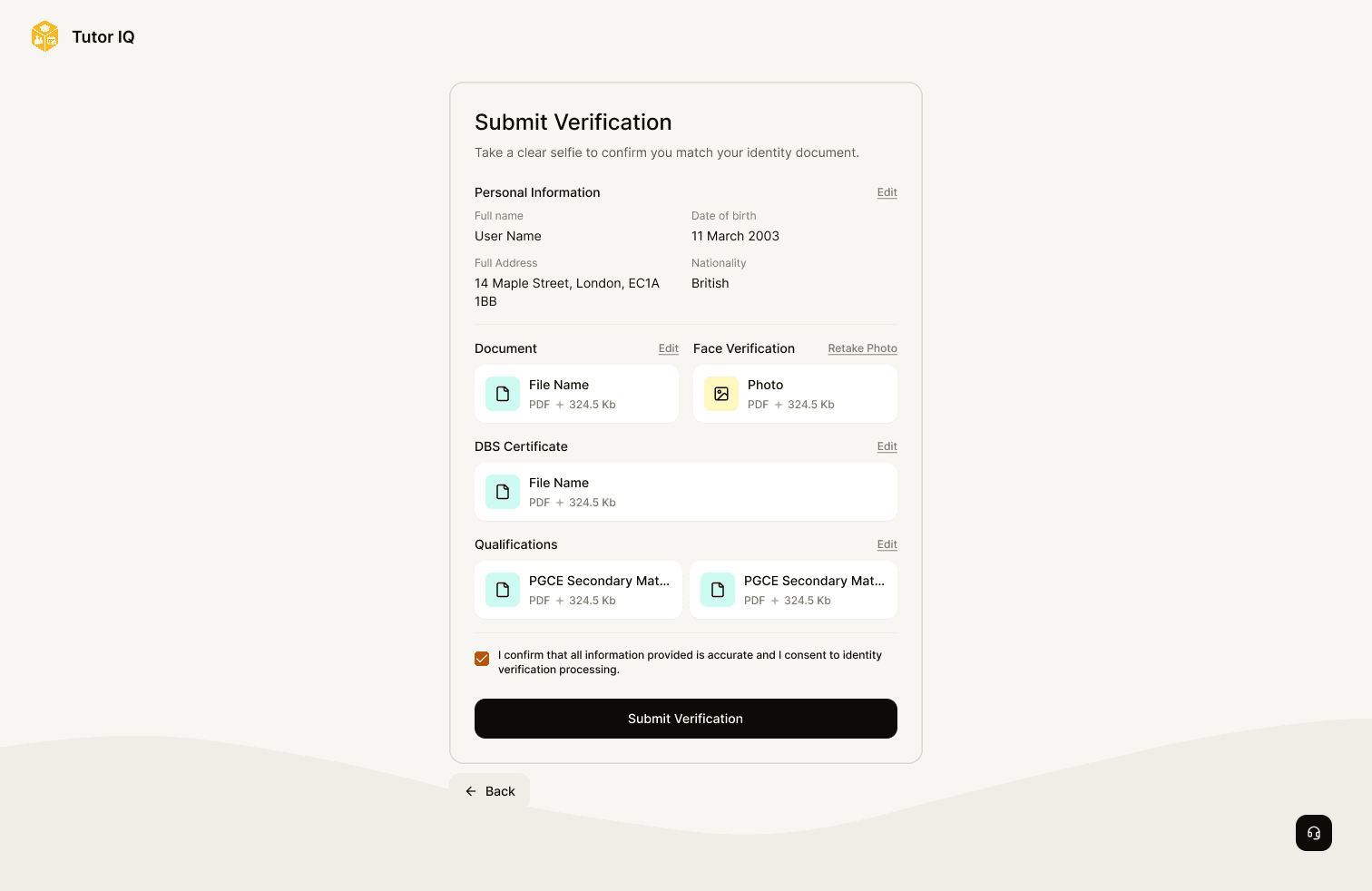
Give difficult situations a clear route
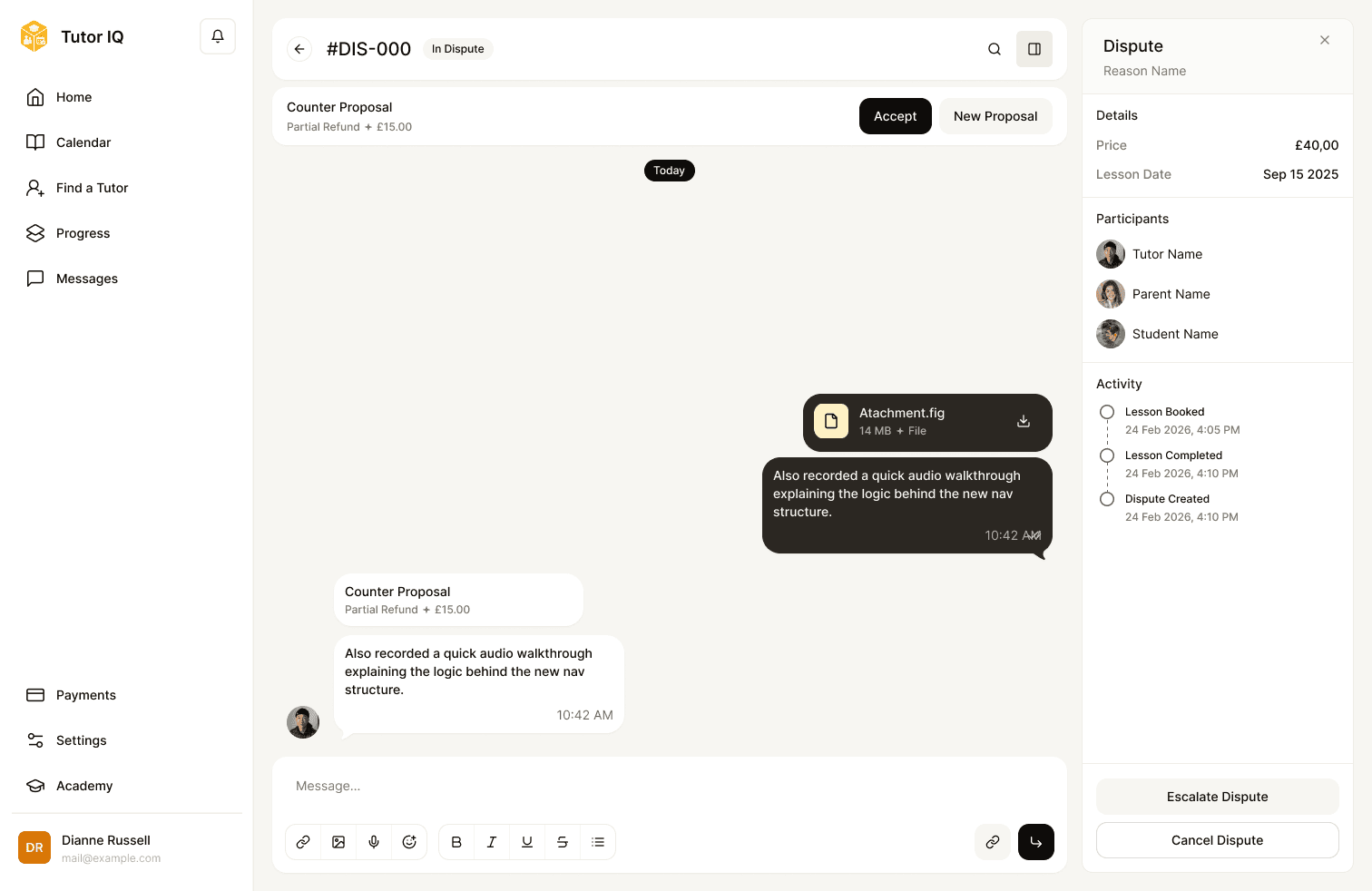
The platform includes tutor verification and student safeguarding entry points, plus dispute states seen by both a parent and tutor. These flows need clear status, context and consequences; the admin view shows where an issue can be reviewed. The designs show intended handling paths, without claiming legal compliance or operational outcomes.
Admin
Give the operations team its own workspace
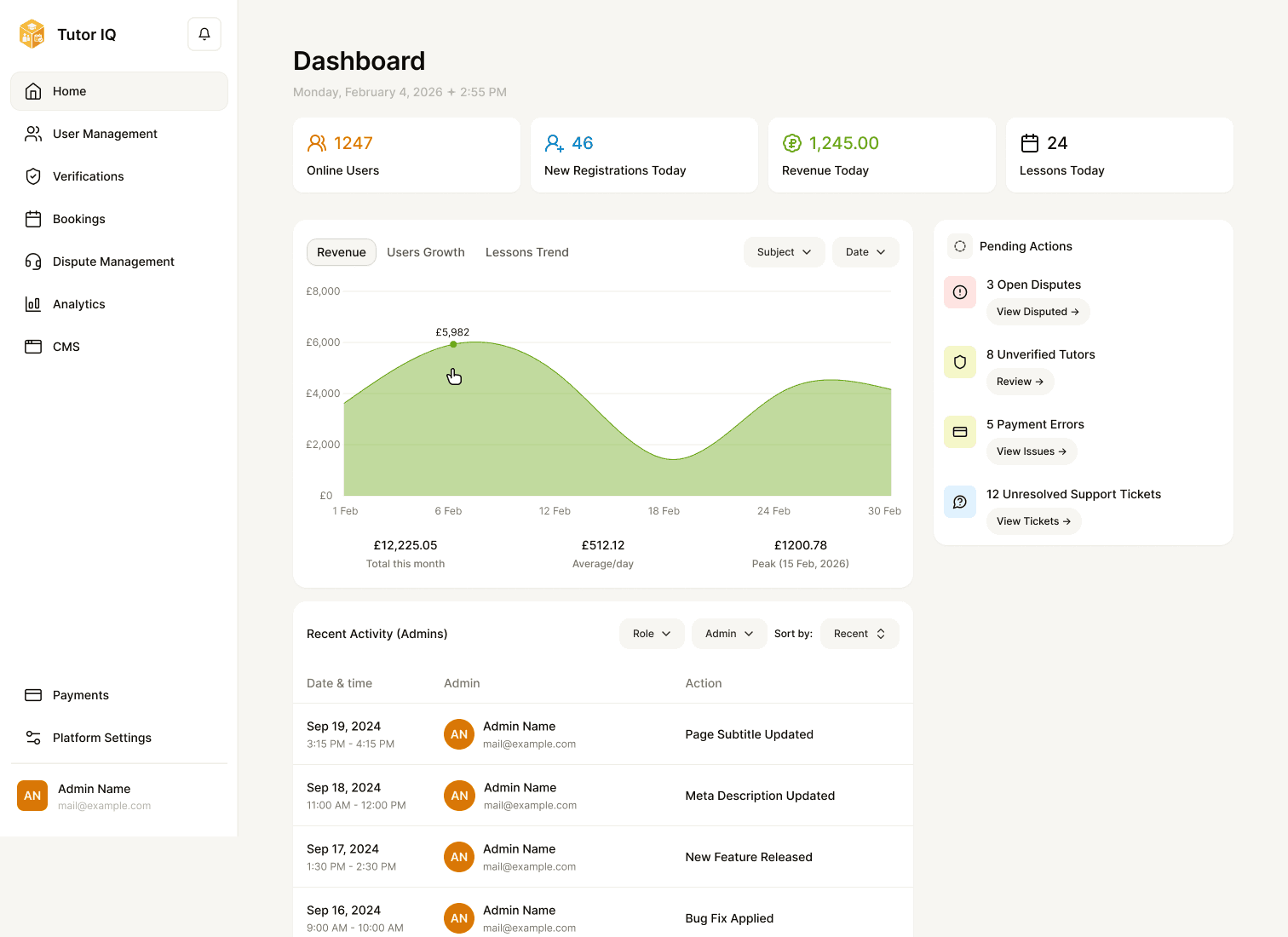
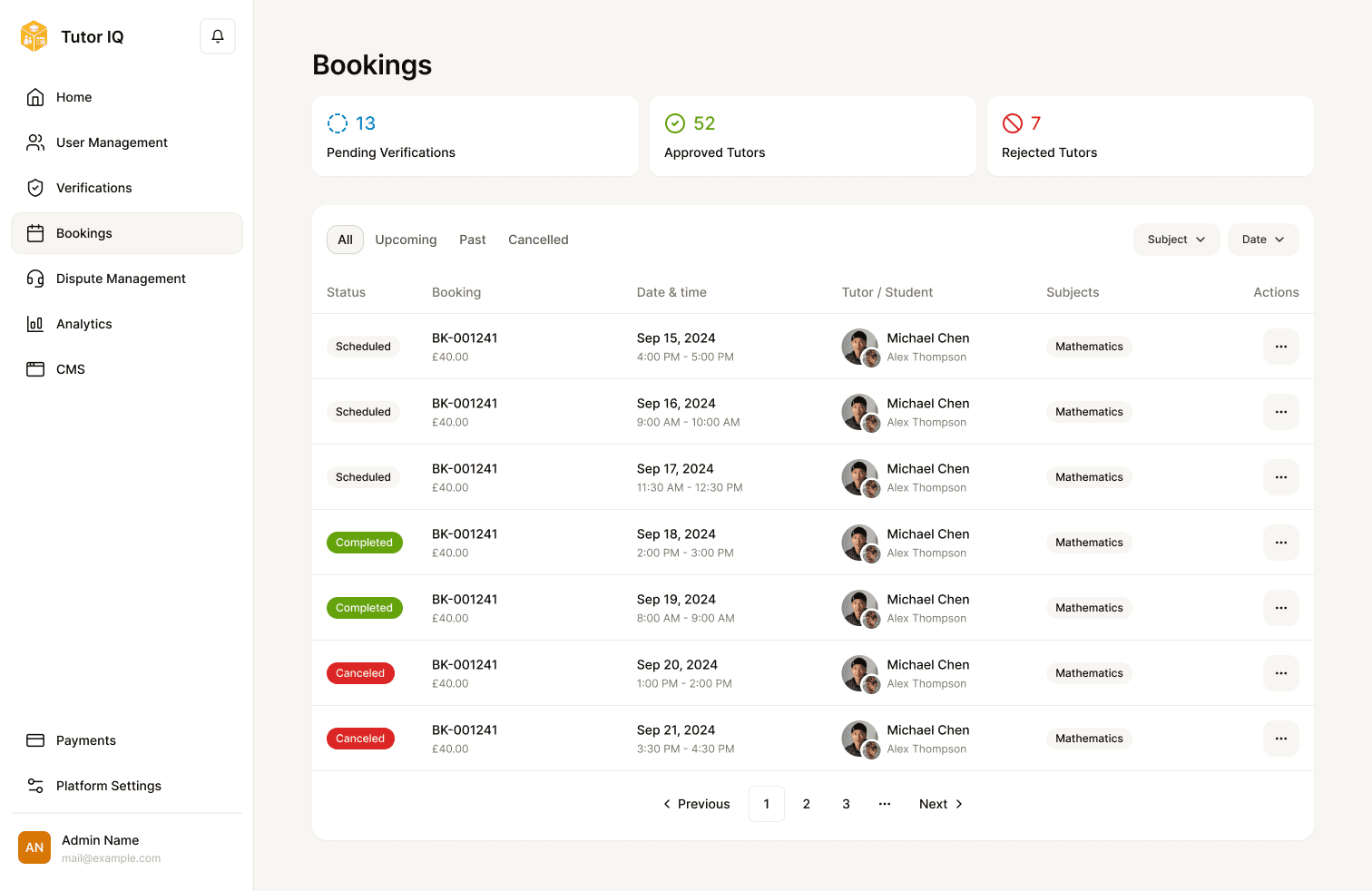
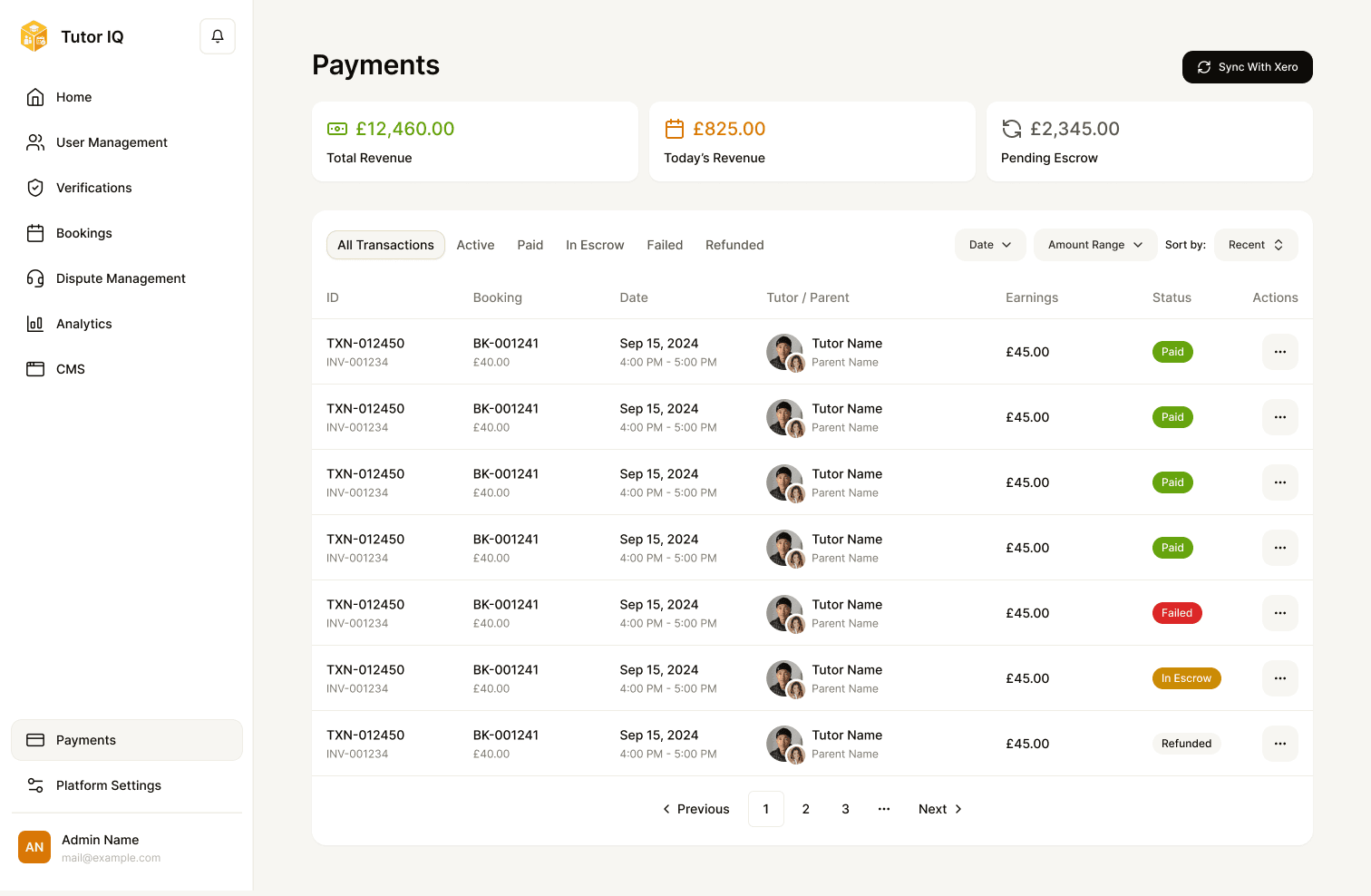
The admin panel is a fourth role with its own priorities. A dashboard and analytics show activity; user and tutor management support account review; the verification queue brings evidence and decisions together. Bookings, disputes, safeguarding, payments and refunds provide routes for exceptions. CMS and staff permissions show how content and access are maintained.
Responsive
Adapt the work to smaller screens
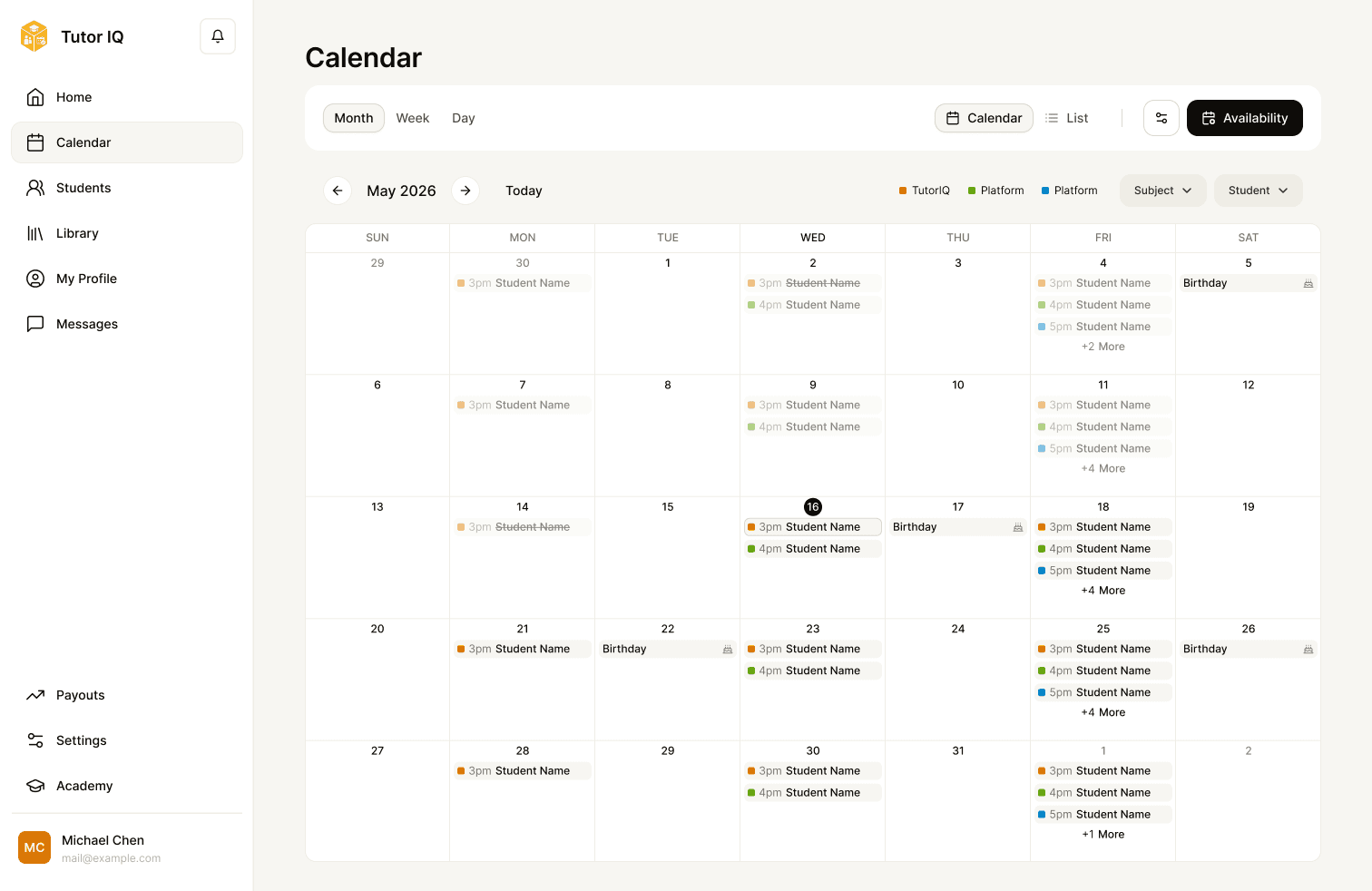
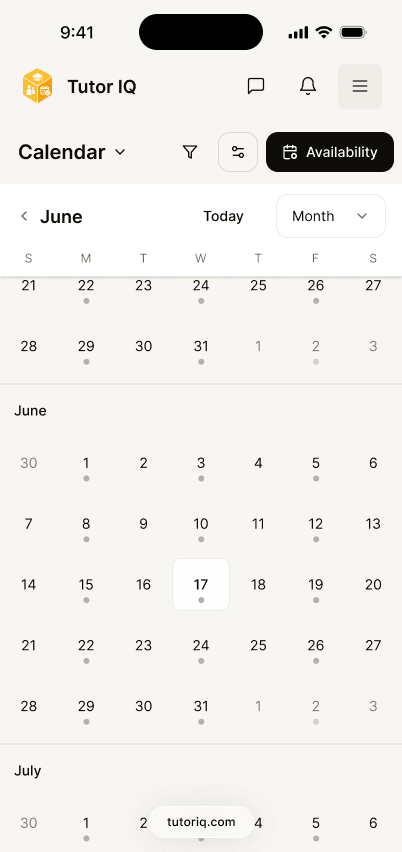
The files include mobile versions of key platform screens. The value is in how priorities and controls are reorganised, not in shrinking the desktop image: the calendar, classroom, whiteboard and messages each pair with their mobile layout.
System
Make a large product feel related across roles
The design system includes general foundations and product-specific parts. Homework cards, progress summaries, calendar events and classroom controls are the parts these journeys rely on most, and they keep role-specific screens coherent while supporting different states. Four of them are rebuilt here to try, from their source variants, with sample data only.
Advanced Algebra
Solve the ten equations on page 42 and show each step of your working.
Mathematics
- Completed20
- Scheduled4
- Missed3
Closing
One product, many handoffs
Tutor IQ required the public story, the learning journey and the operational tools to work as parts of one product. The case shows the breadth of those designed experiences and the detail of their handoffs. Launch coverage, adoption and measured outcomes need separate confirmation.
