
- LuminAsset
- 2026
A months-long install, one clear step at a time.
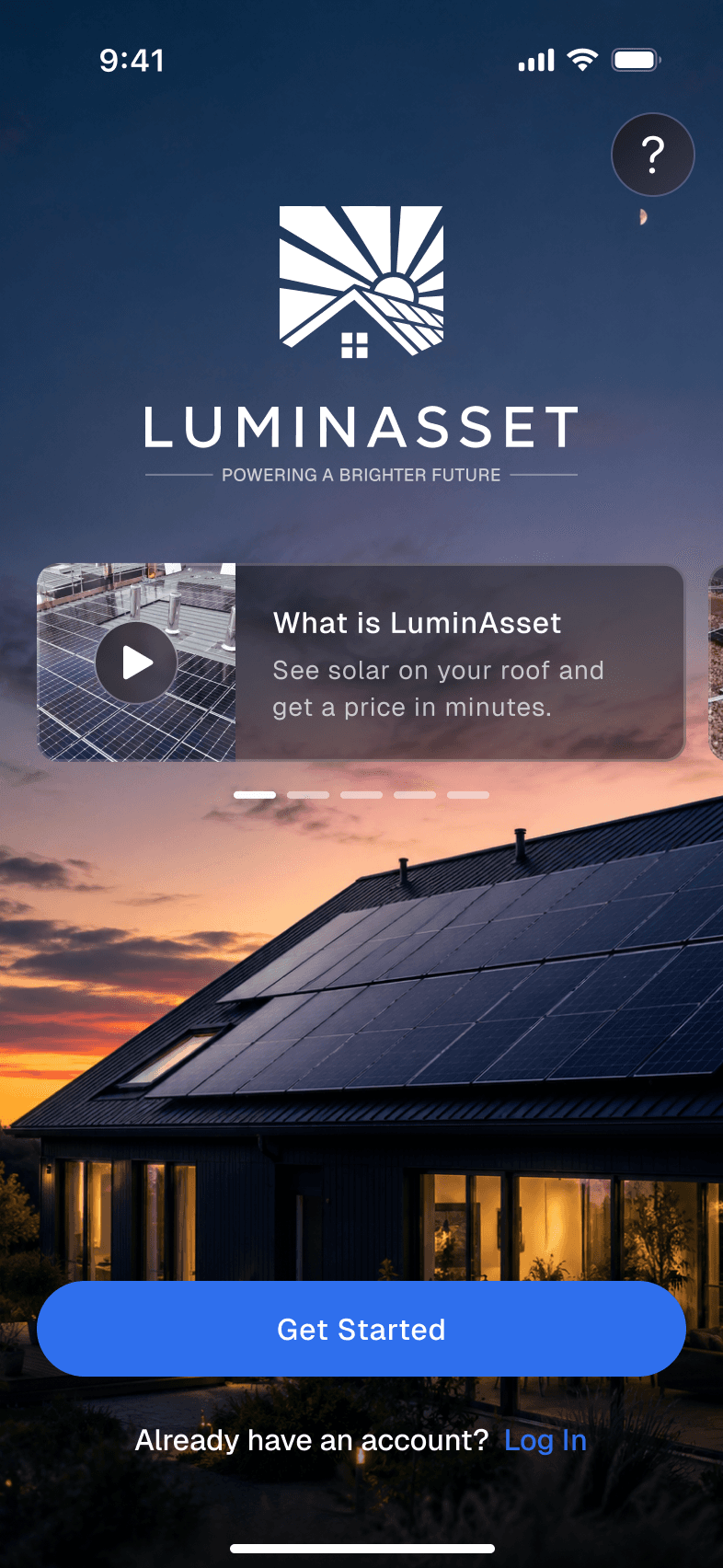
Going solar in the UK takes months. There's a site survey, sometimes a council review of 8–12 weeks, a grid application of another 8–12 weeks, a contract and payments in stages, and most of it happens out of the homeowner's sight. LuminAsset wanted one app that carries people through all of it, from the first estimate to the day the panels switch on. As UX lead at the agency HotShots Labs, I spent two months turning that process into a flow people can follow, along with the rules behind it in the admin panel.
Challenge
A process built for installers, not homeowners
The client tracked each install in twelve internal stages, and the people who live in the house saw none of them. They waited weeks with no news, paid without knowing why, and couldn't tell whether a quiet month meant progress or a problem. The job was to keep one promise from the estimate to the last payment: you always know where you are and what happens next.
- Internal stages to customer stages
- 12 → 7
- Ways to install
- 3
- Council or grid review
- 8–12 wks

Direction
Five directions before one screen
Before any screens I collected five visual directions from apps people already trust with money, energy and home: Clear, Tech, Apple Style, Thin & Angled and Rounded. The chosen direction became a dark, map-first concept: the house from above, the numbers below.
Wireframes
Every path first, then the pixels
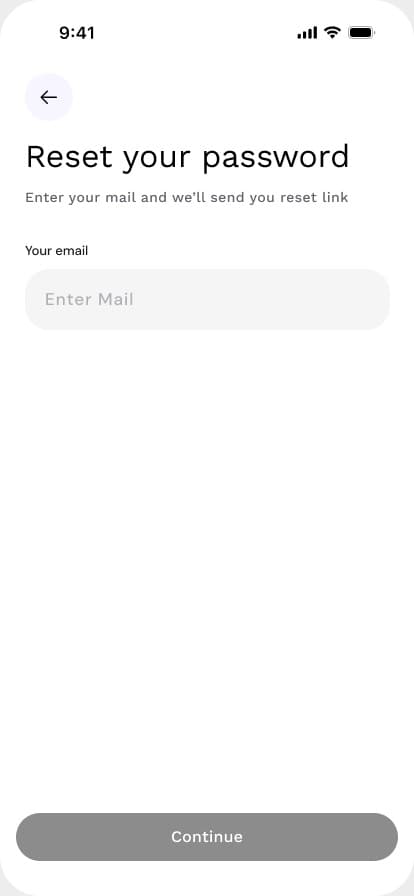
The wireframes covered every path before any visual design: estimate and fallback, sign-up, owner and tenant, three types of installation, multiple homes, help and actions. The client approved them as the single source of truth, and the final design changed how screens looked, not how they worked.
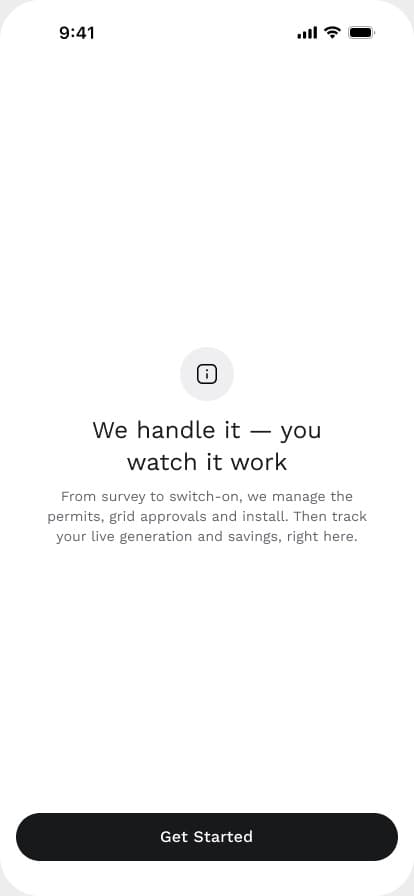
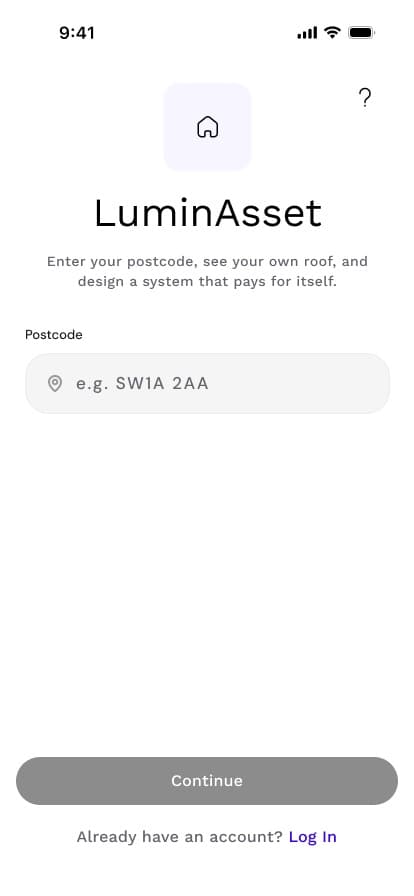
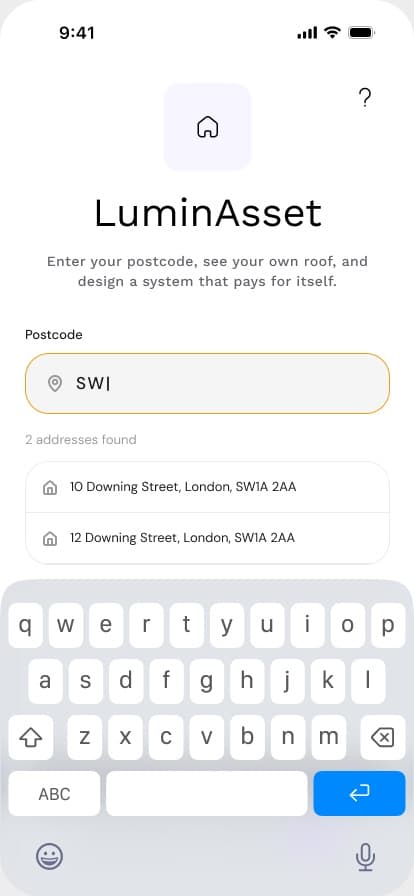
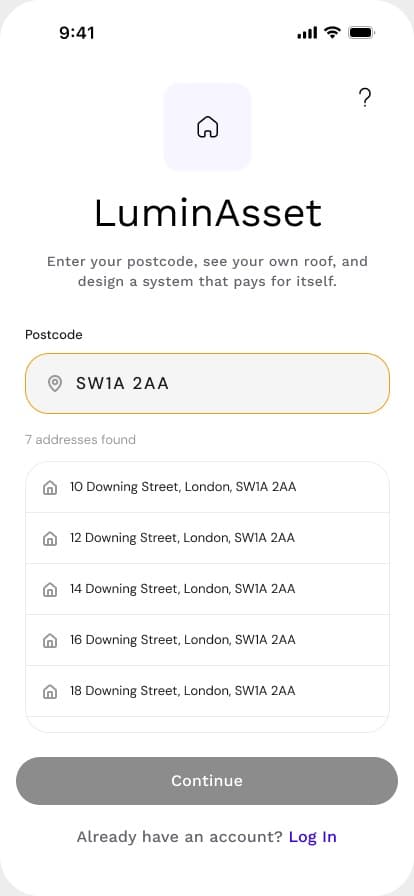
Estimate
Your own roof, before any form
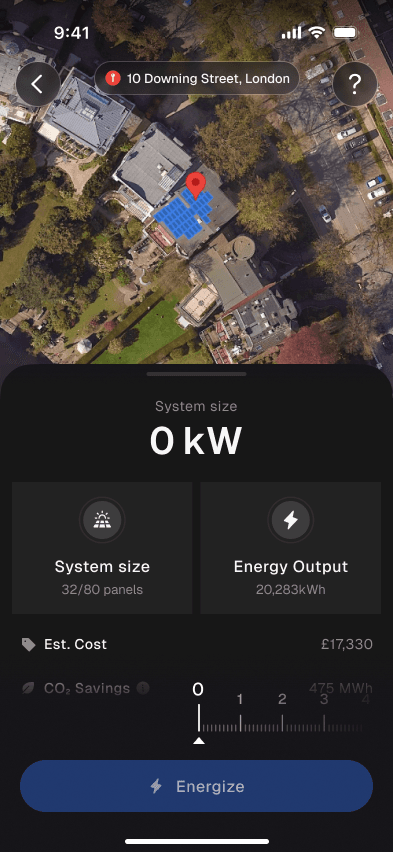
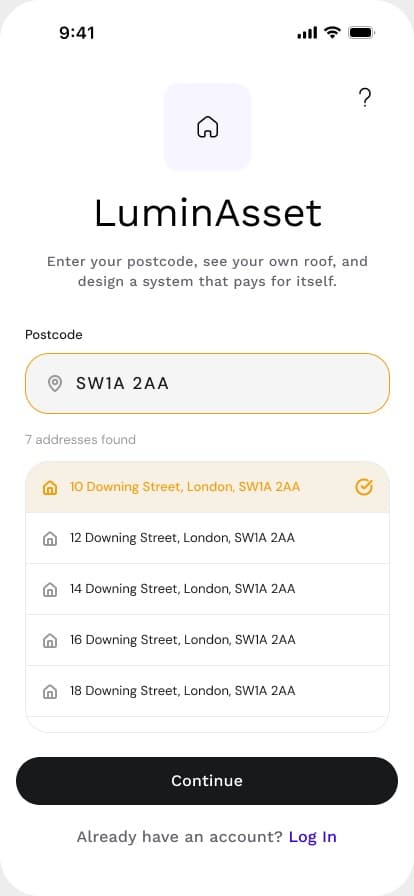
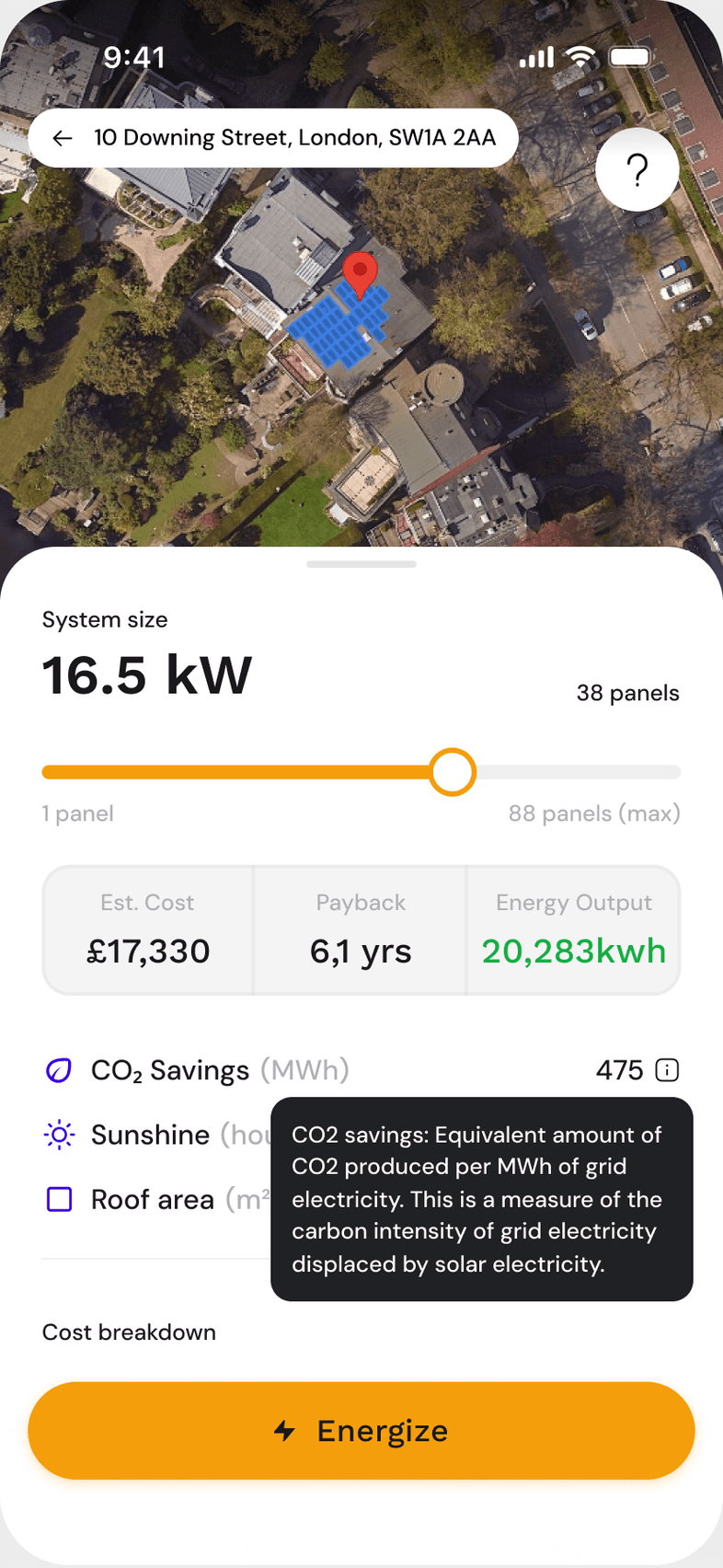
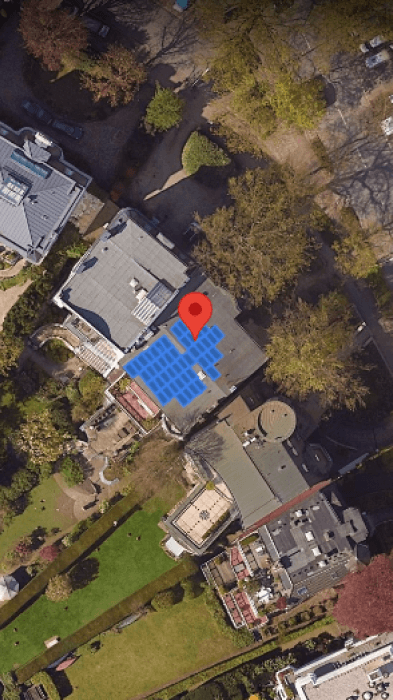
A postcode is enough. The Google Solar API finds the house, and the app shows panels on the real aerial photo of the roof. When the API has no data for a home, the app doesn't stop: it asks a few roof questions and draws the system as blocks on a grid instead. Either way, one ruler sets the size in kW, and cost, output and CO₂ follow as it moves.
System size
8.2 kW
- Est. cost
- £17,431
- CO₂ savings
- 4.2 t a year
- Sunshine
- 968 hours/year
- Roof area
- 86 m²
Cost breakdown
- Panels & inverter
- £8,720
- Installation
- £6,970
- Scaffolding & access
- £870
- Survey
- £260
- Grid connection
- £350
- Planning
- £260
- Total
- £17,431
Not right roof details?
Not your address?
Apply
An account only when it's worth it
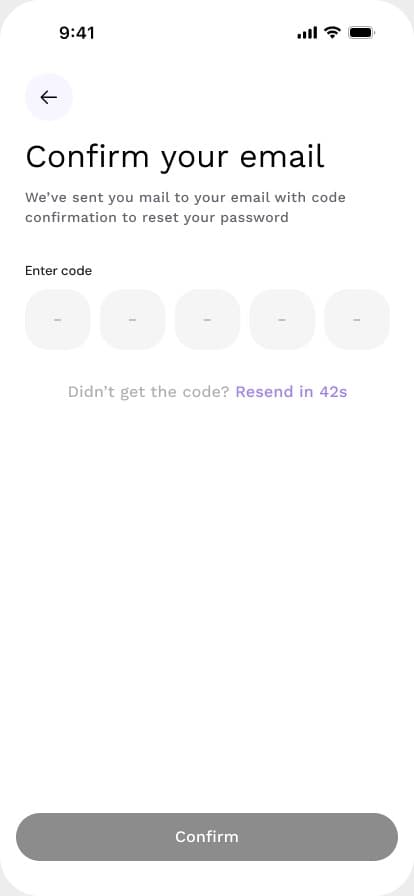
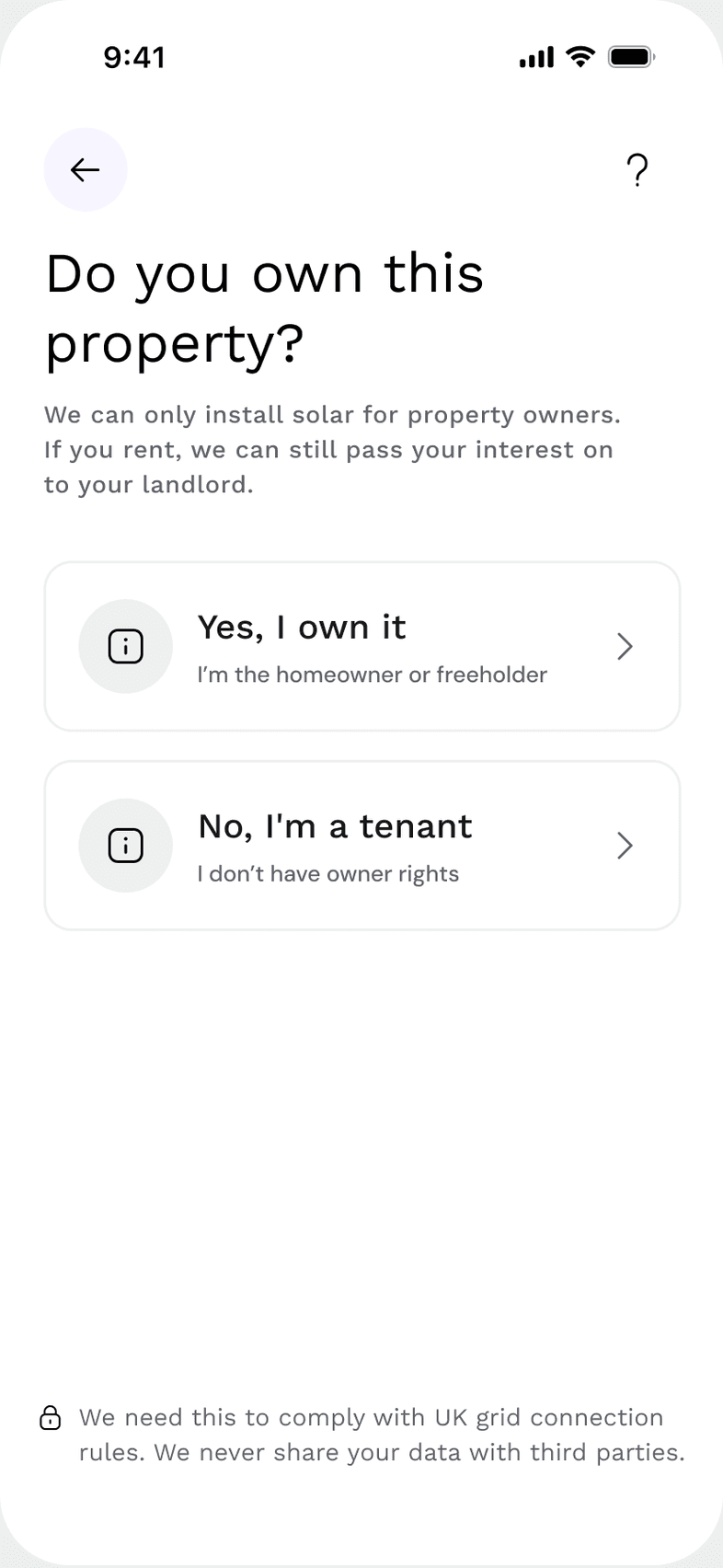
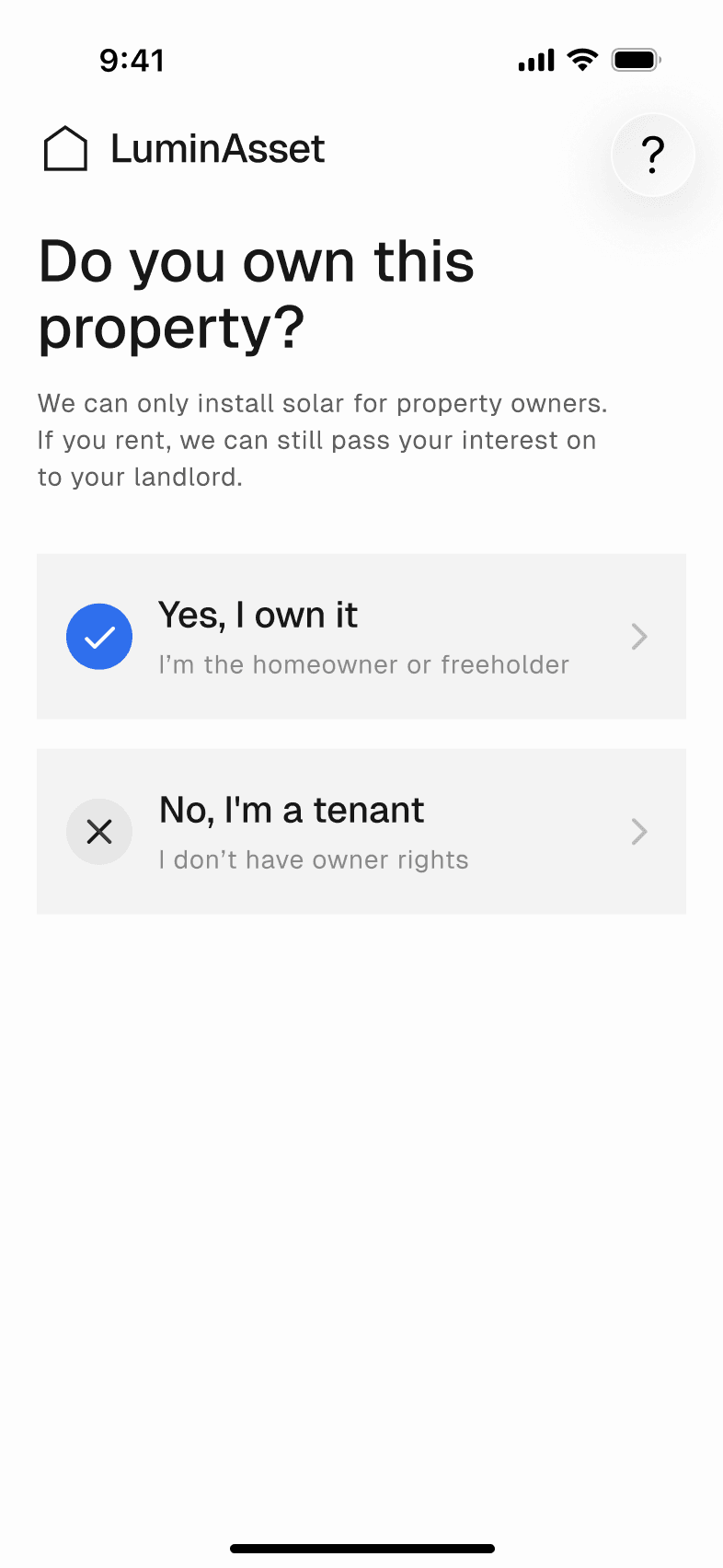
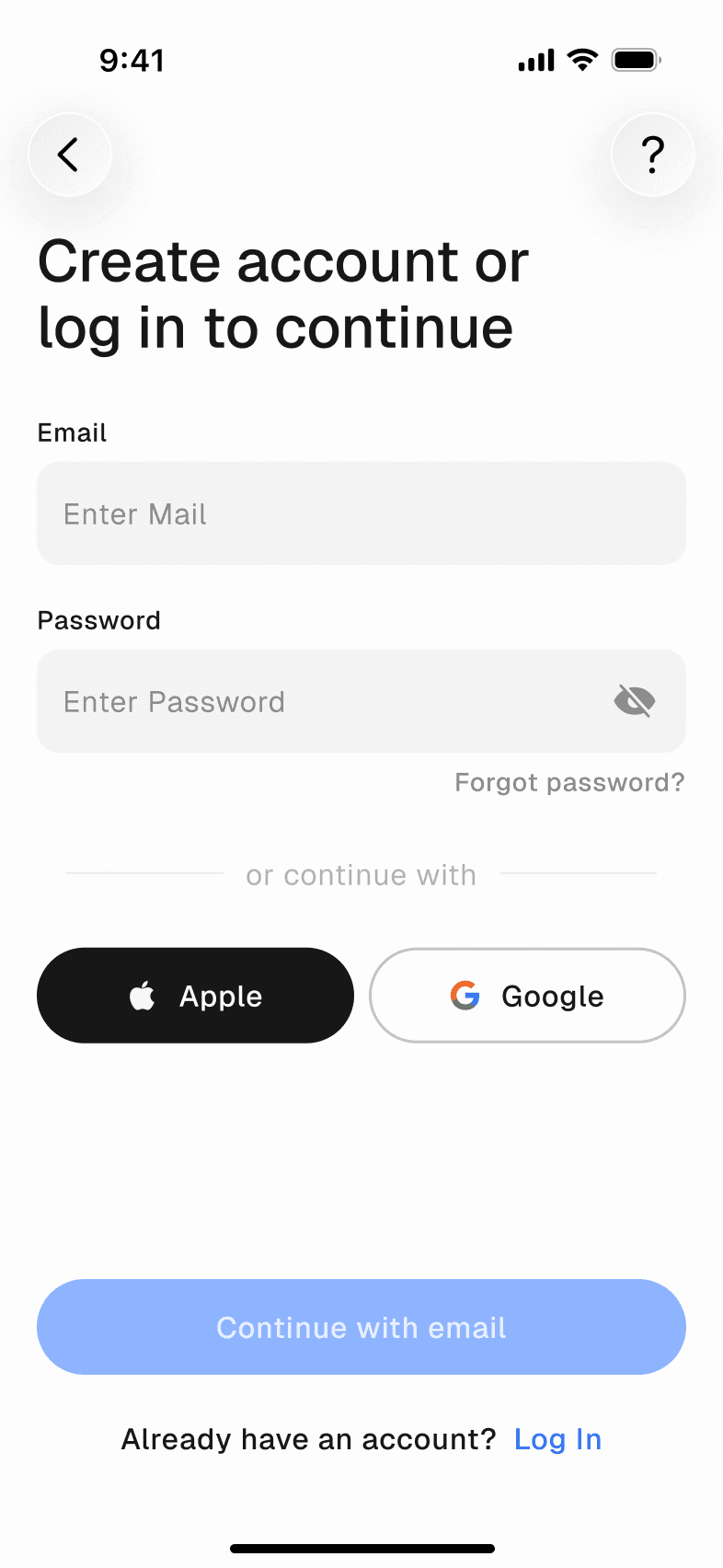
People sign up after they've seen their price, not before. One question decides the path: owners go straight to a short application, while tenants share their landlord's details and the team takes it from there. Then they pick how to pay for it.
Three ways
Three journeys, one tracker
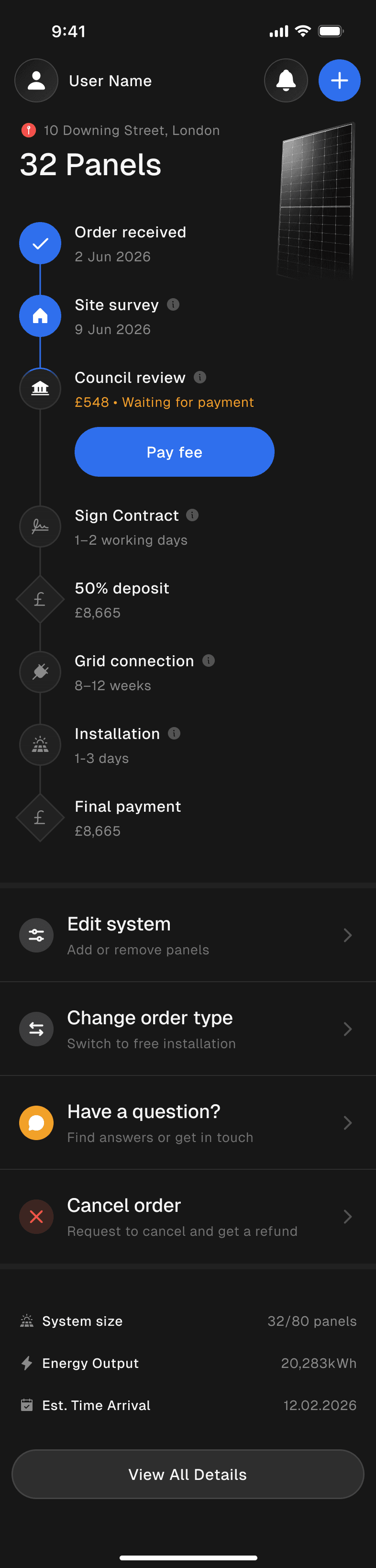
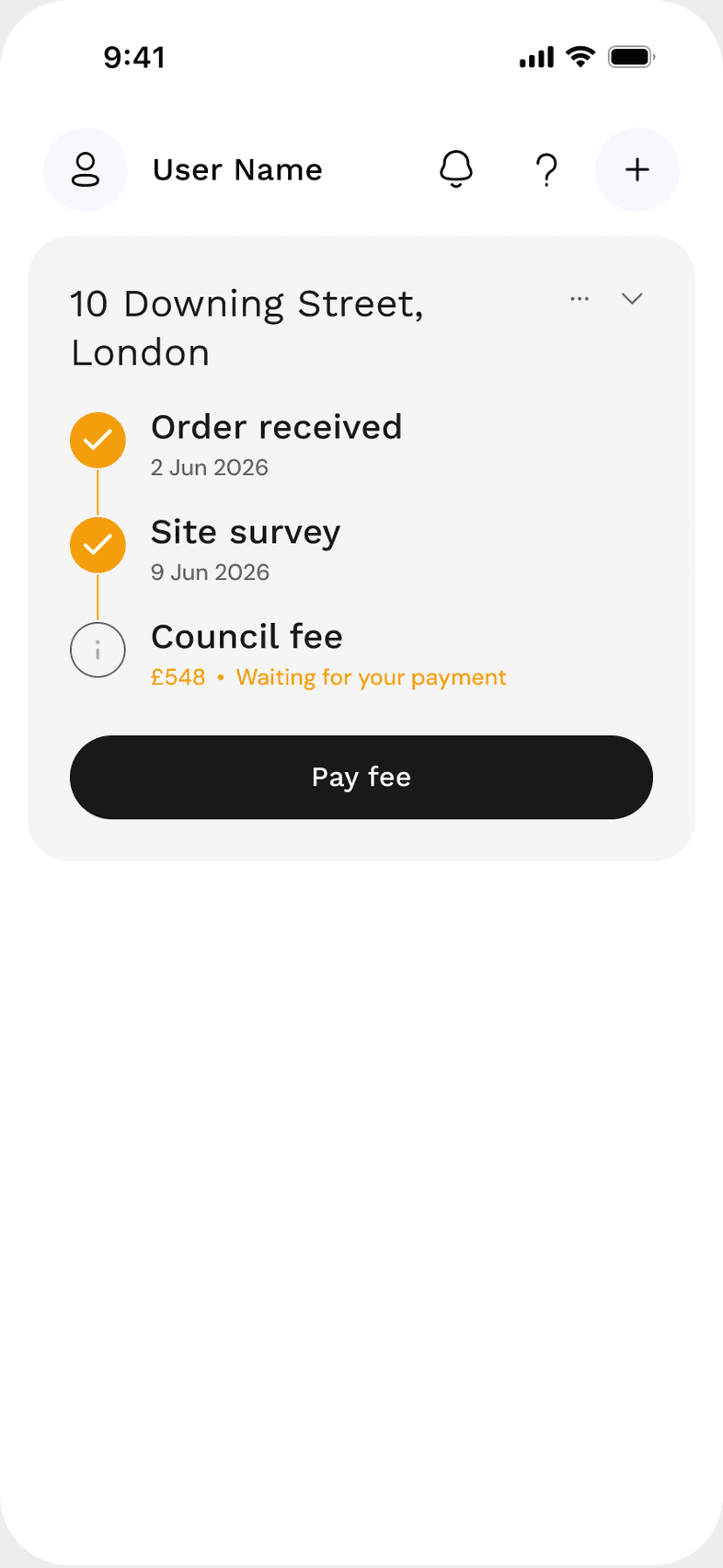
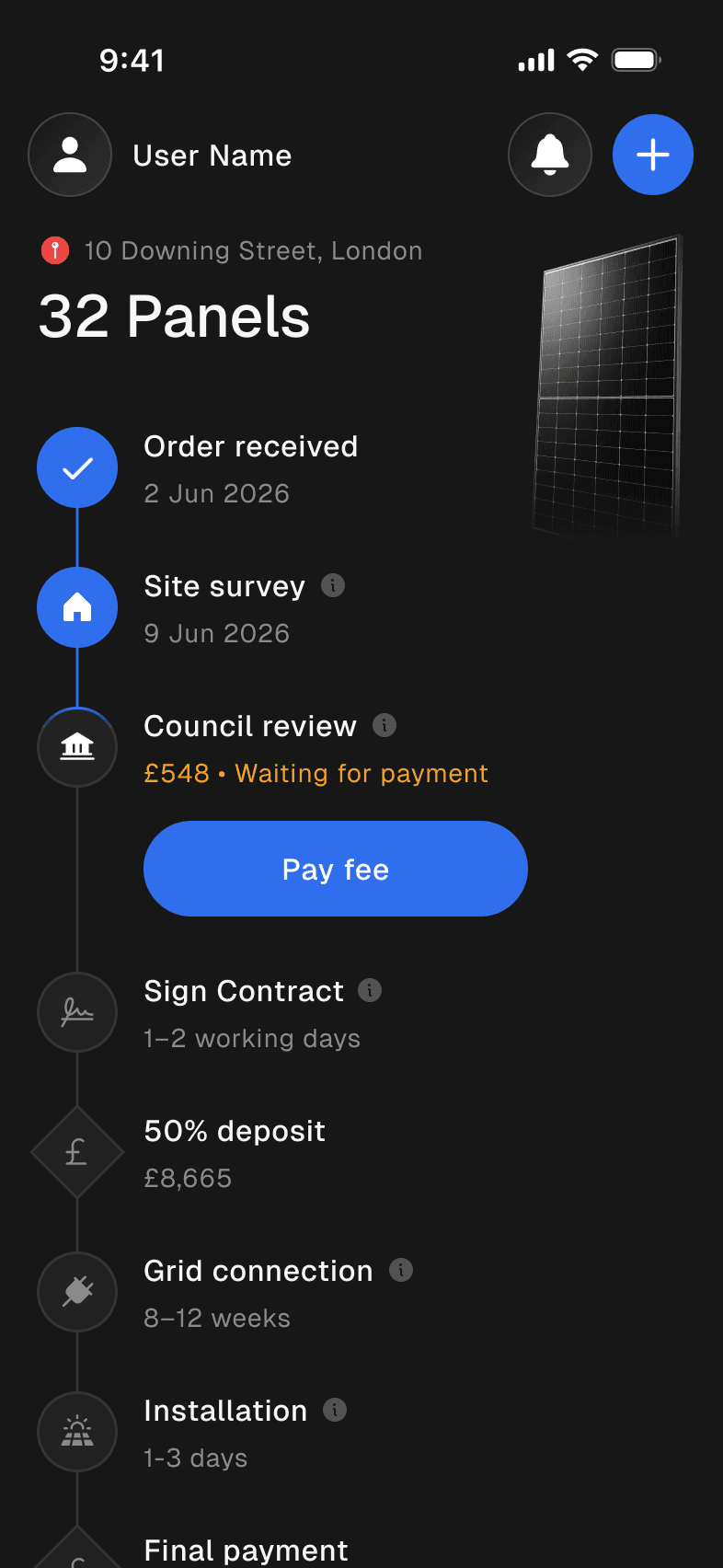
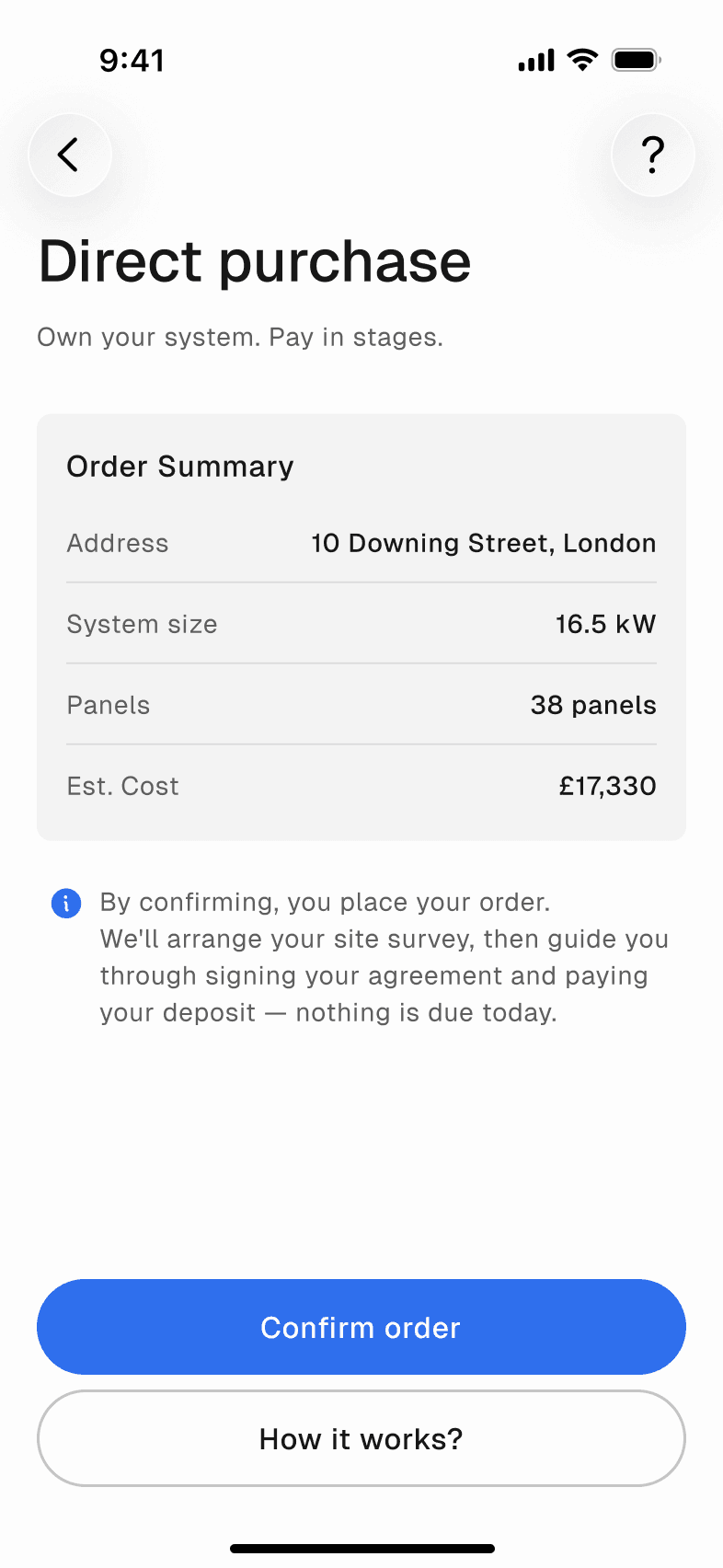
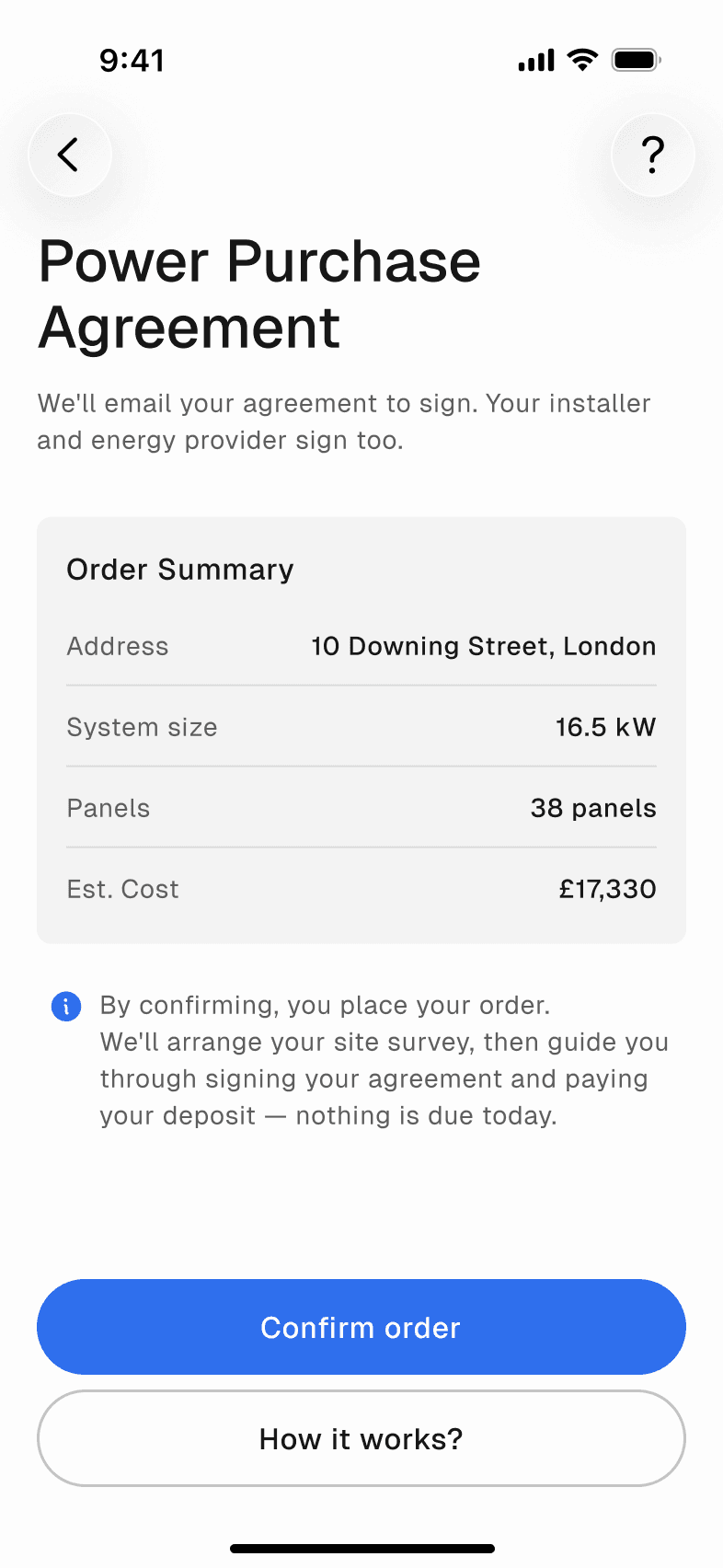
There are three ways to install. Direct purchase: you own the system and pay in stages. Free installation (PPA): nothing upfront, you buy the power at a lower rate. Tenant installation: the landlord agrees first. Each has its own steps, but the tracker always looks the same. Twelve internal stages became seven a homeowner can read, each Upcoming, In progress, Action needed or Done, and the names never change.
LessonA status screen is only as clear as the rules behind it, so I now start any long process by listing who changes each state, and when.
Direct
Own it, pay in stages
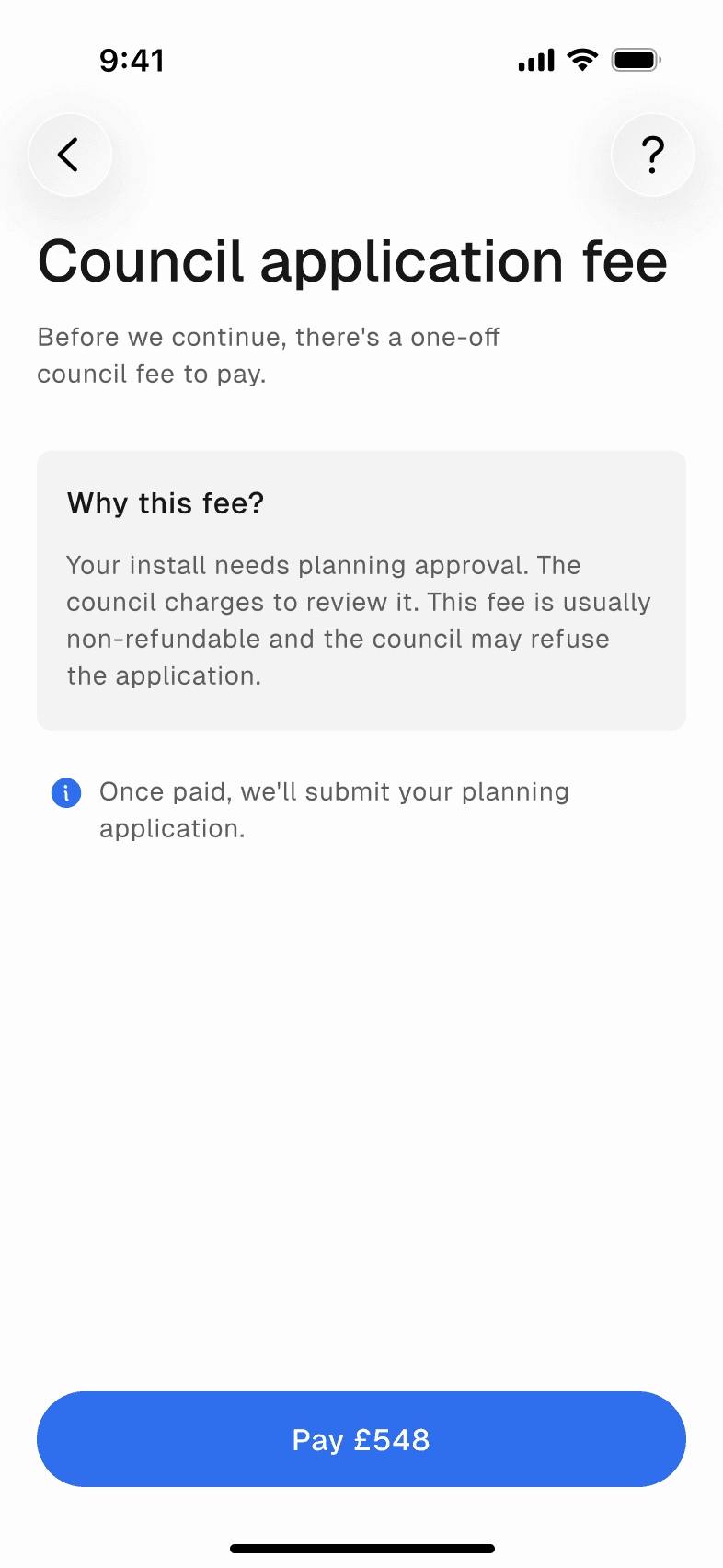
Nothing is due at order. A council fee only if the council is involved, a deposit when equipment is ordered, the balance at the end.
PPA
Free install, cheaper power
No upfront cost. The customer signs an agreement and pays for the power the panels make.
Steps
Every step says what it needs
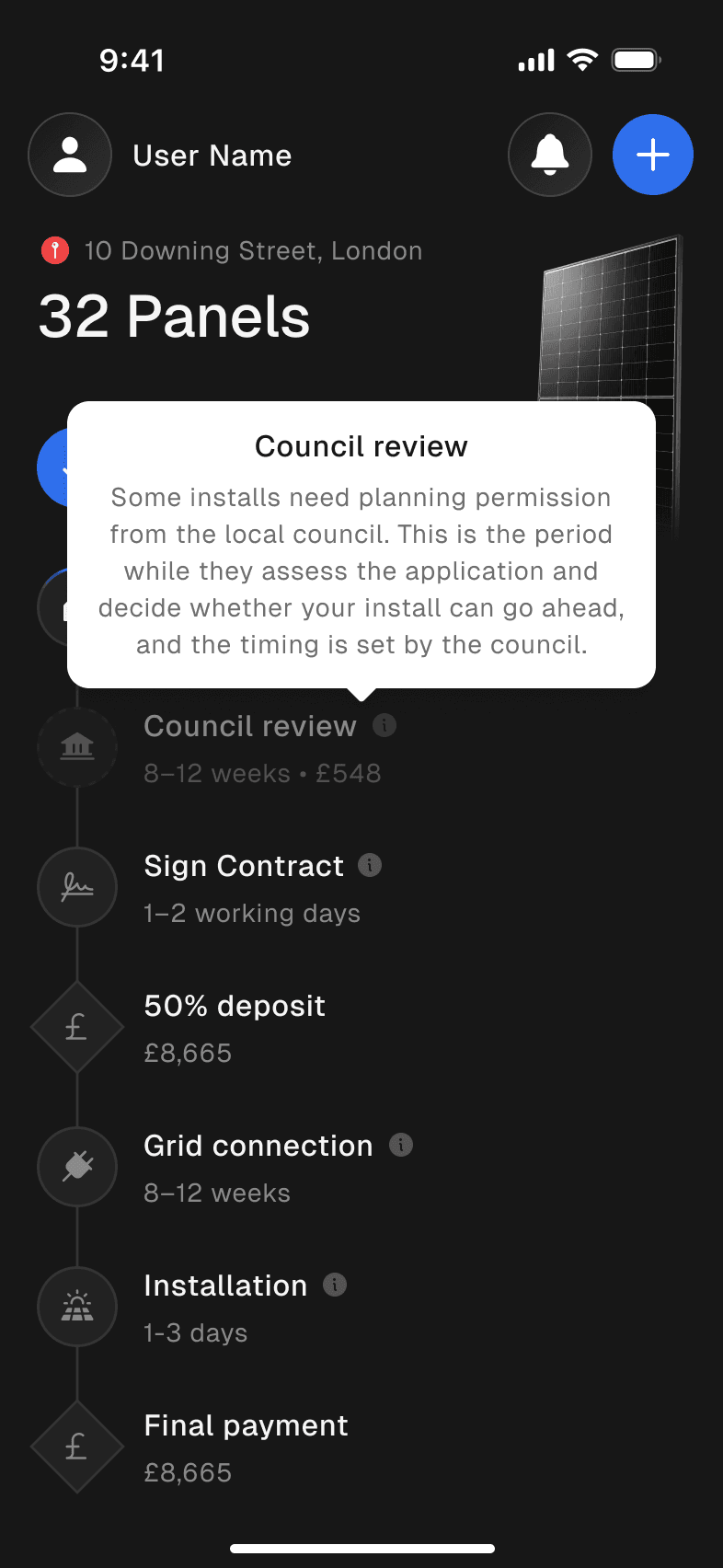
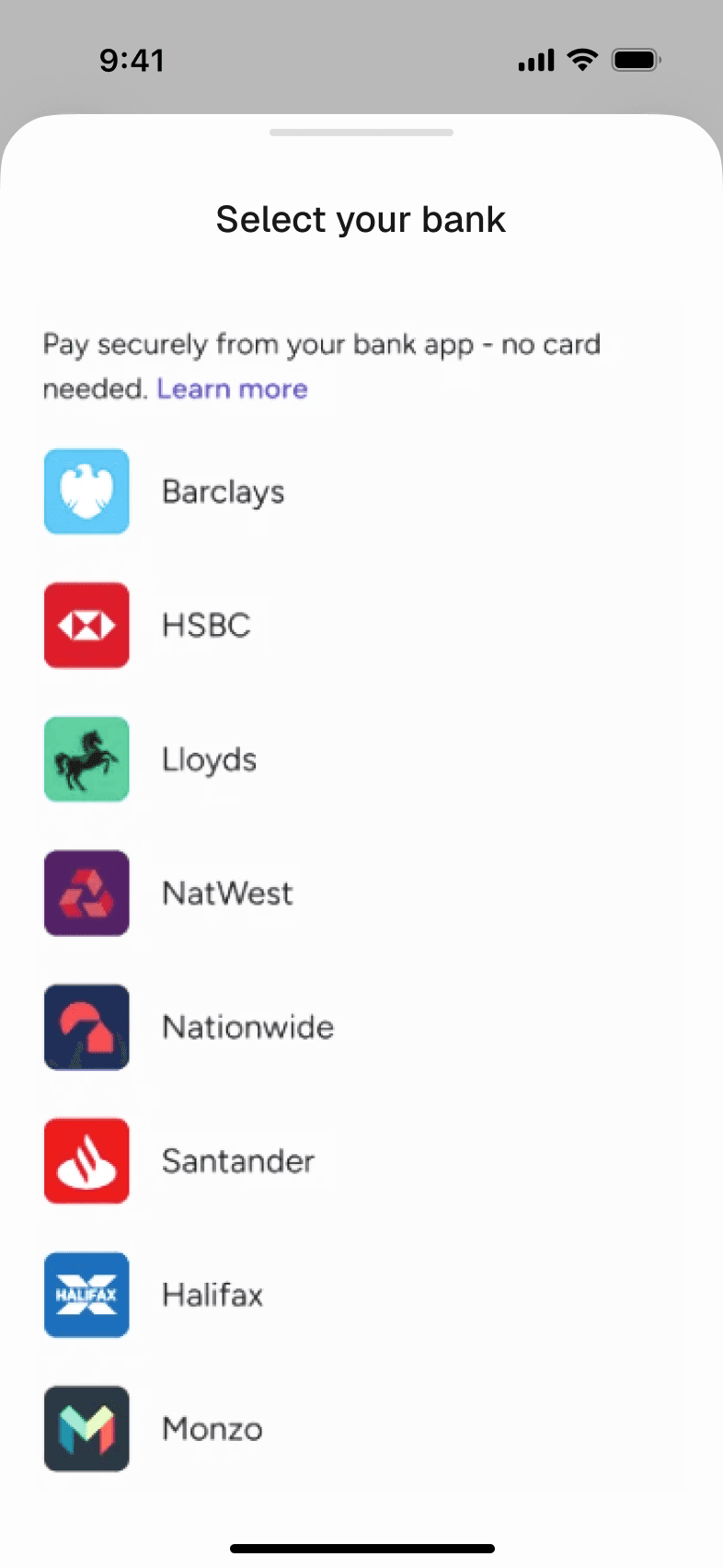
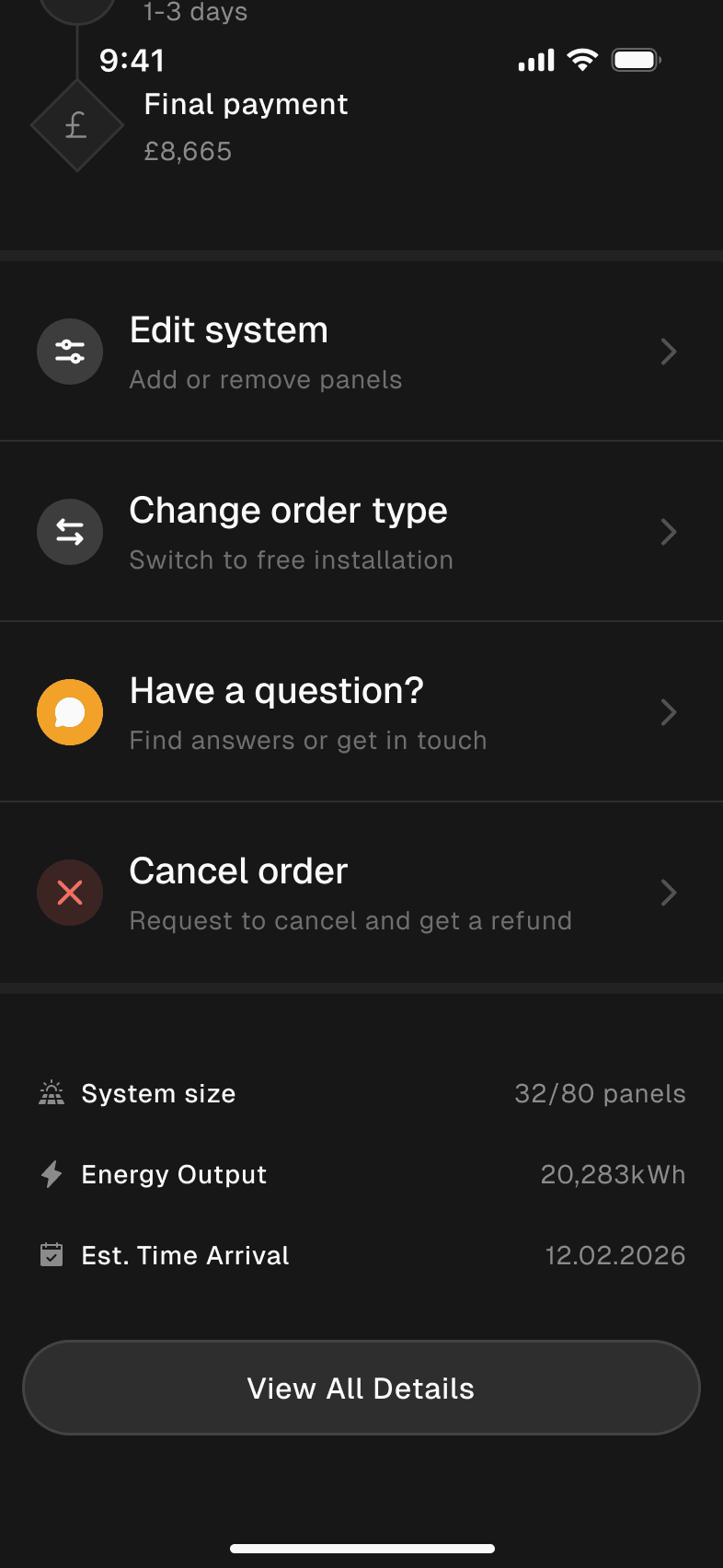
Each stage carries its own actions. A one-line tooltip explains why it takes so long. When the customer has to act, there's one button: pay the council fee from the bank app, upload a certificate. Edit, switch plan or cancel sit in one sheet, and cancelling shows the refund before anything is final.
LessonRules like when an order can still change are business decisions, not screens; next time I'd agree them in writing with the client and developers before drawing the flow.
!10 Downing Street, London
32 Panels
- Order received2 Jun 2026
- Site survey1–2 weeks
- Council review8–12 weeks · £548
- Sign contract1–2 working days
- Deposit£5,199 · 30%
- Grid connection8–12 weeks
- Installation1–3 days
- Final payment£12,131
- System size
- 32/64 panels
- Energy output
- 20,283 kWh
- Est. installation
- Sep 2026
Homes
More than one roof
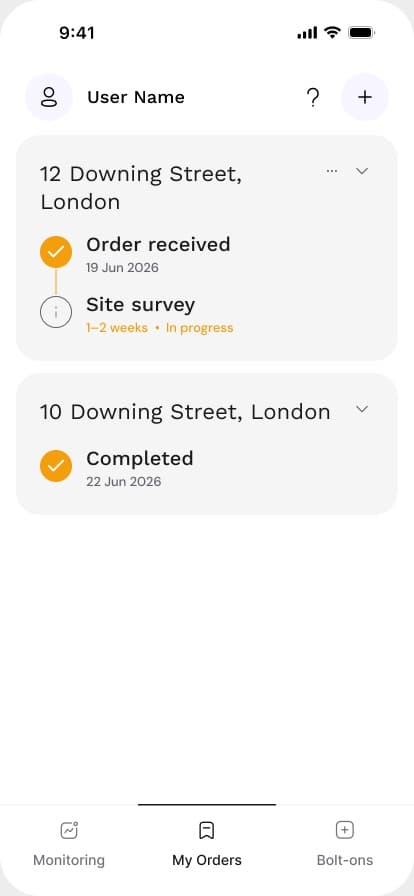
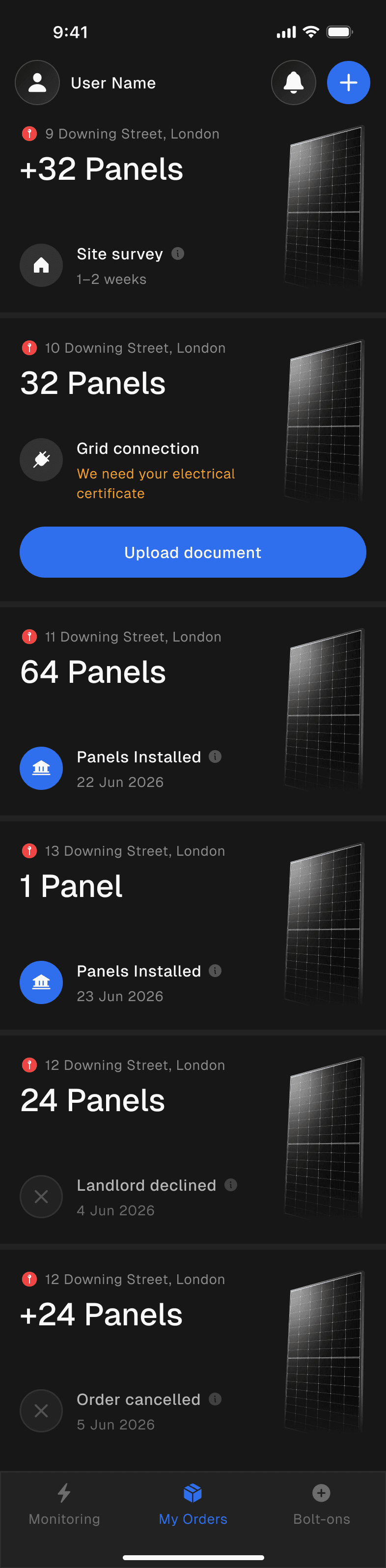
Some people go solar on more than one property. Any order can add a new address, and each home gets its own estimate, plan, tracker and documents. My orders shows them all at once, each with the one thing it's waiting for.
Live
After the install
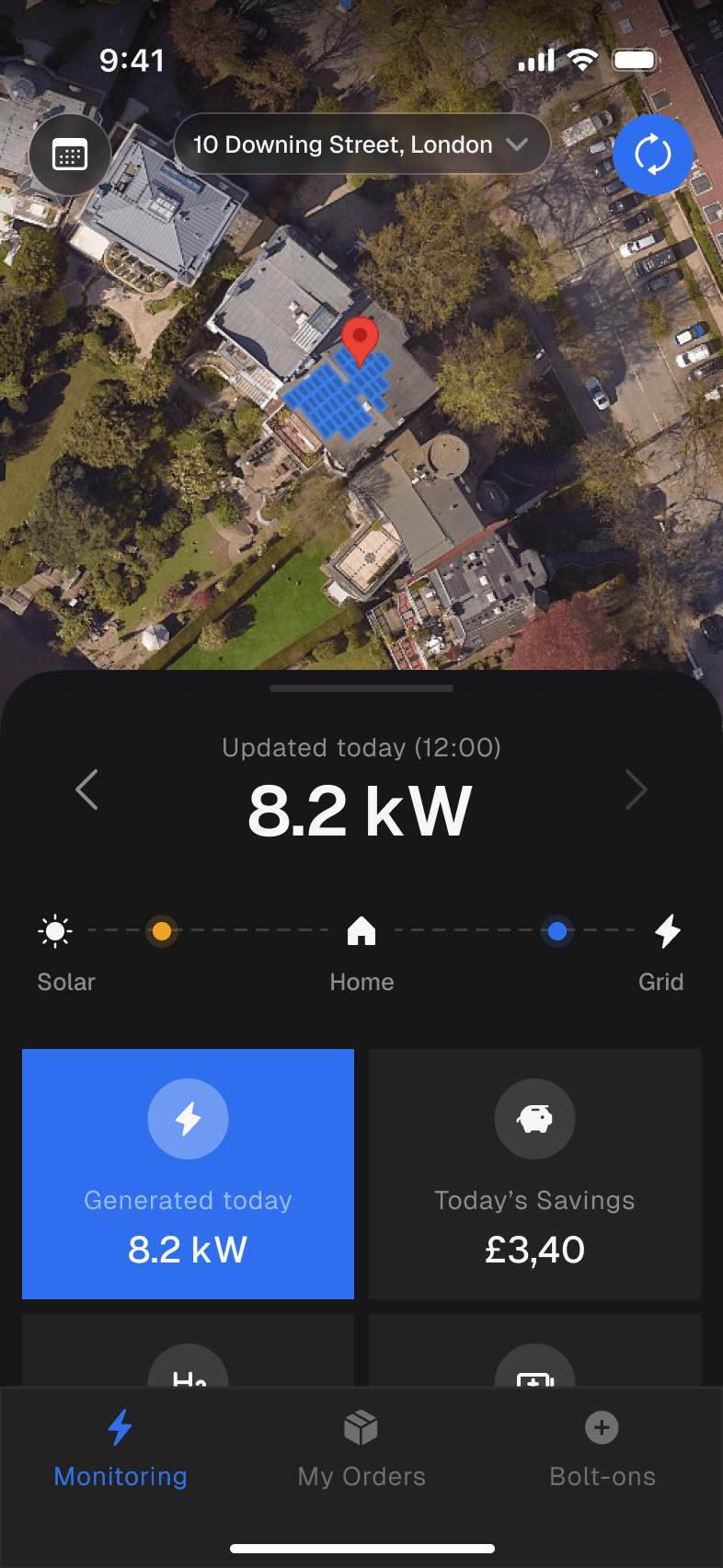
Once the panels are on, the app shows what they generate today, what that saved, and every document for the system in one place. It's designed in full and planned for the release after the MVP.
Help
Answers before questions
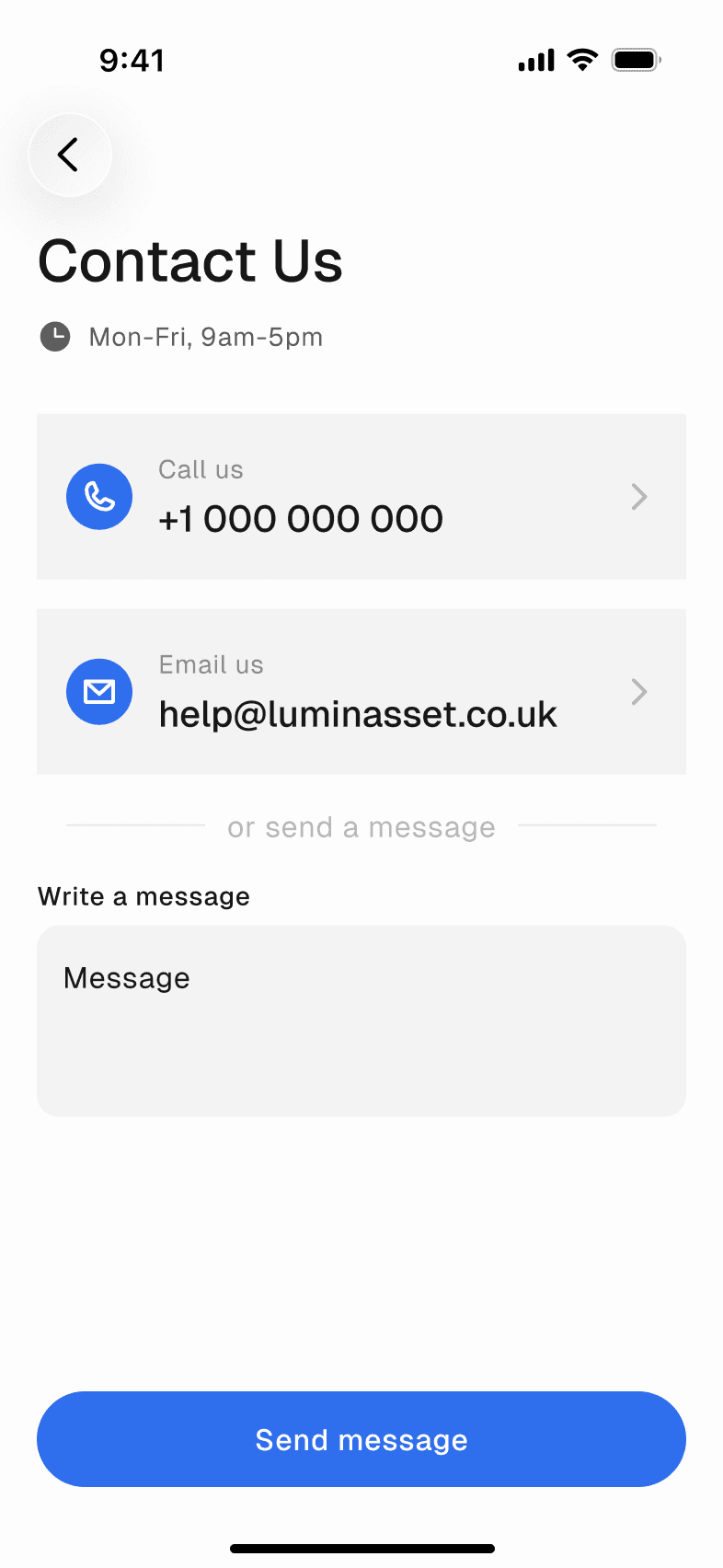
A process this long raises questions, so the answers come with it. How it works explains each stage and why it takes the time it does, the FAQ covers money and timing, and Contact us is one tap away. The app asks to send notifications once the order exists, and the notification centre keeps every update in order.

Admin
The other side of the tracker
Every state the customer sees is set by a person in the admin panel. I defined its logic: each order type has a process template built from four kinds of step (internal, information, document and payment), and the application page is where staff run those steps one by one. The client can change a journey without engineers, and the app shows only what the customer should see. The panel is built and working.
LessonThe tool staff use every day deserves the same care as the customer app, because the app can only be as accurate as the admin behind it.
- Step types
- 4
- Process templates
- 3
- Admin pages
- 6
System
The system, to try
A quiet, dark system so the roof and the numbers stand out: Geist for type, Phosphor icons, neutral grey ramps and one blue accent. Before handoff I audited the variables and screens, which caught a warning colour at about 2:1 contrast and several screens that had drifted from the system.
- Colour tokens
- 26
- Type styles in Geist
- 10
- Button styles × states
- 7 × 4
Type a postcode, or use your location
Which way the main roof faces
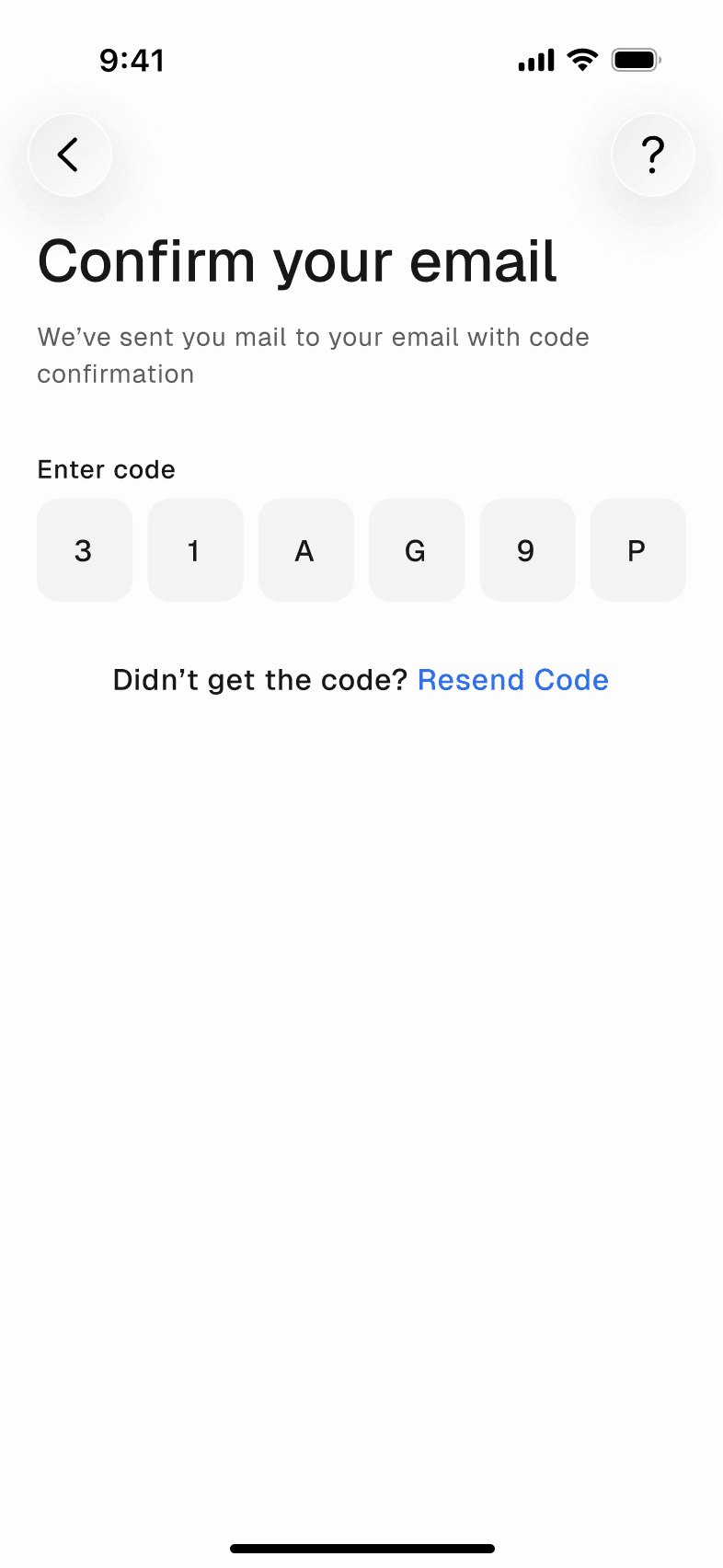
We sent a code to your email. Try 31AG9P
Taller homes need more scaffolding
Results
A long process, made followable
The MVP is being built on this design, from the estimate to the tracker, with the admin panel running every order. Monitoring, the notification centre and plan changes are designed and planned for the next release. There are no usage numbers yet, because the app hasn't launched.
